45
Recording Images
Make-up enables adjustment of human skin tone hues and texture, and softening of
facial shadows caused by harsh sunlight for better looking portraits.
• Make-up can be used with the recording modes listed below.
– Premium Auto Pro
– Posing Shot
– Make-up BKT
– Following BEST SHOT scene
Motion Shutter, Triple Shot, HS Night Scene Portrait
1. Select “Premium Auto Pro”, “Posing Shot” or “Motion Shutter” for the
recording mode (pages 40, 53).
2. Touch “ ” (Show Icons).
3. Touch “ ” (Make-up).
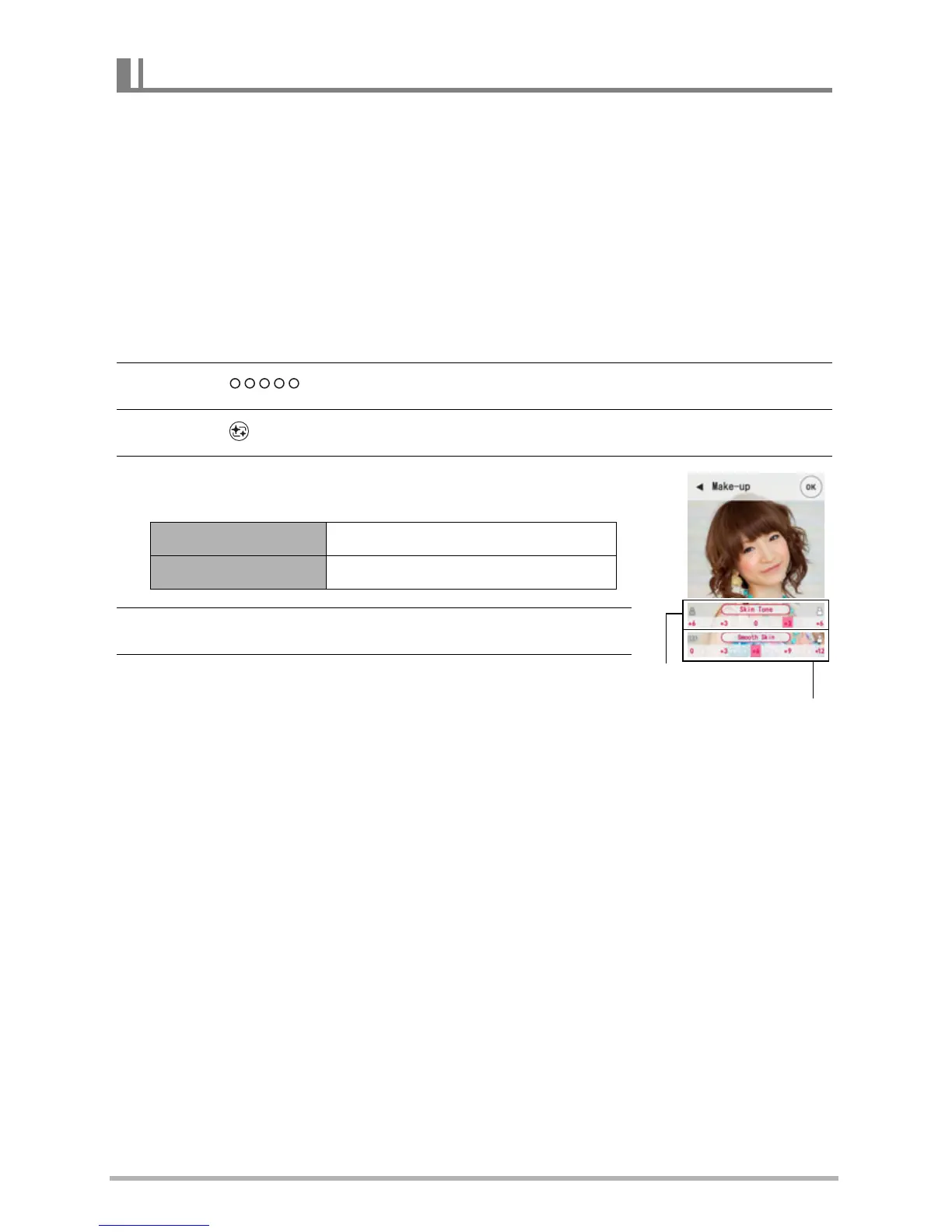
4. Touch the screen and adjust “Skin Tone” and
“Smooth Skin”.
5. Touch “OK”.
6. Press the shutter button to shoot.
Recording Beautiful Portraits (Make-up)
Skin Tone “Tan +6” to “0” to “Light +6”
Smooth Skin “0 (Off)” to “+12 (Max.)”
Skin Tone
Smooth Skin



 To Next Page