65
Advanced Recording Settings
Procedure
Enter the REC Mode * MENU * ISO
ISO sensitivity is a measure of sensitivity to light.
• Since higher ISO sensitivity values tend to result in digital noise in images, the
camera performs a noise filtering process. Because of this, it may take relatively
longer for the camera to finish recording an image after it is shot. You will not be
able to perform any operation while image recording is in progress.
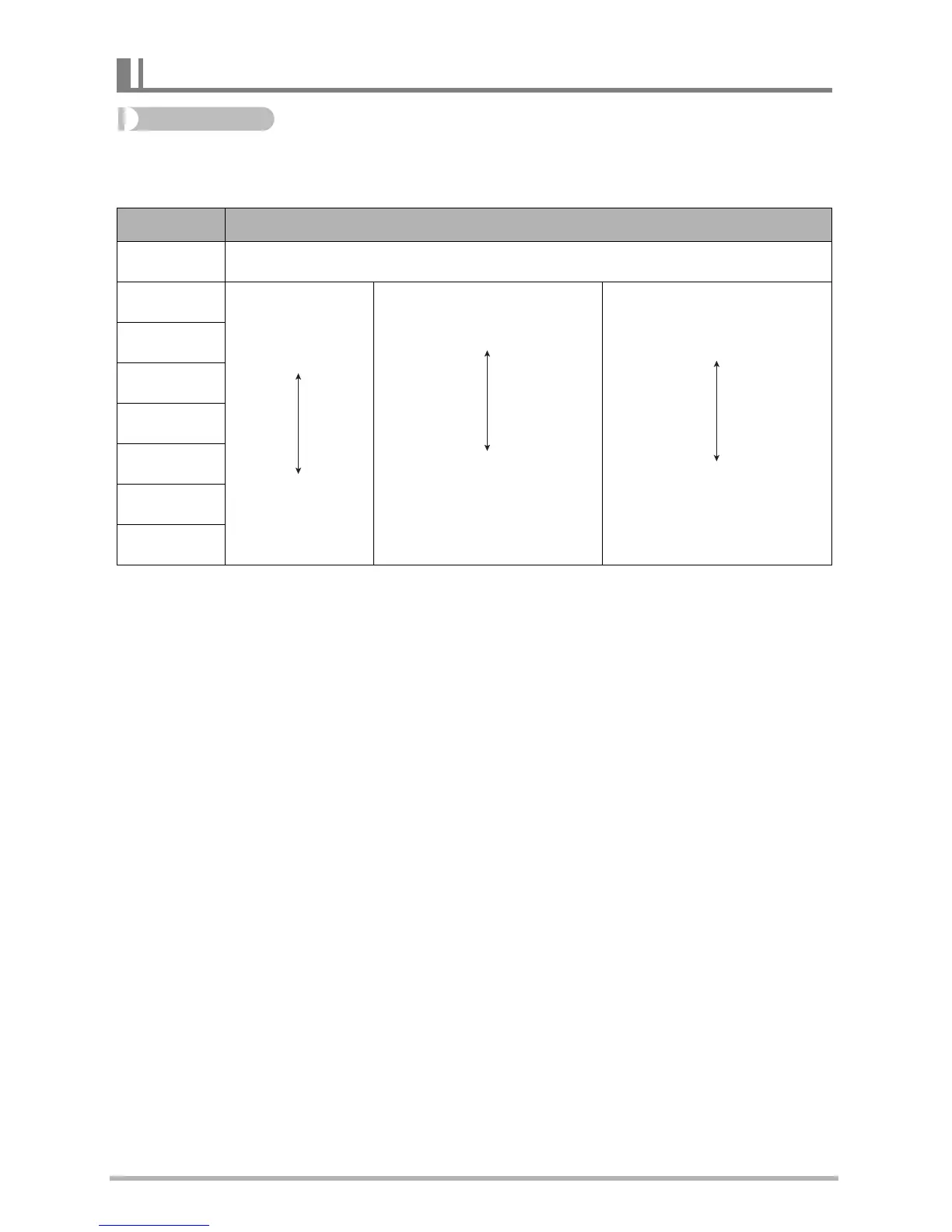
Specifying ISO Sensitivity (ISO)
Setting Description
Auto Adjusts sensitivity automatically according to conditions
ISO 80
Lower
sensitivity
Higher
sensitivity
Slow shutter speed
Fast shutter speed (Set
for shooting in dimly lit
areas.)
Less noise
Some coarseness
(increased digital noise)
ISO 100
ISO 200
ISO 400
ISO 800
ISO 1600
ISO 3200



 To Next Page