59
Advanced Recording Settings
Procedure
Enter the REC Mode * MENU * Selfie Pad
You can assign the REC Mode operations below to the
selfie pad on the outside edge of the frame.
NOTE
• To execute or cancel the assigned operation, double-tap the selfie pad.
For information about selfie pad operation, see page 19.
. Square Image Sizes
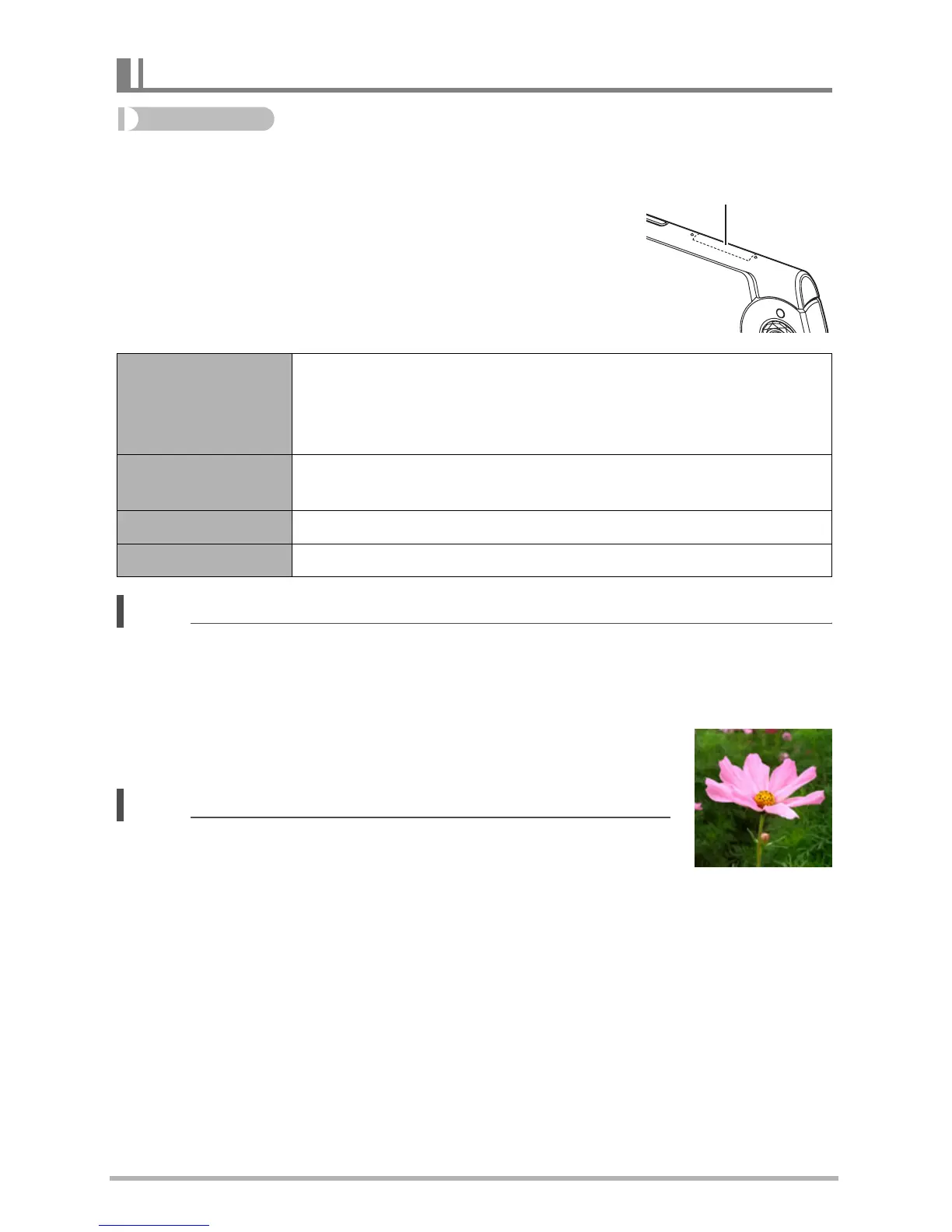
You can shoot a square snapshot with an aspect ratio of 1:1 by
selecting “Square” for Selfie Art. See page 62 for details.
NOTE
• You cannot record a movie using a square image size.
Using the Selfie Pad (Selfie Pad)
Selfie Art
You can use the steps below to select the type of image you
want to shoot.
1
Slide the selfie pad to select the image type.
2
Tap to apply.
Shutter
Sliding the selfie pad starts a countdown, after which a
snapshot is recorded.
Zoom Sliding the selfie pad performs a zoom operation.
Off Selfie pad operation disabled.
Selfie Pad



 To Next Page