66
Advanced Recording Settings
Procedure
Enter the REC Mode * MENU * Focus
Changing to a different focus mode can help to achieve better focus.
*1 The focus range is the distance from the lens surface.
*2 Focus remains fixed at the position where it was when recording started. To focus
an image, half-press the shutter button to focus before fully pressing the shutter
button to start recording.
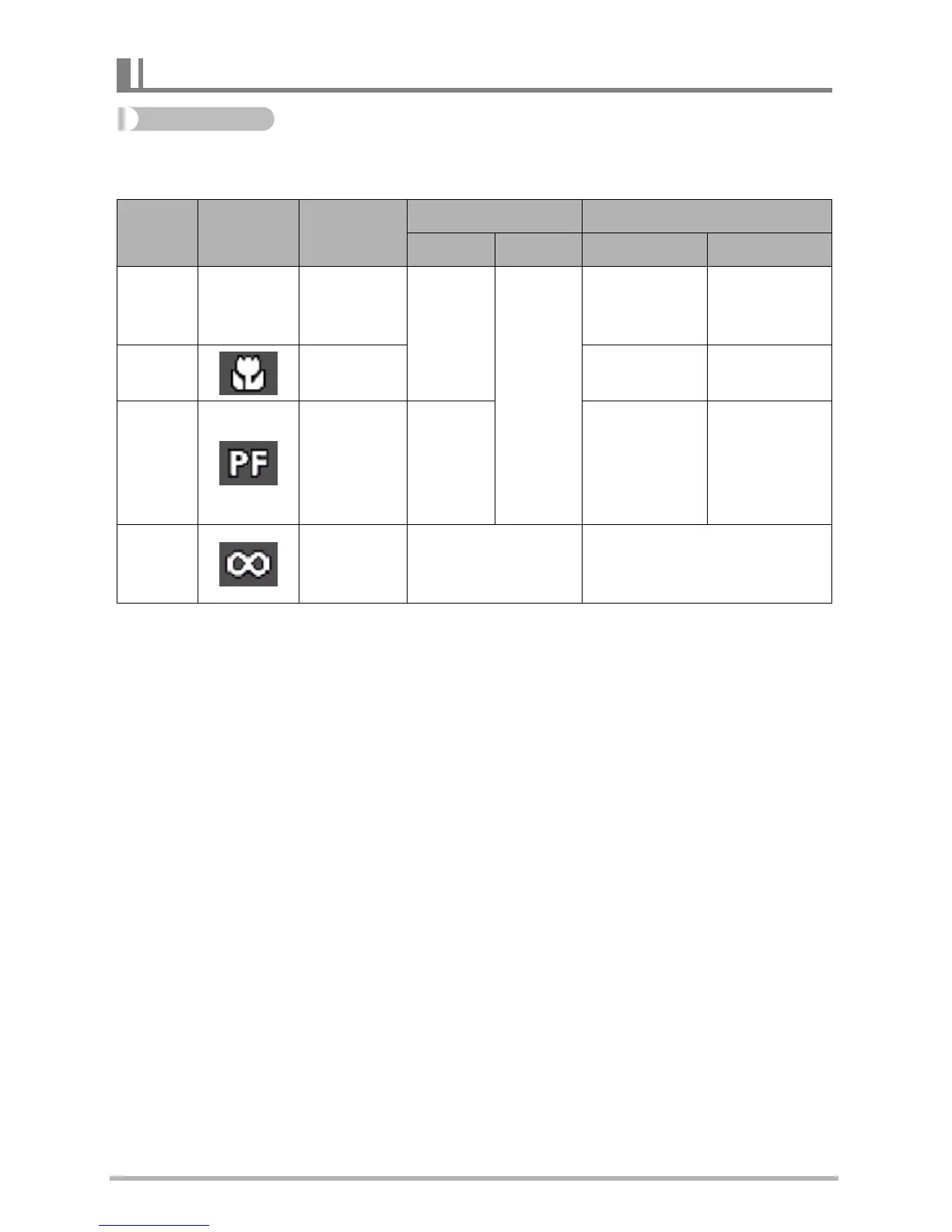
Selecting a Focus Mode (Focus)
Settings
REC Screen
Icon Display
Type of Shot
Focus Mode Approximate Focus Range
*
1
Snapshot Movies Snapshot Movies
AF
(Auto
Focus)
None
General
recording
Automatic
Fixed
focal point
8 cm to
9
(infinity)
(3.1"
to
9
)
52 cm to
9
(infinity)
(20.5"
to
9
)
Macro
Close ups
8 cm to 50 cm
(3.1" to 19.7")
8 cm to 50 cm
(3.1" to 19.7")
*
2
PF (Pan
Focus)
Shooting
with a
relatively
wide focus
range
Fixed
focal point
1 m to
9
(infinity)
(3.3'
to
9
)
52 cm to
9
(infinity)
(20.5"
to
9
)
Infinity
Scenery and
other distant
subjects
Fixed Infinity (Wide Angle)



 To Next Page