98
Using the Camera with a Computer
Using the Camera with a Computer
You can perform the operations described below while the camera is connected to a
computer.
The procedures you need to perform are different for Windows and the Macintosh.
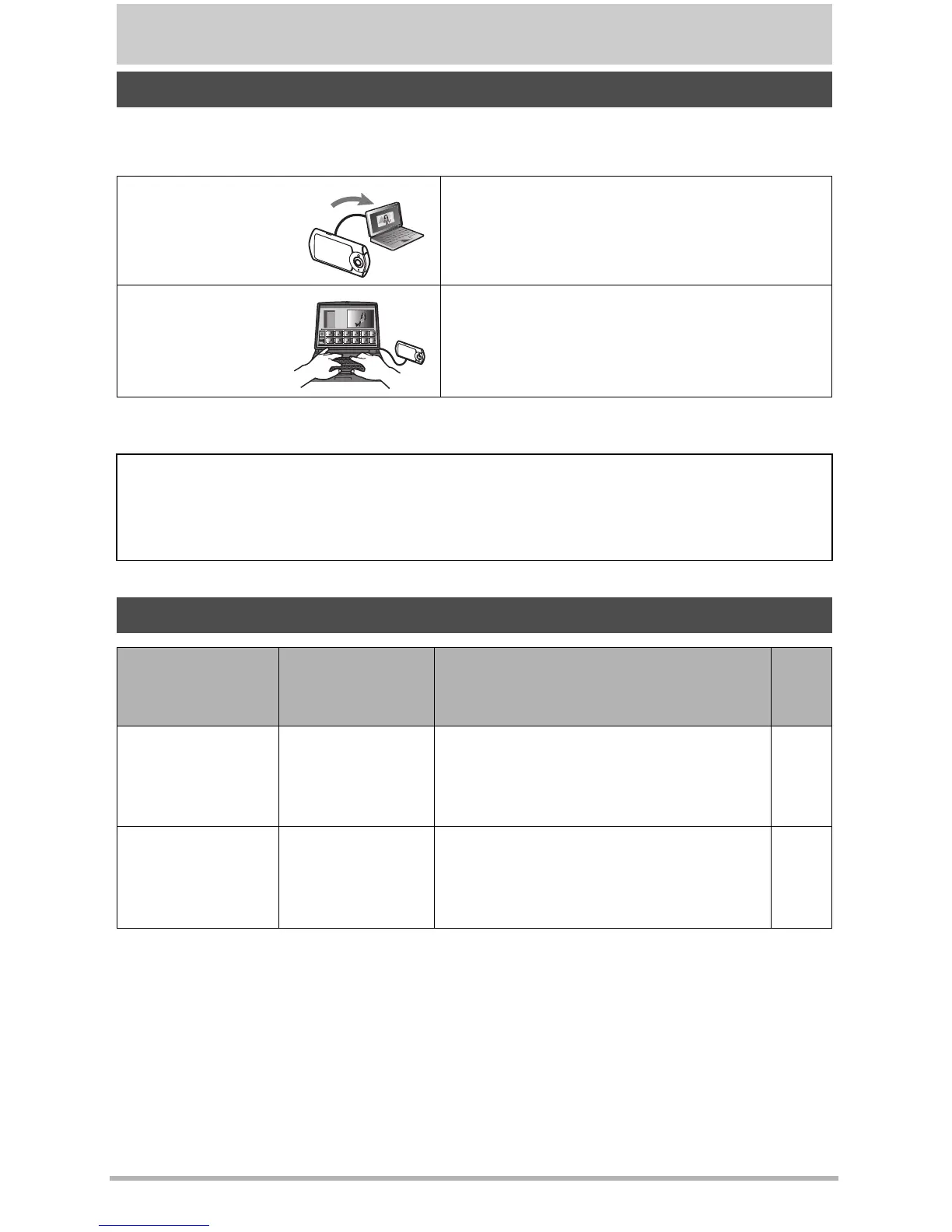
Things you can do using a computer...
Save images to a
computer and
view them there
• Save images and view them manually
(USB connection) (pages 99, 102).
Play back and
edit movies
• You can play back movies (pages 101,
104).
• To edit movies, use commercially
available software as required.
• Windows users should refer to “Using the Camera with a Windows Computer”
on page 98.
• Macintosh users should refer to “Using the Camera with a Macintosh” on page
102.
Using the Camera with a Windows Computer
When you want
to do this:
Operating
System
Version
Required Software:
See
page:
Save images to a
computer and
view them there
manually
Windows 8.1,
Windows 8,
Windows 7,
Windows Vista
Installation not required.
99
Play movies
Windows 8.1,
Windows 8,
Windows 7,
Windows Vista
QuickTime 7 or higher
• You need to download QuickTime 7
or higher on the Web if you want to
use it.
101



 To Next Page