81
Other Playback Functions (PLAY)
Procedure
Enter the PLAY Mode * MENU * Protect
You can protect images to prevent them from being deleted.
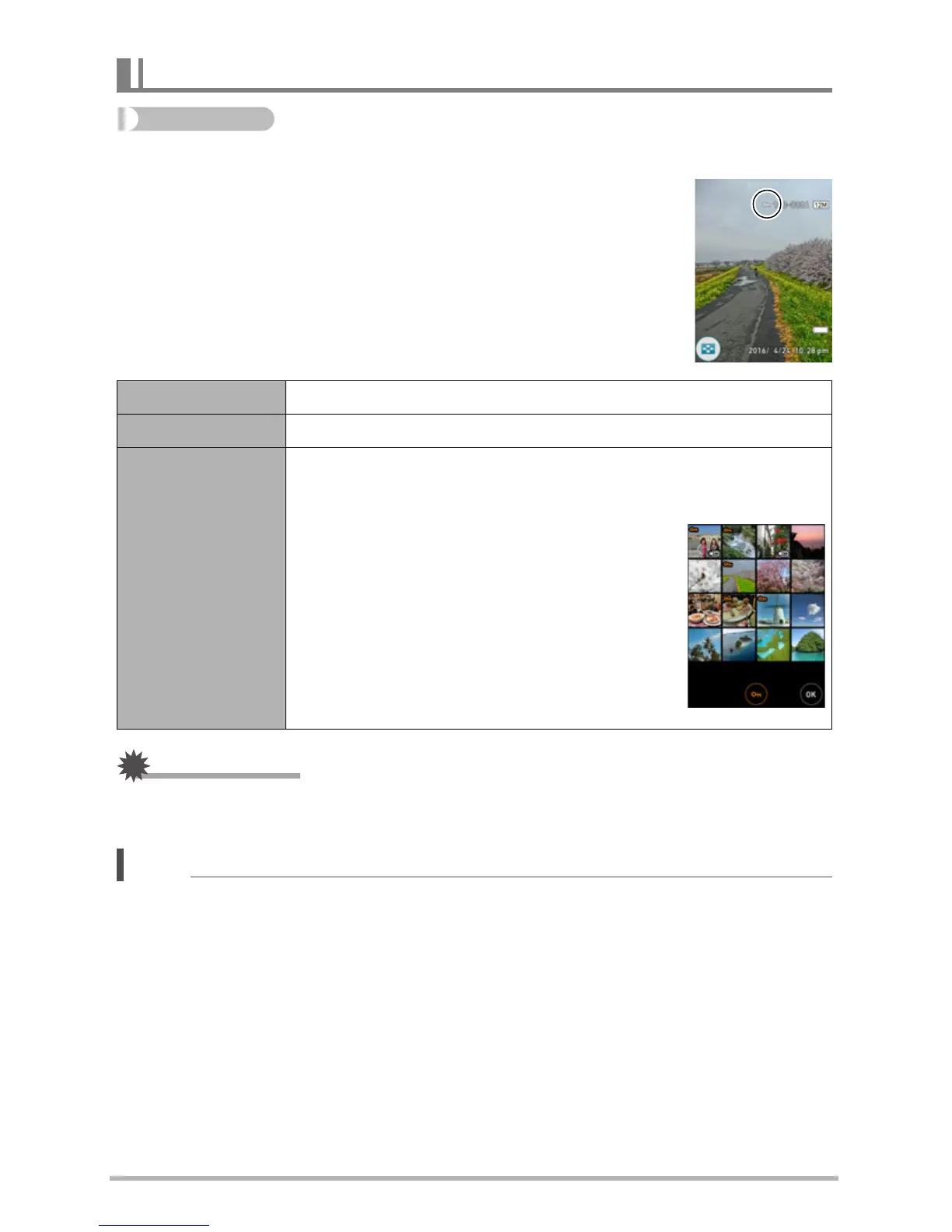
• A protected image will be indicated by “›”.
IMPORTANT!
• Note that even if a file is protected, it will be deleted if you perform the format
operation (page 113).
NOTE
• You can also protect images using the image menu (page 71).
Protecting a File Against Deletion (Protect)
All Files On Protects all files.
All Files Off Unprotects all files.
Select
Protects and unprotects specific files.
1
Drag upwards or downwards to display the image you want
to protect.
2
Touch an image to be protected, and
“›” will appears on the image.
You can repeat steps
1
and
2
as
many times as necessary to select
multiple images.
3
Touch “OK”.
To unprotect an image, touch it in step
2
of the above procedure to remove
“›”.



 To Next Page