84
Connecting the Camera with a Smartphone
(Wireless Connection)
Connecting the Camera with a Smartphone
(Wireless Connection)
Your camera has both Bluetooth wireless technology and wireless LAN capabilities
built in. After establishing a wireless connection with a smartphone, you can perform
the operations described in the table below. Requires installation of the EXILIM
Connect app on your smartphone.
• Your camera is a Bluetooth
®
Smart
device.
• Your camera can connect using
Bluetooth wireless technology with a
smartphone that supports Bluetooth low
energy.
Controlling Your Camera with a Smartphone
With this function: You can do this:
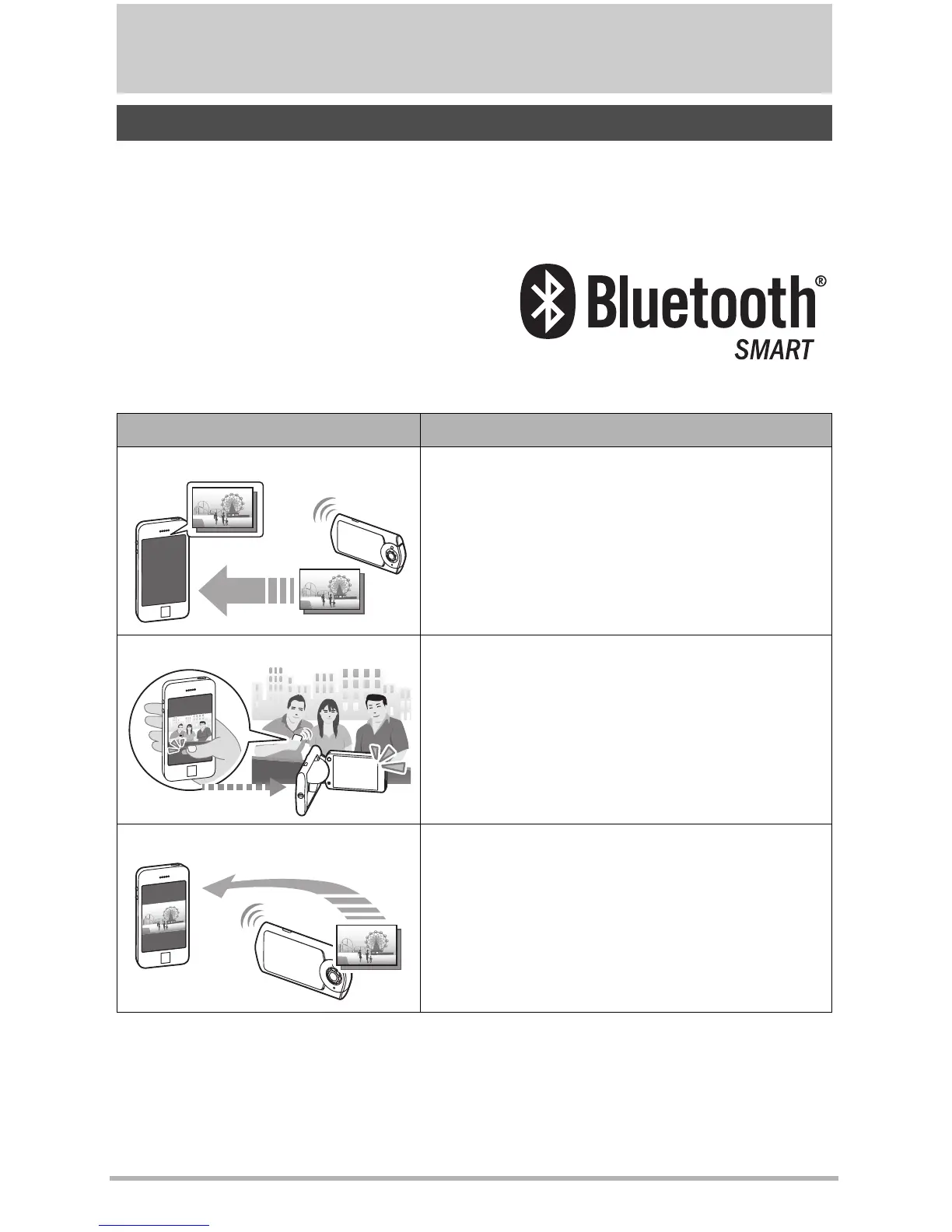
Auto Send
Images can be automatically sent as they are
shot to a smartphone that has been Bluetooth
paired with the camera.
Shoot with phone
Remotely control and shoot with the camera
using a smartphone (page 91).
Send to phone
Send snapshots and movies recorded with your
camera to your smartphone.
After sending an
image to a smartphone, you can then upload it
from the smartphone to a social networking
service (page 91).



 To Next Page