EasyManua.ls Logo

Casio Exilim EX-TR500 - User Manual

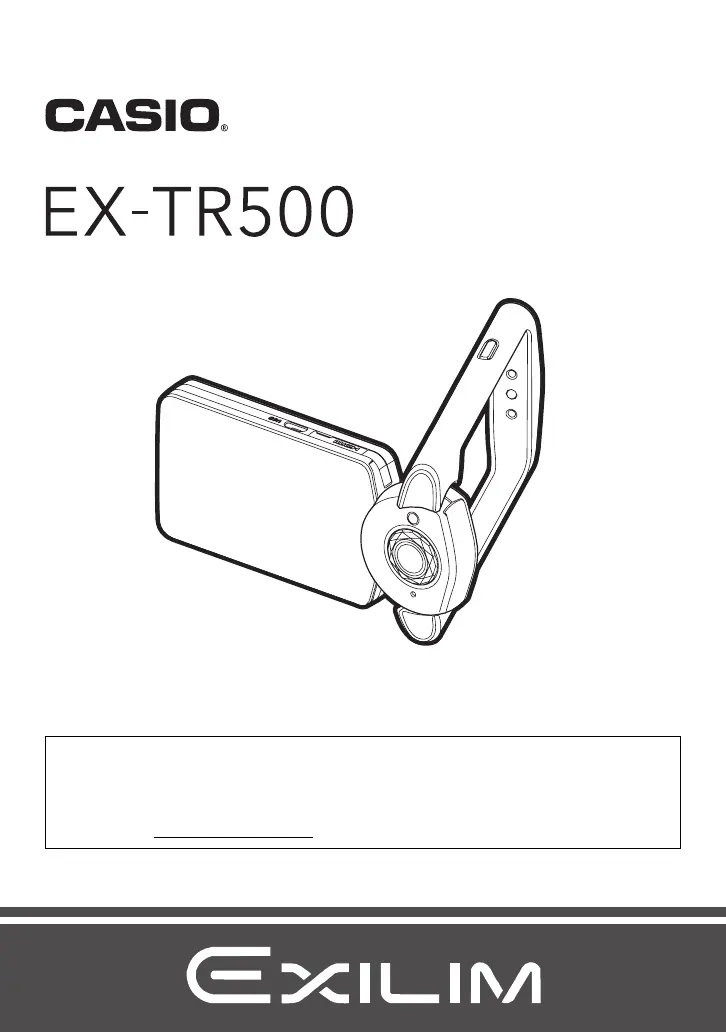
Casio Exilim EX-TR500
136 pages
Print Icon
To Next Page IconTo Next Page
Loading...
Digital Camera
EN
User’s Guide
Thank you for purchasing this CASIO product.
Before using it, be sure to read the precautions contained in this User’s Guide.
Keep the User’s Guide in a safe place for future reference.
For the most up-to-date information about this product, visit the official EXILIM
Website at http://www.exilim.com/

Table of Contents

Questions and Answers

  • D
    Diana BurtonAug 19, 2025
    What to do if the image is out of focus during movie recording on Casio Camcorder?
    • D
      David SavageSep 12, 2025
      To resolve the issue where the image is out of focus during movie recording on your Casio Camcorder, ensure you are shooting within the allowable range. Clean the lens. Before recording, half-press the shutter button to allow Auto Focus to adjust before you touch the Movie button to start recording.
  • J
    John FrazierAug 21, 2025
    How to fix Auto Focus on Casio Exilim EX-TR500?
    • J
      Jeanette GibsonAug 21, 2025
      If the Auto Focus on your Casio Camcorder isn't focusing correctly, start by cleaning the lens. For stable focus, place the camera on a stable surface or fix it in place. When focusing, half-press the shutter button and give the Auto Focus sufficient time to adjust.
  • J
    Jamie AlexanderAug 23, 2025
    Why is the subject out of focus in recorded image with Casio Exilim EX-TR500?
    • B
      Brandon SanchezAug 23, 2025
      If the subject appears out of focus in the recorded image with your Casio Camcorder, ensure that the subject is positioned within the focus frame.
  • S
    Steven BrownAug 26, 2025
    What to do if Casio Exilim EX-TR500 Camcorder image is not recorded when pressing shutter button?
    • D
      Daniel WrightAug 26, 2025
      If your Casio Camcorder isn't recording images when you press the shutter button, ensure you are in REC mode by touching the REC icon. If that's not the issue, transfer images to your computer, delete unnecessary images, or try using a different memory card to free up space.
  • G
    Gregory BradfordAug 27, 2025
    Why does my Casio Exilim EX-TR500 power down during Self-timer countdown?
    • S
      Spencer CochranAug 28, 2025
      If your Casio Camcorder powers down during Self-timer countdown, charge the battery.
  • W
    Walter LeeAug 30, 2025
    What to do if the monitor screen image is out of focus on Casio Exilim EX-TR500?
    • D
      Dr. Luis Miller Jr.Aug 30, 2025
      To correct an out-of-focus monitor screen image on your Casio Camcorder, use Auto Focus for scenery and portrait shots. For close-ups, use the Macro setting.
  • J
    Julie LutzSep 1, 2025
    How to reduce digital noise in images from Casio Exilim EX-TR500 Camcorder?
    • T
      Timothy McdonaldSep 1, 2025
      If you notice digital noise in the images from your Casio Camcorder, use a light or another means to illuminate the subject. Alternatively, try lowering the ISO sensitivity setting.
  • A
    Angela HarrisSep 3, 2025
    What to do if a recorded image was not saved on Casio Exilim EX-TR500 Camcorder?
    • J
      Jennifer CookSep 3, 2025
      If a recorded image was not saved on your Casio Camcorder, charge the battery as soon as possible. Also, do not remove the memory card before the save operation is complete.
  • L
    Lori BrowningSep 5, 2025
    How to improve night shots on Casio Exilim EX-TR500 Camcorder?
    • P
      pwongSep 5, 2025
      For better night shots with your Casio Camcorder, use the HS Night Scene BEST SHOT scene mode when shooting at night.
  • D
    Daisy ColemanSep 7, 2025
    Why can’t I change settings of menu items on my Casio Exilim EX-TR500?
    • G
      Gabriel AtkinsonSep 7, 2025
      When using Premium Auto Pro on your Casio Camcorder, only the menu items with configurable settings will be displayed. This is normal operation for this mode.

Casio Exilim EX-TR500 Specifications

General IconGeneral
CategoryCamcorder
ModelEX-TR500
Effective Pixels12.1 MP
Sensor Size1/2.3 inch
DisplayTFT LCD
Touch PanelYes
Video ResolutionFull HD (1920 x 1080)
Video RecordingYes
Wi-FiYes
BluetoothNo
Image SensorCMOS
Lensf/2.8
ApertureF2.8
ISO Sensitivity100 - 3200
Monitor3.0 inch LCD
Battery LifeApprox. 220 shots