E-25
To determine the greatest common divisor of 28 and 35
S*(GCD) 28 1)(,) 35 )=
7
To determine the least common multiple of 9 and 15
S/(LCM) 9 1)(,) 15 )=
45
To extract the integer part of −3.5
S+(Int)- 3.5 )=
−3
To determine the largest integer that does not exceed −3.5
S-(Intg)- 3.5 )=
−4
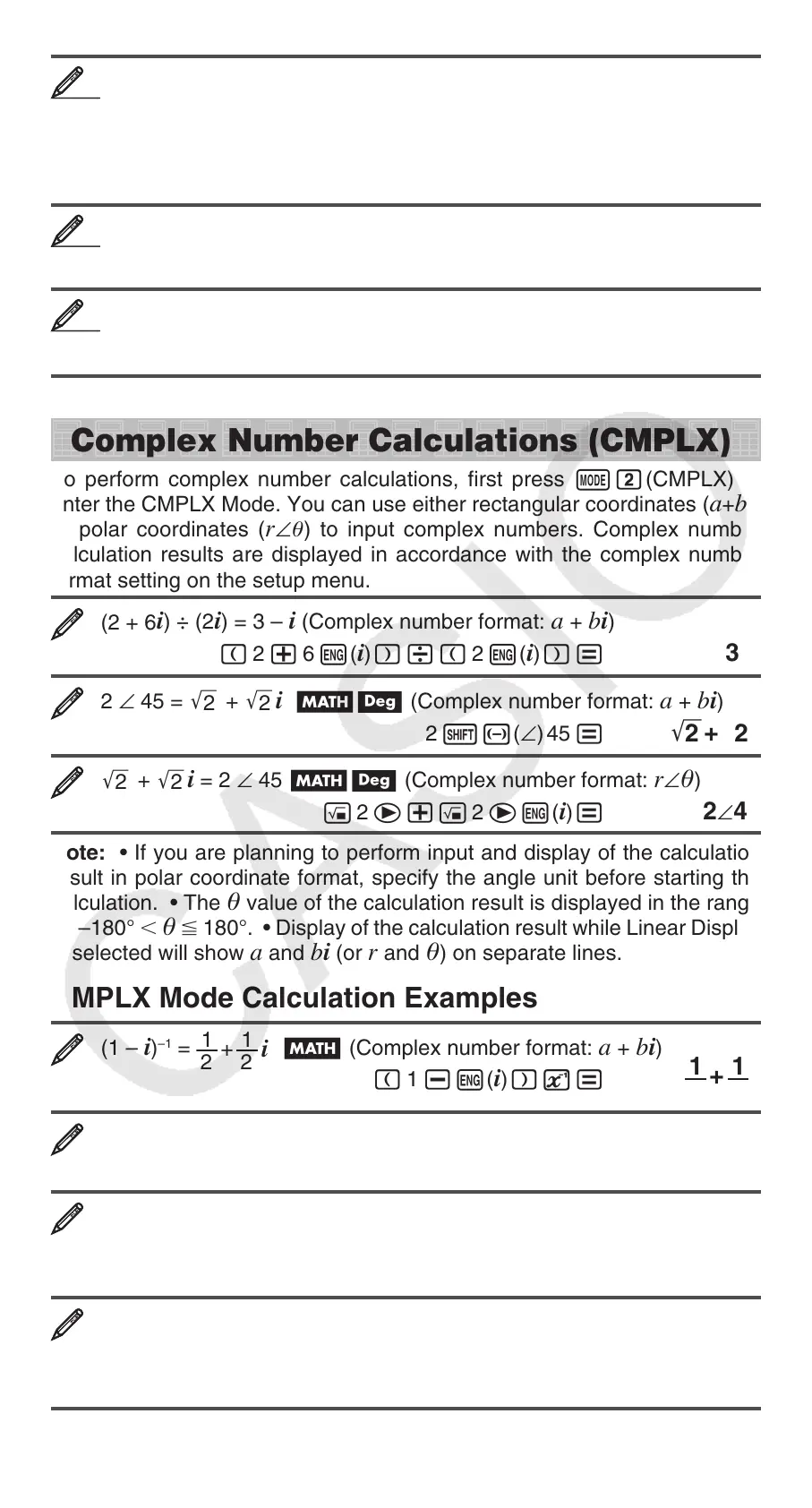
Complex Number Calculations (CMPLX)
To perform complex number calculations, first press N2(CMPLX) to
enter the CMPLX Mode. You can use either rectangular coordinates (
a+bi)
or polar coordinates (
r∠) to input complex numbers. Complex number
calculation results are displayed in accordance with the complex number
format setting on the setup menu.
(2 + 6
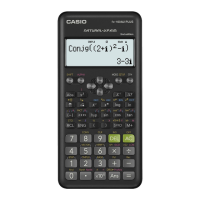
i) ÷ (2i) = 3 – i (Complex number format: a + bi)
( 2 + 6 W(
i))/( 2 W(i))= 3–i
2 ∠ 45 =
'
2
+
'
2
i Bv (Complex number format: a + bi)
2 1-(∠) 45 =
'
2
+
'
2
i
'
2
+
'
2
i = 2 ∠ 45 Bv (Complex number format: r∠)
! 2 e+! 2 eW(
i)= 2∠45
Note: • If you are planning to perform input and display of the calculation
result in polar coordinate format, specify the angle unit before starting the
calculation. • The
value of the calculation result is displayed in the range
of –180°
180°. • Display of the calculation result while Linear Display
is selected will show
a and bi (or r and ) on separate lines.
CMPLX Mode Calculation Examples
(1 – i)
–1
=
1
2
1
2
+
i
B (Complex number format: a + bi)
( 1 -W(
i))E=
1
2
1
2
+
i
(1 + i)
2
+ (1 – i)
2
= 0 B
( 1 +W(
i))w+( 1 -W(i))w= 0
To obtain the conjugate complex number of 2 + 3i (Complex number
format: a + bi)
12(CMPLX)2(Conjg) 2 + 3 W(
i))= 2–3i
To obtain the absolute value and argument of 1 + i Bv
Absolute Value: 1w(Abs) 1 +W(
i)=
'
2
Argument: 12(CMPLX)1(arg)1+W(i))= 45
1919
2020
2121


 To Next Page