5
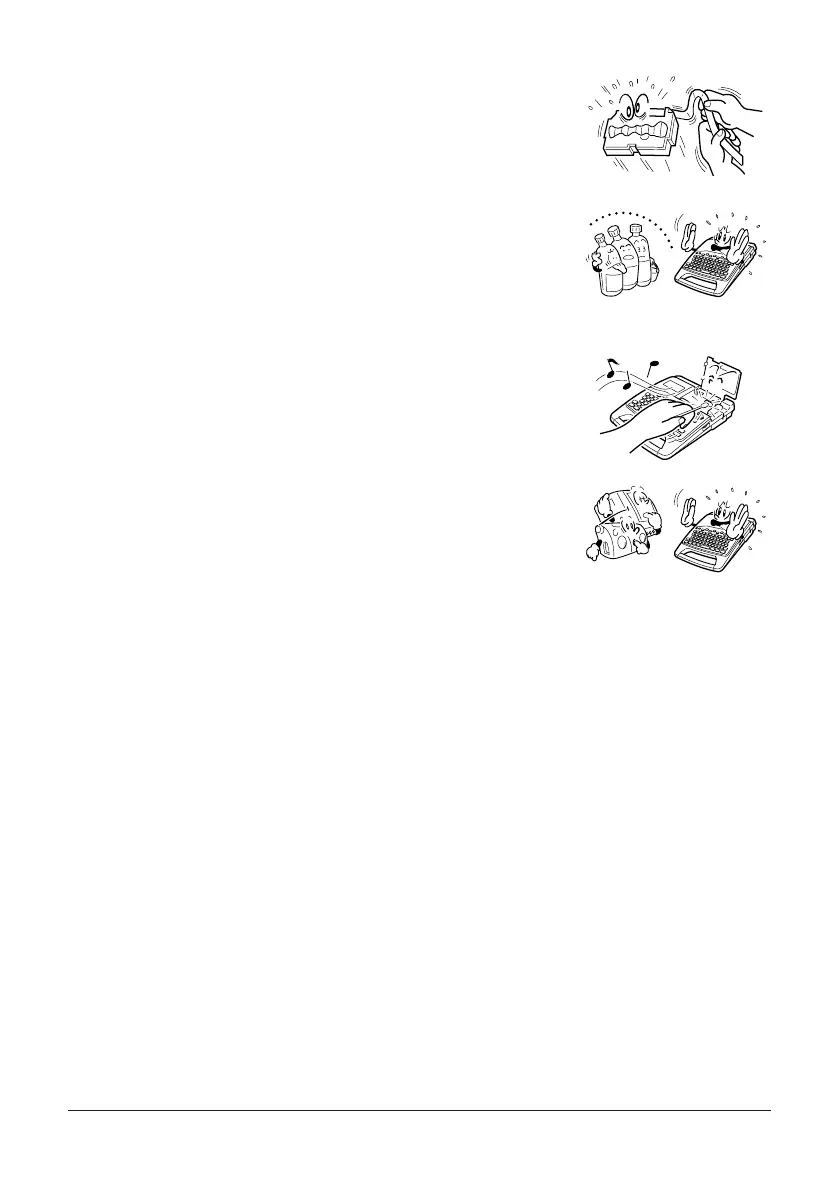
• Do not pull on the tape or try to force it back into the Label
Printer.
• Do not use benzine, thinner, or other volatile chemicals to
clean the exterior of the Label Printer. Use a soft dry cloth or
a cloth dampened with a weak solution of a mild neutral
detergent and water. Wring the cloth out until all excess
moisture is removed.
• A dirty printer head can cause printing to become smudged.
When this happens, clean off the printer head by wiping it
with a cotton swab moistened with alcohol (page 65).
• Use of the Label Printer next to a television or radio may
interfere with reception.


 To Next Page