To Next PageTo Next Page
 Need help?
Do you have a question about the Casio SE-S10 and is the answer not in the manual?
Instructions for returning the product in its original packaging.
Guidance on placing the cash register in a suitable environment.
Information on power requirements and avoiding outlet overload.
Step-by-step guide for safely cleaning the cash register exterior.
General safety instructions for using the product correctly and safely.
Explanation of warning, prohibition, and restriction symbols used in the manual.
Precautions for handling malfunctions, liquid spills, and physical damage.
Guidelines for safe and proper use of the power plug and AC outlet.
Precautions regarding the power cord, including dust, damage, and wet hands.
Warnings about unstable surfaces and unsuitable environmental conditions for the register.
Instructions for disposing of used batteries in accordance with local regulations.
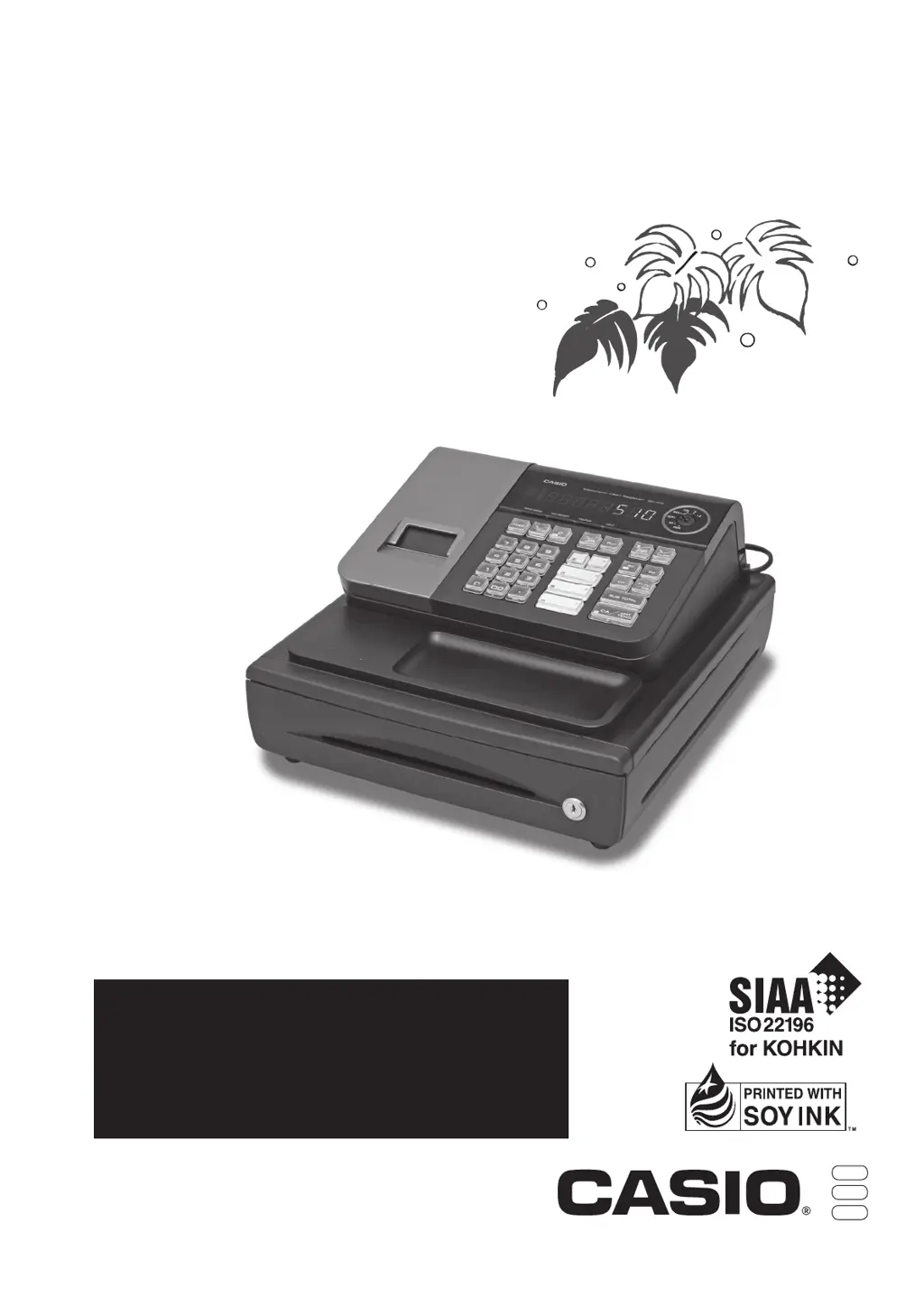
Diagram and labels identifying the main parts of the cash register.
List of accessories provided with the cash register unit.
Explanation of the Mode Switch positions and their corresponding operations.
Details on the operator and customer display segments and their meanings.
Description of keys in Register and Calculator modes with their functions.
Tasks to perform before starting operations for the day.
Key operations to perform while the store is open.
Tasks to complete at the end of the business day.
Additional daily tasks, including troubleshooting and maintenance.
Instructions for installing backup batteries to protect settings and sales data.
Step-by-step guide on how to load the receipt paper roll correctly.
Procedure for setting language, date, time, and mode switch.
Steps to set the printer to function as a journal printer.
Procedures for removing both receipt and journal paper rolls.
Important warnings and precautions for handling the thermal printer.
Initial programming for date format, monetary mode, and tax rates.
Setting up the cash register for Euro and local currency transactions.
Procedure to configure the register to accept only the Euro currency.
Configuring programmable options for Australian Goods and Services Tax.
Demonstrates basic sales operations like opening the drawer and multiple registrations.
How to process transactions split between cash and charge payments.
Procedures for correcting errors before or after pressing a department key.
How to correct errors after an item has been registered in a department.
Processing sales transactions involving currency exchange rates.
Procedures for generating financial and read/reset reports.
Generating daily sales totals and resetting data using X or Z modes.
Generating reports for specific periods and resetting data.
Setting up various operational parameters for the cash register.
Programming specific unit prices for each department.
Setting discount or premium rates for the percent key.
Assigning taxable or non-taxable status to departments.
Configuring department types: normal, minus, or single-item sale.
Setting the taxable status for operations using the percent key.
Defining rounding methods (off, cut off, up) for percent key results.
Setting the taxable status for operations using the minus key.
Configuring general controls like key catch tone and buffer.
Configuring printer settings for receipts, journals, and character heights.
Setting controls for clearing journal memory and printing report totals.
Selecting whether the printer outputs receipts or journal data.
Configuring receipt printing character size and key catch tone.
Linking PLU numbers to departments and setting unit prices.
Setting unit prices for Price Look-Up (PLU) items.
Configuring tax rates and various rounding specifications for transactions.
Options for printing tax total lines and taxable amounts on receipts.
Setting names for departments using a character keyboard and lists.
Procedure to clear or reset a programmed department name.
Linking PLU numbers to specific departments for sales tracking.
Procedure to clear or reset a programmed PLU name.
Overview of the character keyboard used for programming names and messages.
Detailed example of programming department names using the character keyboard.
Setting names for PLU items using the character keyboard.
Assigning names to cashiers (clerks) using the character keyboard.
Customizing messages that appear on receipts.
Mapping of characters to numeric keys for programming.
Mapping of characters to numeric keys for programming.
Outputting system settings and configurations, excluding PLU data.
Outputting configured PLU information, including names and prices.
Performing sales registrations with pre-programmed department prices.
Processing sales where an item is registered once and finalized.
Performing and recording sales transactions paid by check.
Handling sales transactions split between cash and check payments.
Issuing a receipt after a transaction has been finalized.
Processing customer refunds using the refund mode.
Registering new items with PLU numbers, prices, and department links.
Performing single-item sales using PLU codes.
Generating reports related to PLU data, including counts and totals.
Instructions for viewing and setting the current time and date.
Recording cash taken out of the drawer for reasons other than sales.
Recording payments received for accounts previously established.
Entering reference or ID numbers for transactions.
Applying a reduction or discount to the subtotal of a transaction.
Applying premiums or discounts to items or transaction totals.
Setting up and assigning cashier IDs for sales tracking.
Switching to and using the calculator mode for calculations.
Demonstrates various arithmetic operations and their results.
Recalling stored amounts from memory during operations.
Configuring drawer opening and report operations in calculator mode.
Diagnosing and resolving issues based on display codes and symptoms.
Understanding the low battery indicator and necessary actions.
Technical details including input method, printer, calculations, and dimensions.
Troubleshooting steps when the cash drawer fails to open automatically.
 General
| Brand | Casio |
|---|---|
| Model | SE-S10 |
| Category | Cash Register |
| Language | English |