153
Program 7
TE-3000S/4000F/4500F Dealer's Manual
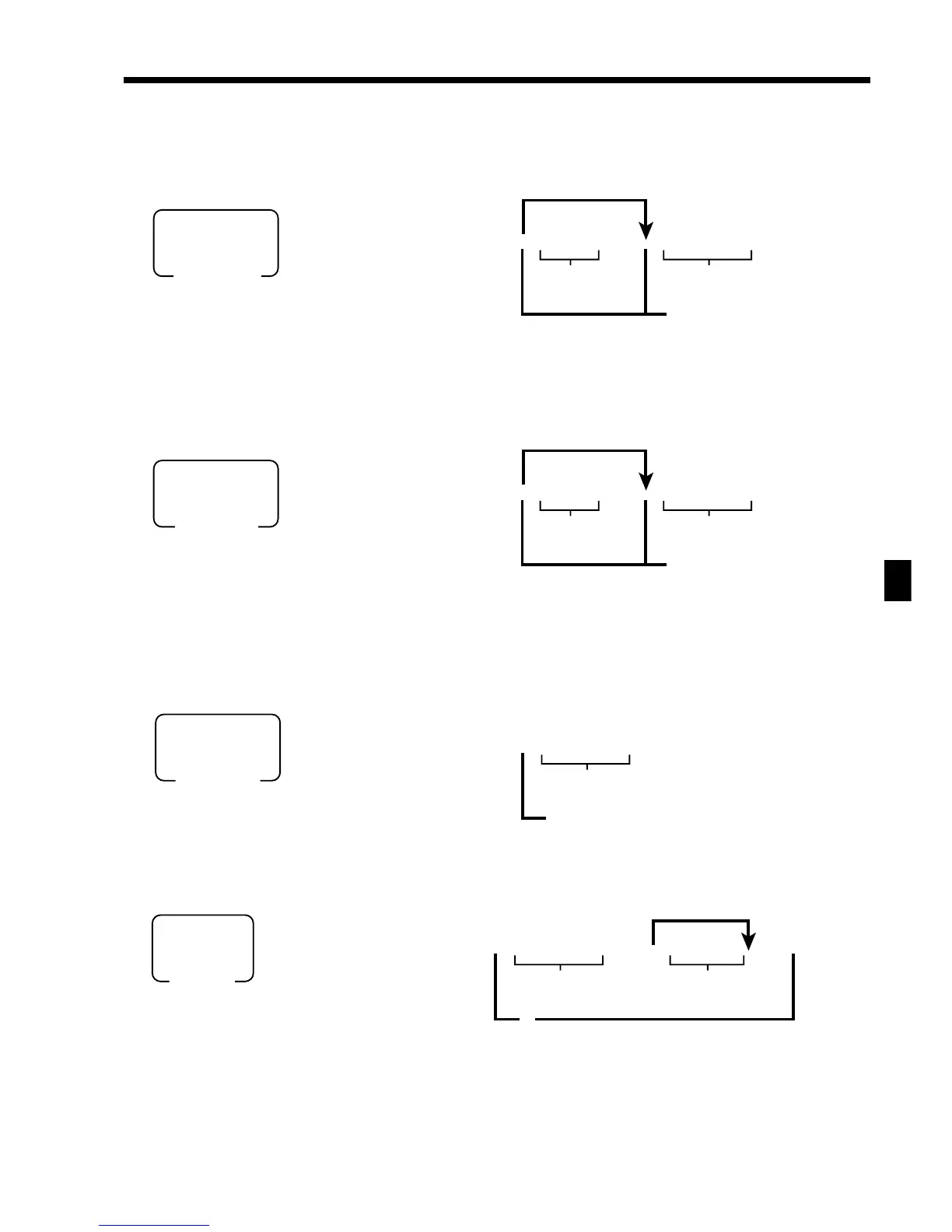
Auto-programming operation
To other terminal(s) through inline (Individual or all terminals)
To CF card
To other terminal(s) through inline (group terminals)
To other terminal through COM1 port
6 7s 6 50s 6 ::s 6 :::a
6 s
PGM
Mode switch
Terminal ID No.
All terminal
Command code
(Cancellation)
(Execution)
Note: Before executing this command, terminal connection table program is necessary.
6 7s 6 51s6 ::s6 :::a
6 s
PGM
Mode switch
Group No.
All terminal
Command code
(Cancellation)
(Execution)
Note: Before executing this command, terminal connection table program is necessary.
6 7s 6 80s 6
:::
a
6s
PGM
Mode switch
Command code
(Cancellation)
(Execution)
67s 6 70s 6 :::a 6 ::-6 a
66s
8
PGM
Mode switch
File name
(Cancellation)
(Execution)
Note: You cannot overwrite the same file name.
If there is no enough room for auto-program delete other files in the CF card or format it.
If you use the CF card for the first time, format it.
Command code
~
Default file name



 To Next Page