67
Program 3
TE-3000S/4000F/4500F Dealer's Manual
<CHARACTER RECALL>, <CHARACTER PRINT>
<CLERK TRANSFER>
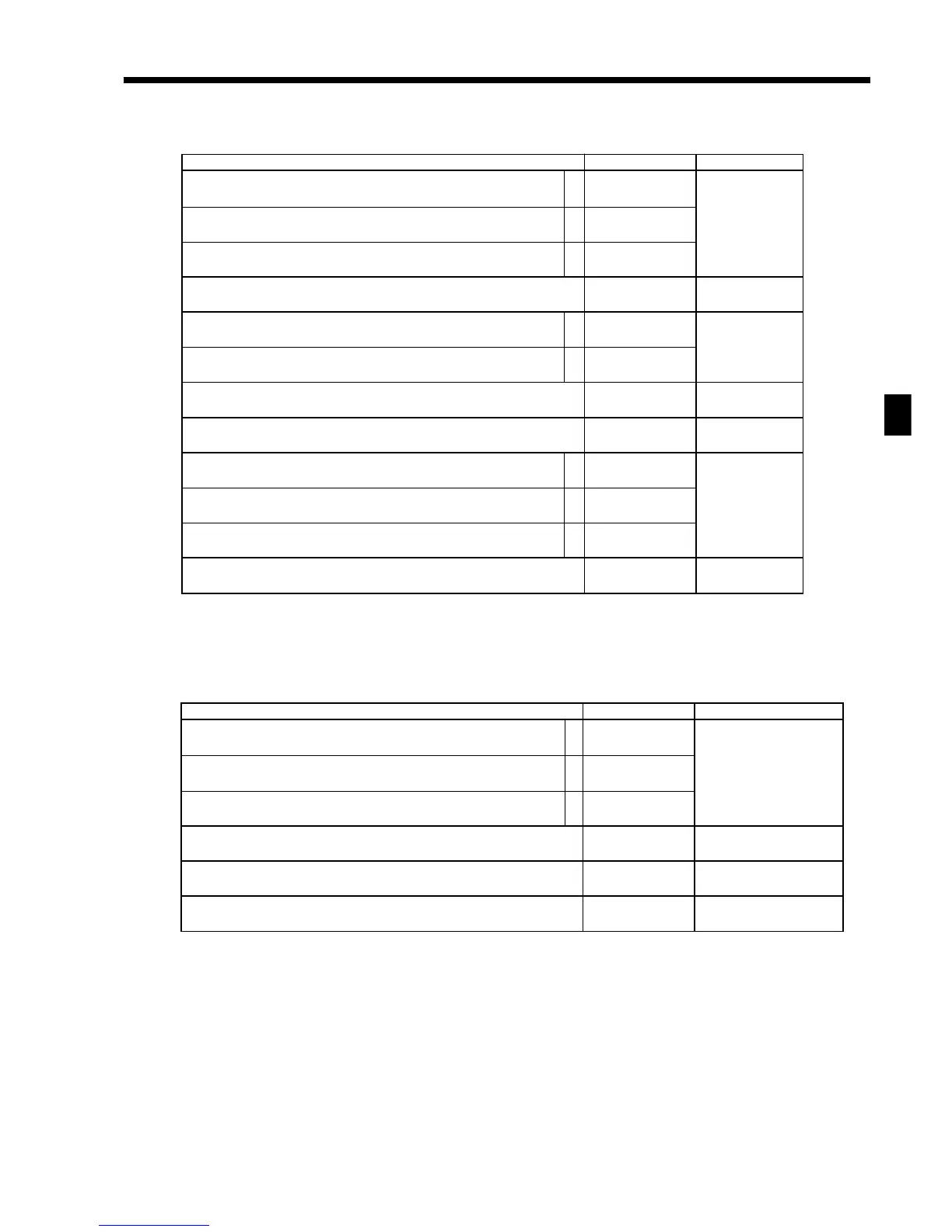
Description Choice Program code
Disable operation in RF/REG– mode.
Disable operation in REG2 mode.
Disable operation in REG1 mode.
Always “0”
Clerk number:
1 Memory number 2 Clerk secret number
Always “000000”
a
b
c
:
(a+b+c)
D
9
;
D
8
:
D
7
;;;;;;
D
6
D
5
D
4
D
3
D
2
D
1
No = 0
Yes = 1
No = 0
Yes = 2
No = 0
Yes = 4
1 = 0
2 = 1
Description Choice Program code
Disable operation in RF/REG– mode.
Disable operation in REG2 mode.
Disable operation in REG1 mode.
Always “0”
Disable to change mode switch after registration.
(only effective for <character recall>)
Print characters on receipt, guest receipt, or slip.
Order character record number (01 ~ 99) (“00” means no designation.)
Printing color of order:
• Black (UP-250)/Normal (UP-350) = 0
• Red (UP-250)/Reverse (UP-350) = 1
Print order to “Order 1 (printer connection table)” printer.
Print order to “Order 2 (printer connection table)” printer.
Print order to “Order 3 (printer connection table)” printer.
Always “00”
a
b
c
a
b
a
b
c
:
(a+b+c)
D
9
;
D
8
:
(a+b)
D
7
::
D
6
D
5
:
D
4
:
(a+b+c)
D
3
;;
D
2
D
1
No = 0
Yes = 1
No = 0
Yes = 2
No = 0
Yes = 4
No = 0
Yes = 1
Yes = 0
No = 2
Significant
numbers
Significant
number
No = 0
Yes = 1
No = 0
Yes = 2
No = 0
Yes = 4



 To Next Page