After receiving the registered file from your vendor or Cavitar, start CAVITAR Capture. The
screen shown in Fig. 5.1 will appear. Click “Load” and select the file sent by your vendor or
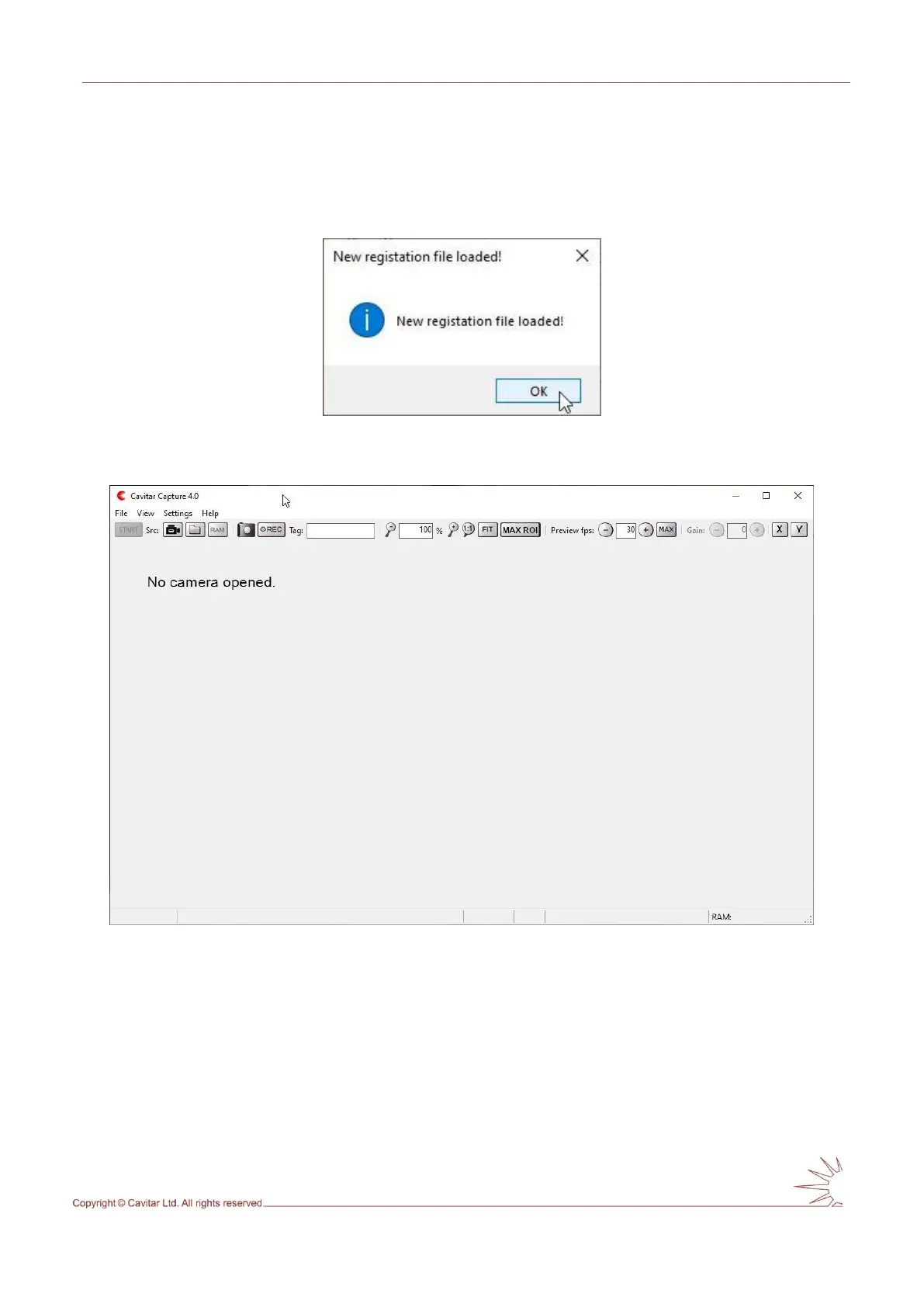
Cavitar. After this a notification appears (see Fig. 5.6) and CAVITAR Capture starts after
pressing “OK” (see Fig. 5.7).
Fig. 5.6. Registration completed successfully.
Fig. 5.7. CAVITAR Capture user interface.



 To Next Page