Guideline and grid properties window contains the following features:
• Naming and rotation angle for horizontal guidelines
• Naming and rotation angle for vertical guidelines
• Calculation of distances between selected guidelines (up to 4 distances)
• Options for how to display guidelines, guideline names and calculated distances on the
screen
• Grid spacing and precision
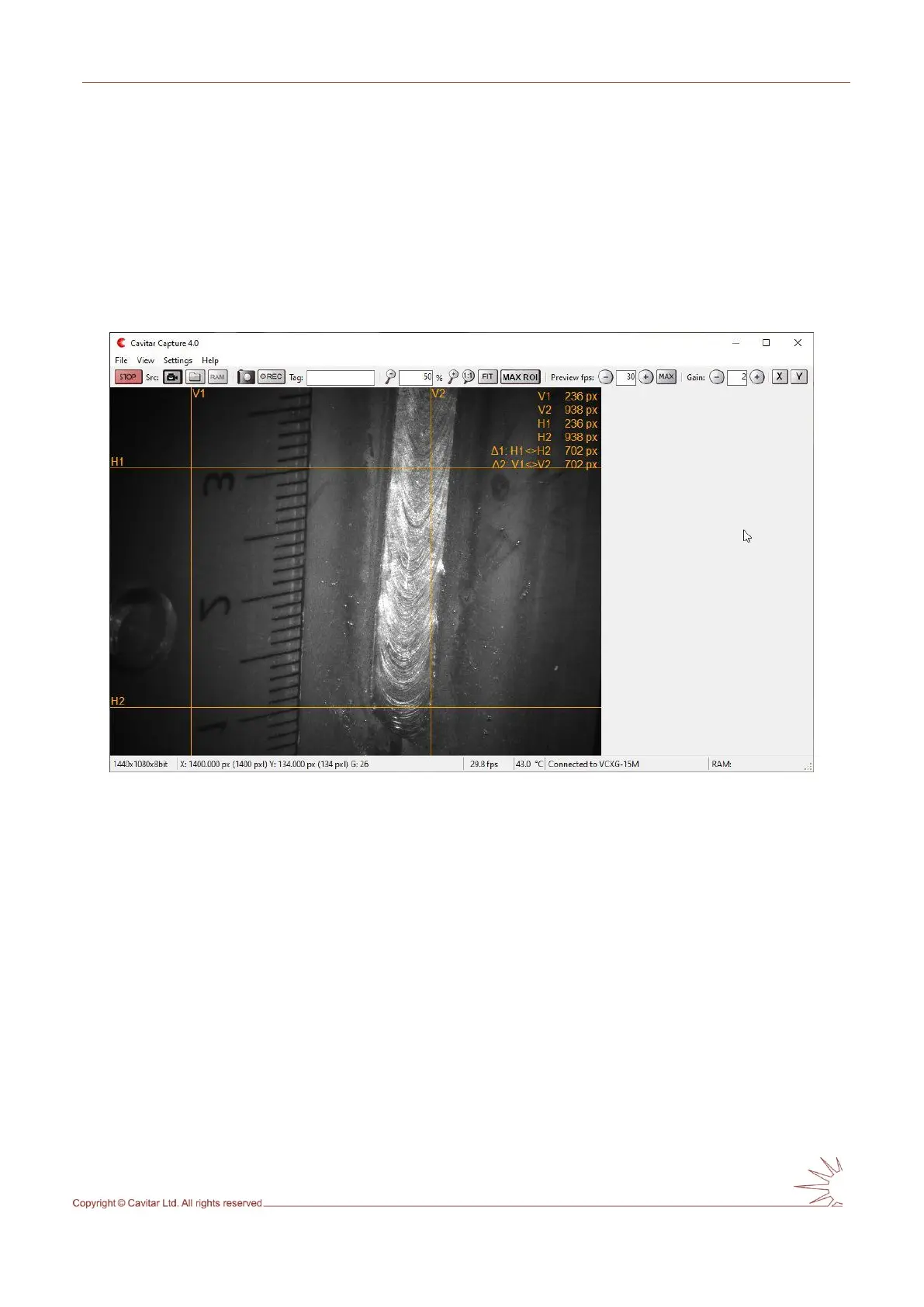
Fig. 5.17 shows the view after selecting lines for 1 and 2 and pressing “OK” in Fig. 5.16.
Fig. 5.17. Guidelines with calculated distances.
5.2.7 Calibration
Calibration feature enables the calibration of the image so that instead of pixel values it is
possible to get actual measures from the images in the desired unit (e.g. mm or inch).
To calibrate the image, select “Calibration…” from “Settings” menu. This will open the
Calibration window (see Fig. 5.18).



 To Next Page