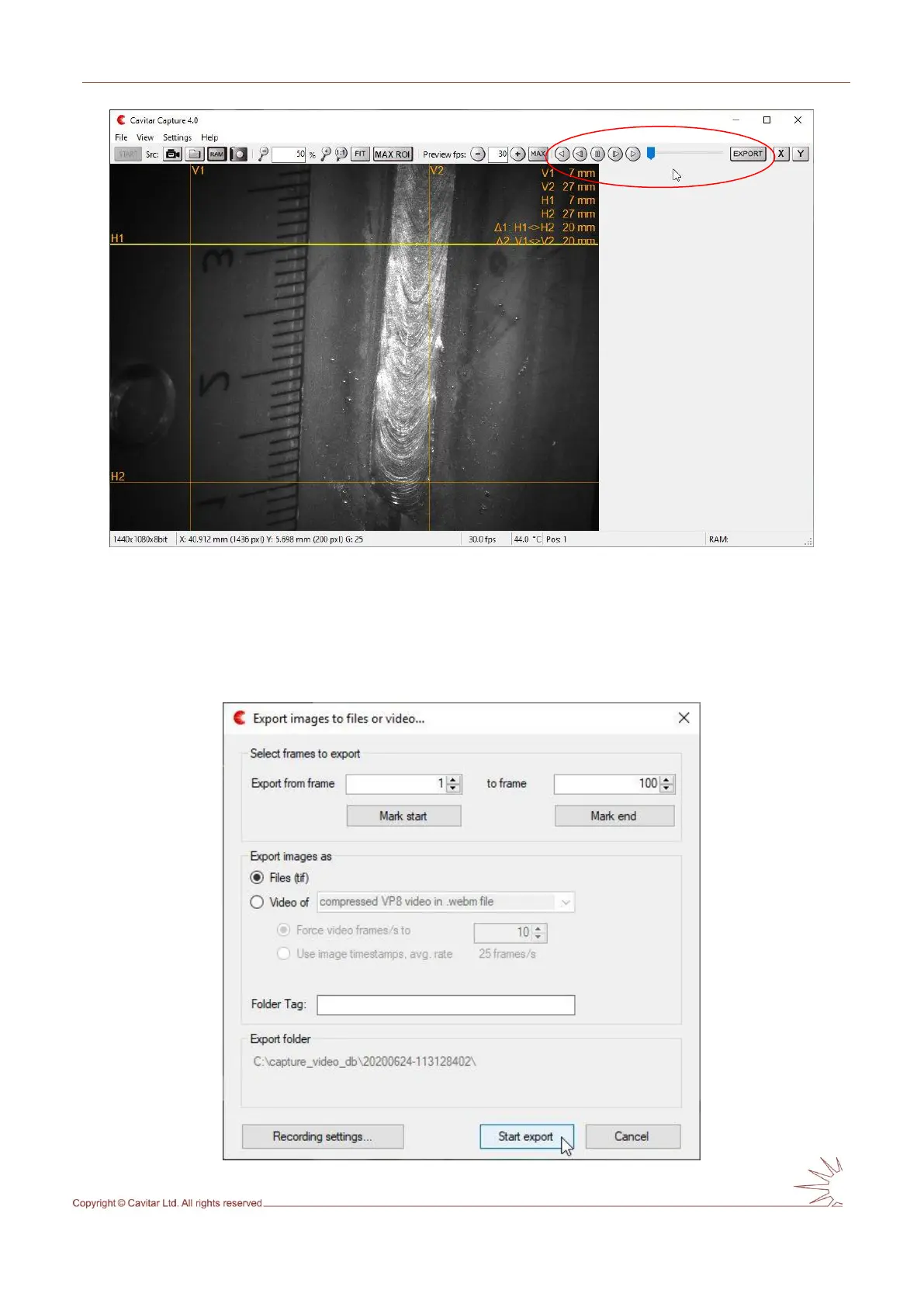
Fig. 5.23. Viewing recorded images.
The image player controls for viewing recorded images as well as the “Export” button for
saving the images to a desired location have been indicated in Fig. 5.23. It is also possible to
move the slider with a mouse. If some or all of the recorded images need to be saved on a
hard disk, the “Export” button needs to be pressed. This opens the Export window (Fig. 5.24).
Fig. 5.24. Export window.



 To Next Page