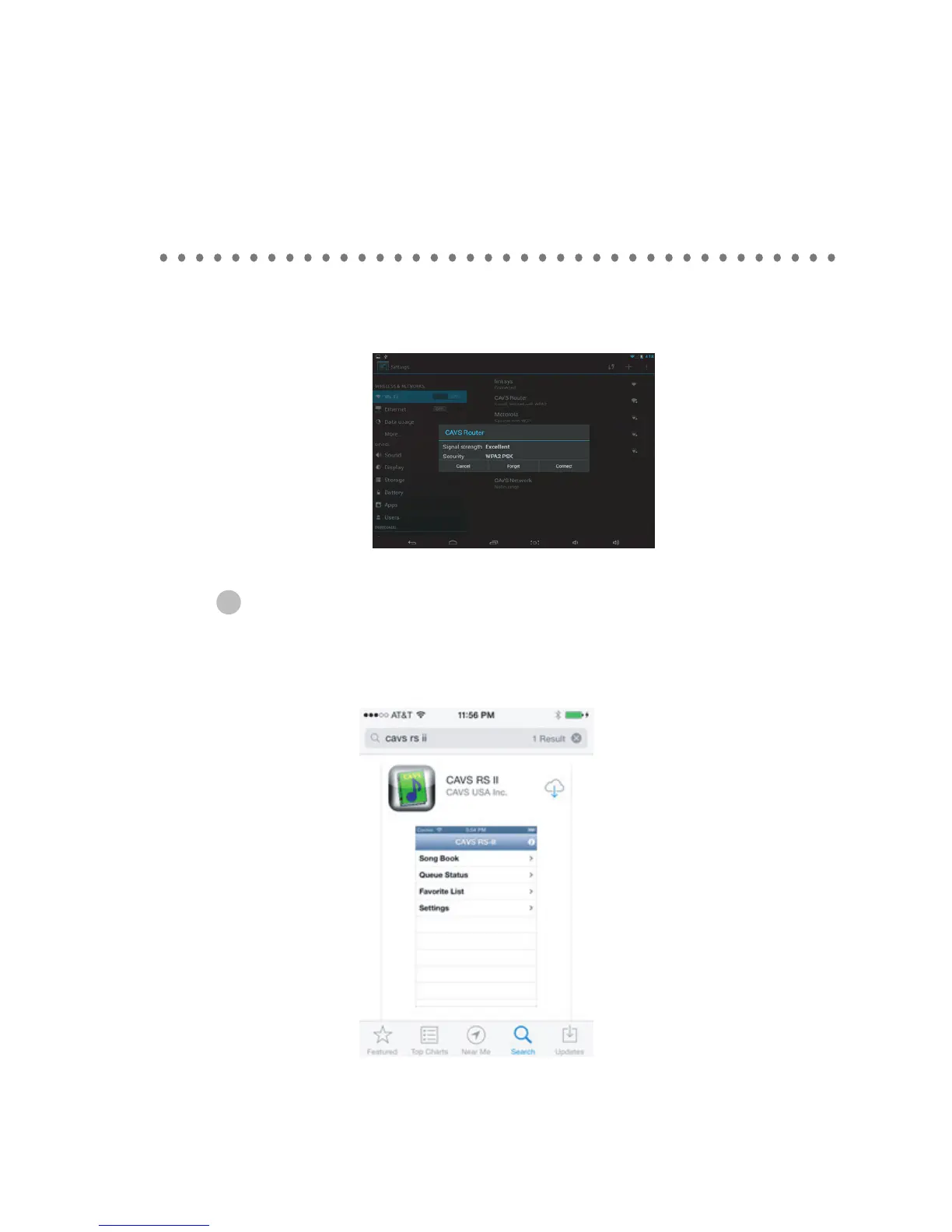
4. Find the wireless router that the CAVS RS II Server program or the CAVS Karaoke player is
connected to. In this example, it is CAVS Router. Tap on the CAVS Router and press Connect.
If the router is password protected, input the password.
5. Return to the Home window.
HOW TO CONNECT
32
When connecting Iphone (Version 4 or Higher) and Ipad (Version 2 or higher)
to JB-199 Premier unit
1. Go to Apple App store from your iPhone / iPad and download the CAVS RS II App for free.
We demonstrate below only the steps for iPhone, as they are very similar to those for iPad.



 To Next Page