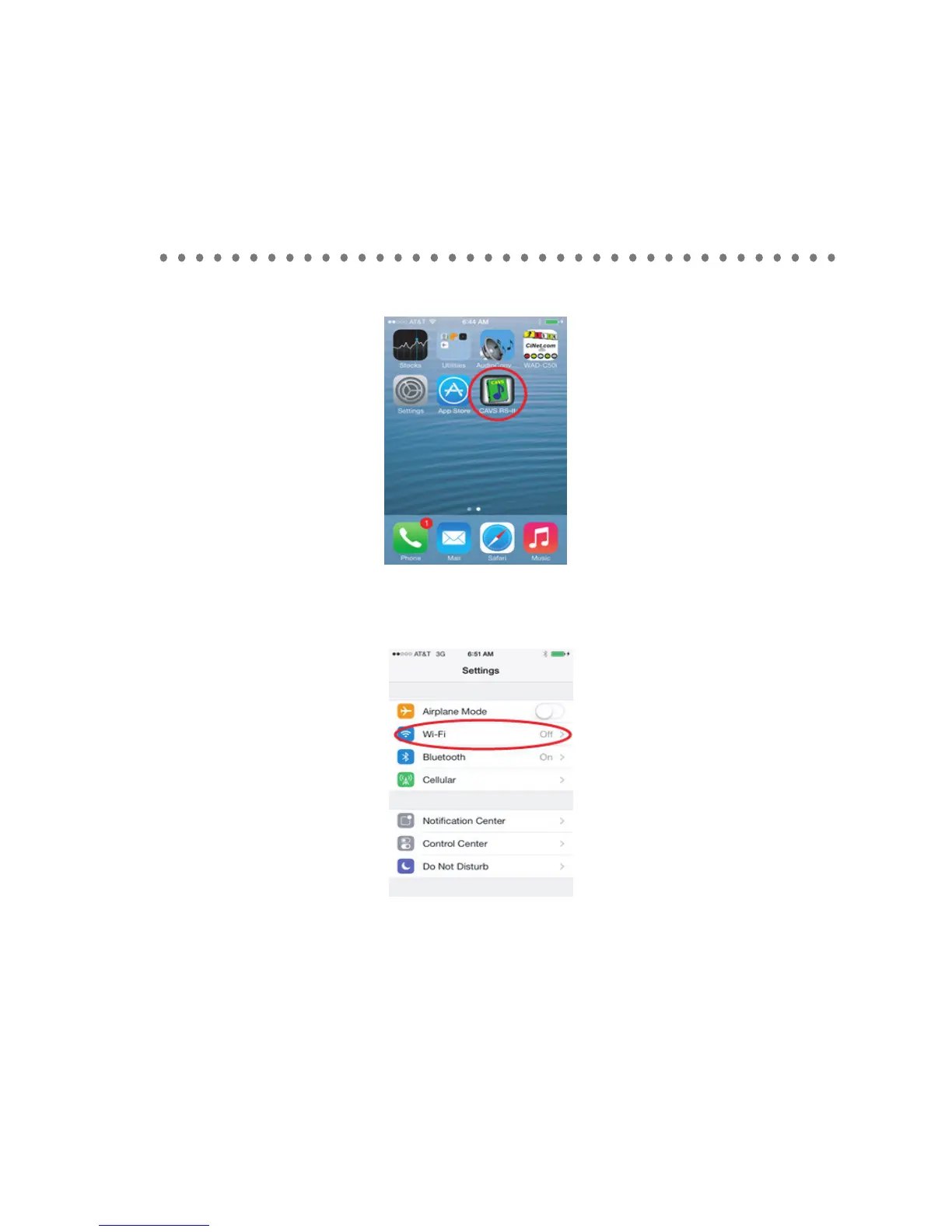
2. CAVS RS II App will install into your iPhone / Ipad with an icon as shown below.
3. Select the Settings in the iPhone / Ipad home window. Go to WiFi.
4. Turn on the Wi-Fi and select the wireless router (for example, CAVS Router) to which the
CAVS RS II Server program is connected. If the wireless router is password protected, input
the password.
5. Return to the home window.
HOW TO CONNECT
33



 To Next Page