GB
ENGLISH
GB
18
1)
2)
3) .
4) .
5)
6)
7)
8)
9)
10)
11)
12)
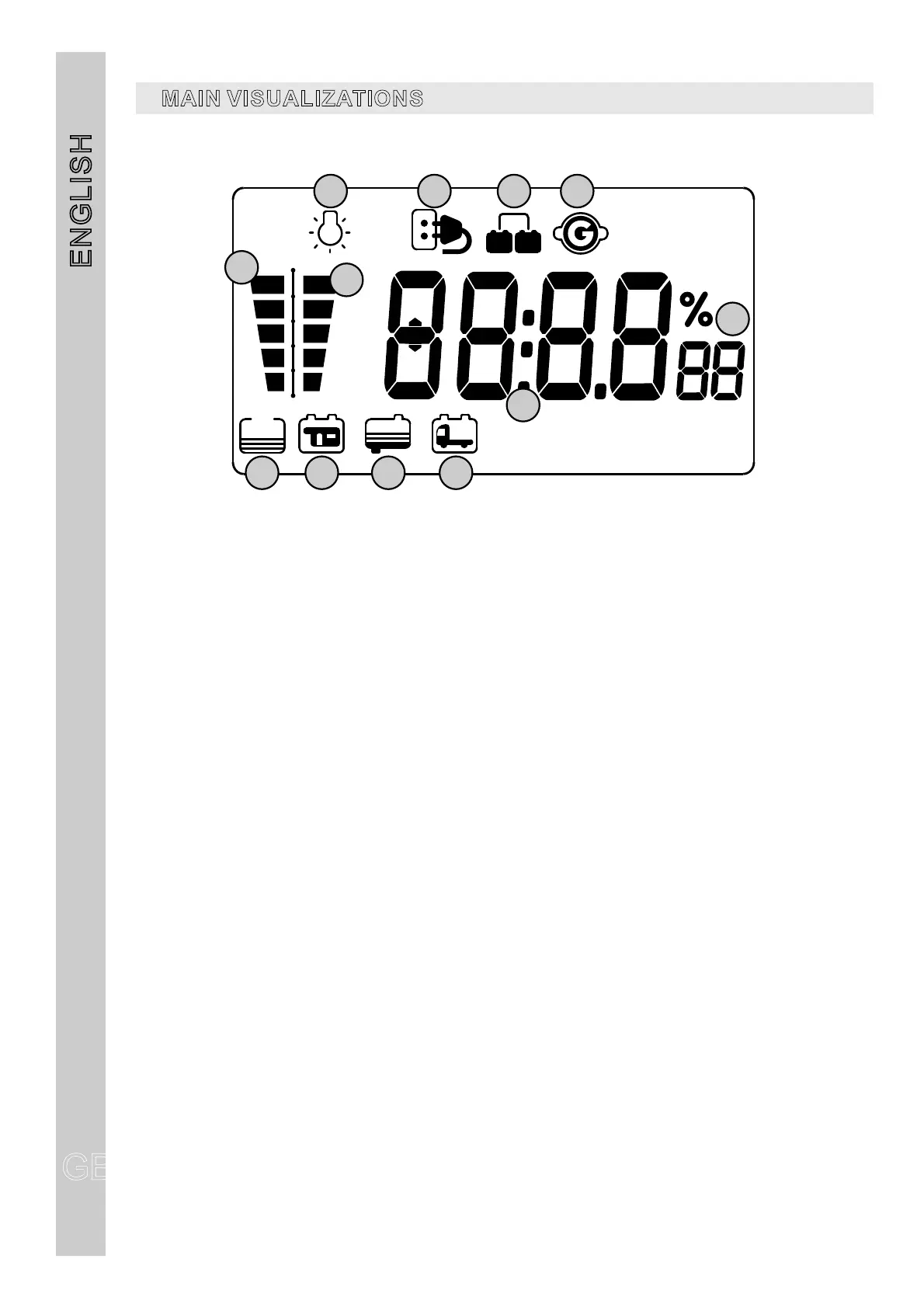
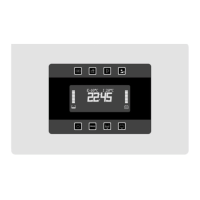
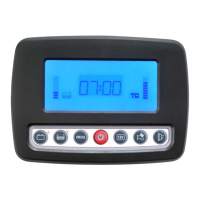
It shows that the minimal voltage device has switched on.
It displays that the 230V net is connected.
It displays the batteries’paralleling when engine is on
Drink water tank status display.
“B2” leisure battery status display.
It shows the drink water tank test, the blinking indicates the empty tank alarm.
It shows the leisure battery (B2) test, the blinking indicates the discharged battery alarm
that
It shows the car battery (B1) test, the blinking indicates the discharged battery alarm.
It shows the unit of measure
It indicates that the engine is on
It shows the waste water tank test, the blinking indicates the waste water tank is full
Digital display of the clock and of the required test.
and display kind.
2 3 4
6
5
7 8 9 10
11
12
1
MAINVISUALIZATIONS


 To Next Page