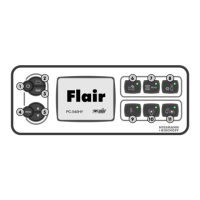
1)
2)
3)
4)
5)
6)
7)
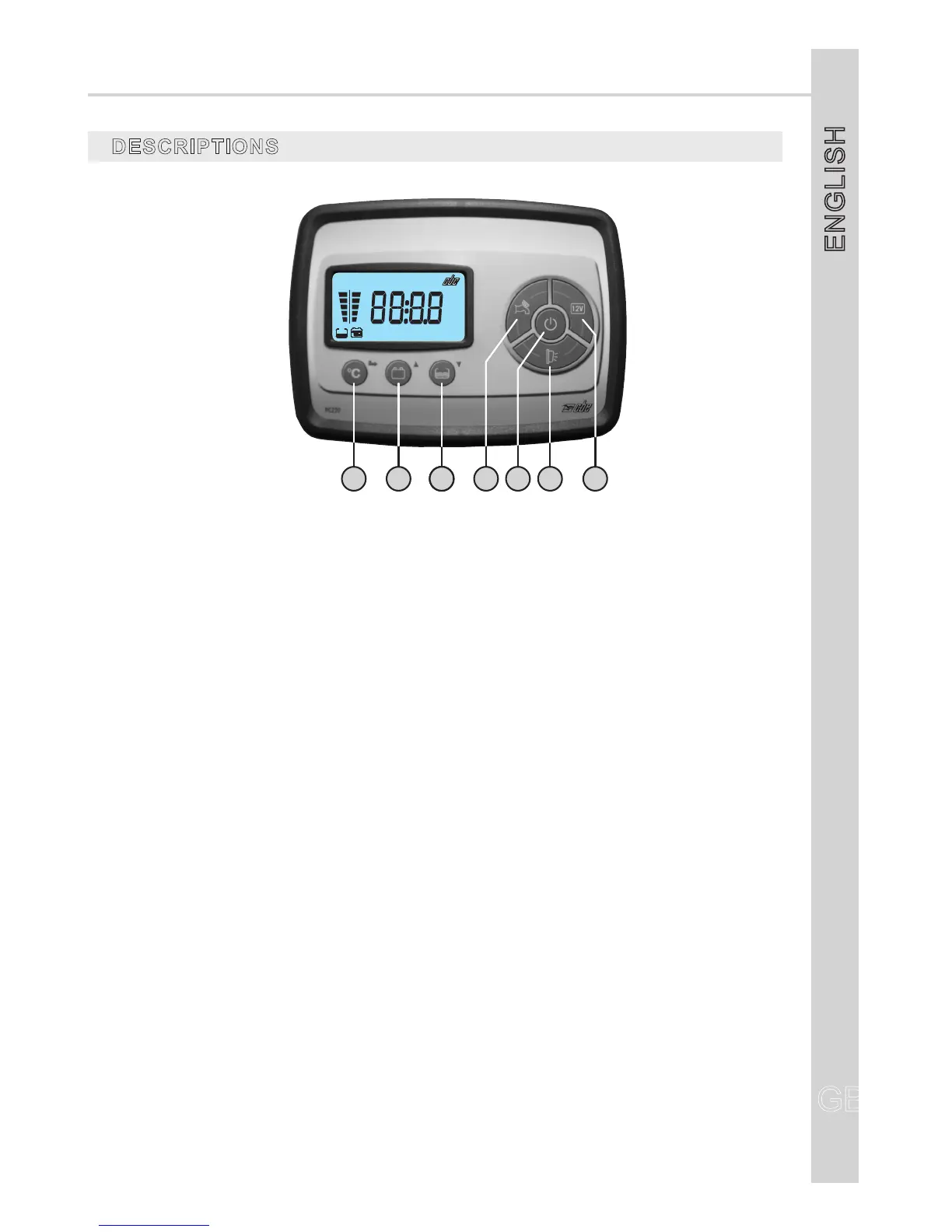
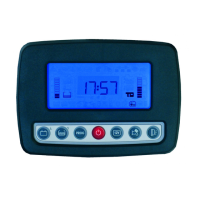
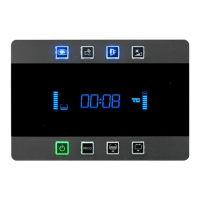
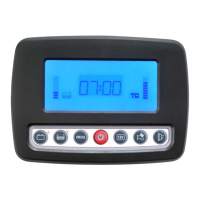
“TEMP/PROG”buttontocheckbothinternalandexternaltemperatureandforsystemsetting(see
SETTING).
Buttontocheckthecarbattery(B1)andtheleisurebattery(B2)andfortheregolationofthe
programmableparameters’ setting(seeSETTING).
Buttonforthecontrolofdrinkwatertank(in%),fordrinkingwaterrefillingfunctionoperation(see
“DRINKWATER TANKREFILLING”function)andfortheregolationoftheprogrammableparameters’
setting(seeSETTING).
Buttontoswitchthepumponandoff.
On/offmainbutton(toturnon/offpressfor2seconds):atthestart-upthedisplaycarriesouta
functioningtestandshowsallsymbols(includingunusedsymbols).
Awninglightbutton;thisawninglightswitchesautomaticallyoffwhenyoustartuptheengine.
Buttontoswitchthelightsandtheheating/boileronandoff.
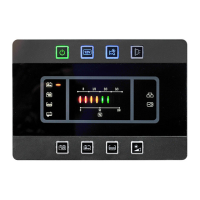
IftherelevantLEDisgreenthecontrolpanelison,ifitisredanalarmison(batteries,tanks,etc.).
NOTE: Thewatchissuppliedfromtheleisurebattery(B2).
ShouldB2bedisconnected,thewatchisabletokeepworking,withoutvisualization,forabout2
weeks.
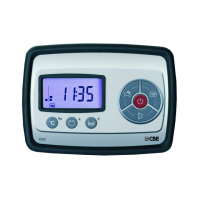
CONTROL PANEL“PC220”
DESCRIPTIONS
GB
ENGLISH
GB
15
21 333 6 74 5


 To Next Page