F
FRANÇAIS
F
36
s
s
w
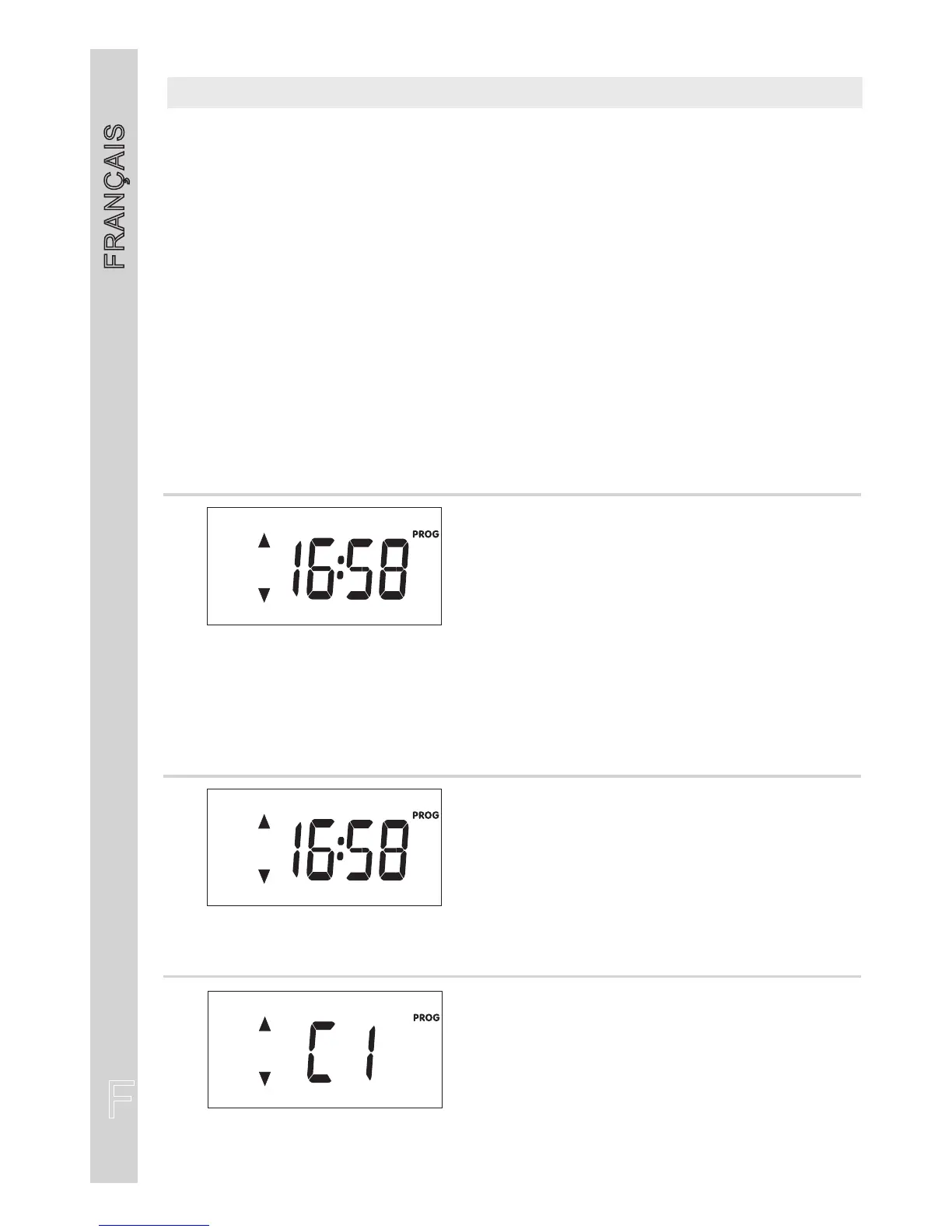
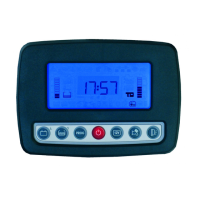
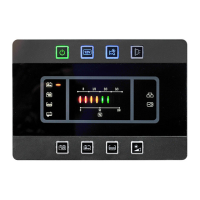
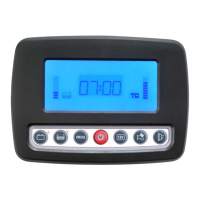
Pour entrer en programmation appuyer plus de deux secondes le bouton réf. 1 depuis la page-
écran principale horloge.
Poursauverlemodificationsetsortirduprogrammationappuyerplusieursfoislebouton
1
Poursortirsanssauverlamodificationattendre20secondeslasortieautomatiquesansappuyersur
aucunbouton.
“PROG”
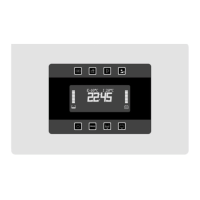
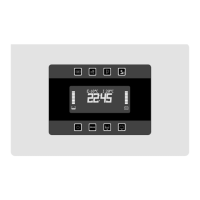
Enappuyantsurlesboutonsenformedeflècheréf.2et3,sélectionnerlemenuvouluetconfirmer
aveclebouton“PROG”réf.1;
-ensélectionnant“TIME”,onentredanslemenupermettantdenemodifierquelesparamètres
del’horloge.
-ensélectionnant“FULL”,onentredanslemenucomplet.
Modifierlesparamètresvoulusenutilisantlesboutonsenformedeflècheréf.2et3
“PROG”rif.
.
w
s
PROGRAMMATIONUTILISATEUR
HEURE
Réglageheure
HEURE(clignotante)
MINUTES(clignotants)
-
-
COULEURRETRO-ECLAIRAGE
Choixcouleurrétro-éclairage
“TIME”
HEURE
Réglageheure
HEURE(clignotante)
MINUTES(clignotants)
-
-
“FULL”



 To Next Page