18
- LCD Display Functions -
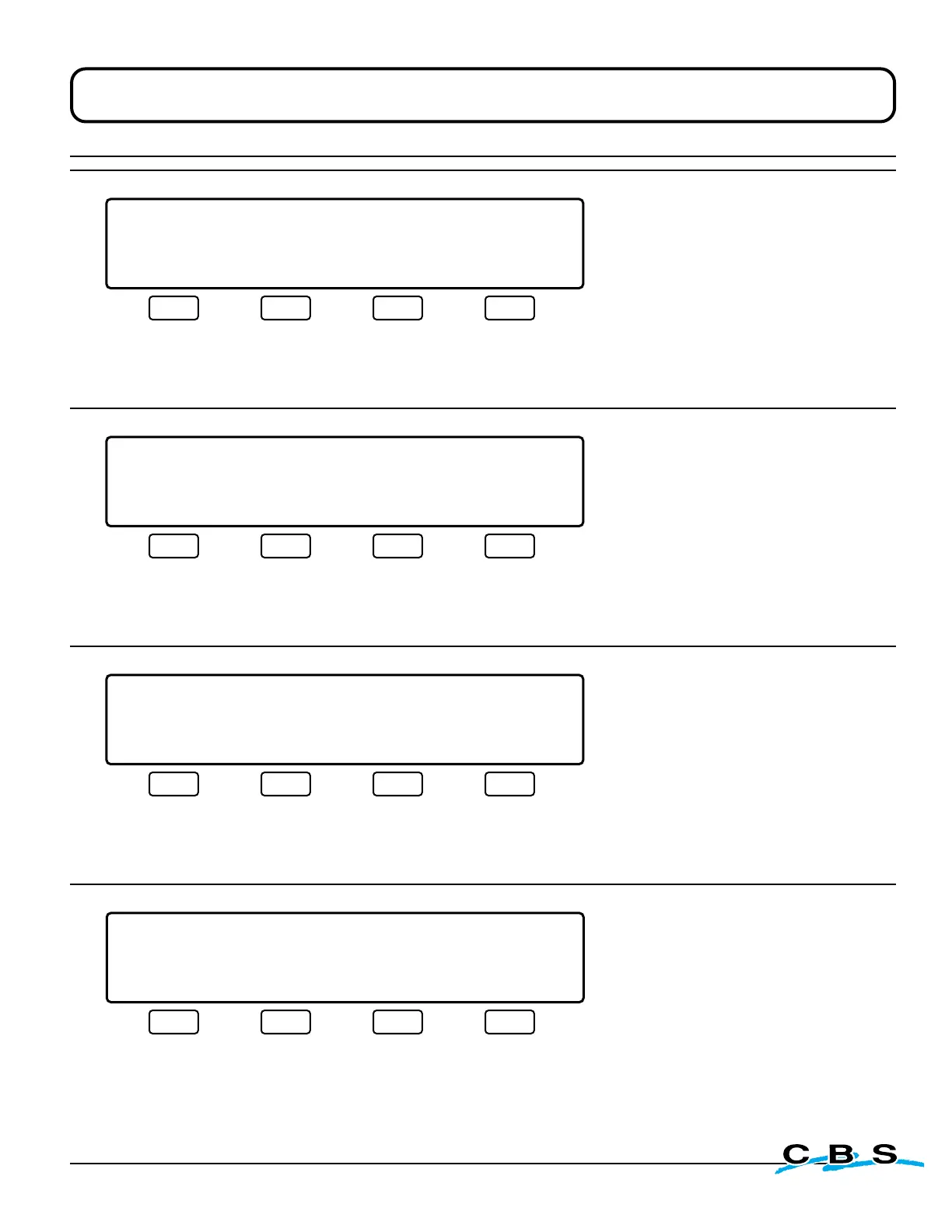
Program Mode Display Windows
LIQUID LEVEL XX.XCM LID TEMP.-XXX C
PROGRAM MODE
MAIN MENU
DATE/TIME TANK ID LIQ'D LEVEL NEXT
#4
o
This display will appear when
the PROGRAM/LOCK switch is
turned to PROGRAM.
Press this button to
advance to display
#8: DATE/TIME
settings
(see page 19)
Press this button to
advance to display
#13:TANK ID
settings
(see page 19)
Press this button to
advance to display
#15: LIQUID LEVEL
settings
(see page 20)
Press this button to
advance to display
#5: MAIN MENU 2
(see below)
LIQUID LEVEL XX.XCM LID TEMP.-XXX C
PROGRAM MODE
MAIN MENU 2
LID TEMP REPORT BYPASS NEXT
#5
o
This display will appear when
"NEXT" is selected on display #4.
Press this button to
advance to display
#19: LID TEMP
settings
(see page 20)
Press this button to
advance to display
#22: REPORT
settings
(see page 21)
Press this button to
advance to display
#24: BYPASS
settings
(see page 21)
Press this button to
advance to display
#6: MAIN MENU 3
(see below)
LIQUID LEVEL XX.XCM LID TEMP.-XXX C
PROGRAM MODE
MAIN MENU 3
VALIDATION FILL TIMER MAIN MENU
#6
o
This display will appear when
"NEXT" is selected on display #5.
Press this button to
advance to display
#40:VALIDATION
settings
(see page 21)
Press this button to
advance to display
#7A: FILL TIMER
settings
(see page 18)
Press this button to
return to display #4:
MAIN MENU
(see above)
LIQUID LEVEL XX.XCM LID TEMP.-XXX C
PROGRAM MODE
FILL TIMER IS CURRENTLY: ENABLED
ENABLE DISABLE MAIN MENU
#7A
o
This display will appear when
"FILL TIMER" is selected on display #6.
This is a prompt to ENABLE or
DISABLE the Automatic Fill Timer.
The Fill Timer gives the option of
an automatic fill every 24, 48 or
72 hours at a specified time of day.
These settings are programmed
in the 2 menus that follow.
Press this button to
enable fill timer and
advance to display
#7B.
(next on page 19)
Press this button to
disable fill timer and
return to display #4:
MAIN MENU
(see above)
Press this button to
end operation and
return to display #4:
MAIN MENU
(see above)
www.custombiogenics.com



 To Next Page