19
- LCD Display Functions -
Program Mode Display Windows
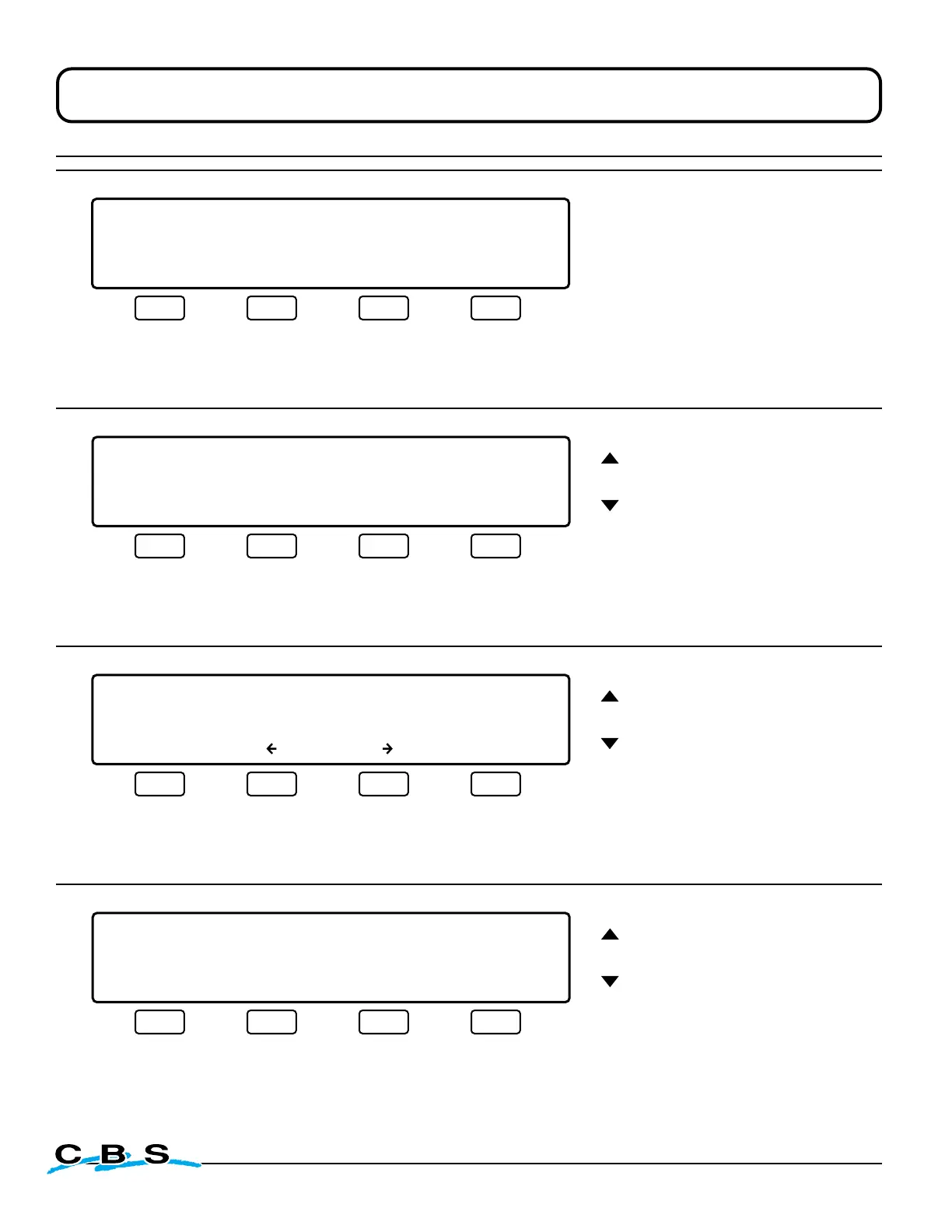
LIQUID LEVEL XX.XCM LID TEMP.-XXX C
PROGRAM MODE
SELECT INTERVAL FOR FILL TIMER
24 HOURS 48 HOURS 72 HOURS MAIN MENU
#7B
o
This display will appear when
"ENABLE" is selected on display
#7A.
Use this menu to set the time
interval that the automatic fill
will occur.
Press this button to
select a 24 hour time
interval and advance
to display #7C
(next)
Press this button to
select a 48 hour time
interval and advance
to display #7C
(next)
Press this button to
select a 72 hour time
interval and advance
to display #7C
(next)
Press this button to
discard changes and
return to display #4:
MAIN MENU
(previous page)
These arrows
adjust value
LIQUID LEVEL XX.XCM LID TEMP.-XXX C
PROGRAM MODE
SELECT TIME TO START FILL __:00
ENTER HR MIN MAIN MENU
#7C
o
This display will appear
when any time interval
is selected on display #7B.
Use this menu to set
the time of day that the
automatic fill will occur.
Press this button to
save settings and
return to display #4:
MAIN MENU
(previous page)
Press this button to
select between the
hours and minutes
settings
Press this button to
discard changes and
return to display #4:
MAIN MENU
(previous page)
LIQUID LEVEL XX.XCM LID TEMP.-XXX C
PROGRAM MODE
CURRENT DATE/TIME: _1/01/00 16:35:29
MAIN MENU
#8
o
These arrows
adjust value
This display will appear
when "DATE/TIME" is
selected on display #5.
Use this menu to
change the date and
time settings.
NOTE:
DAY/MONTH/YEAR
Press this button to
move cursor left
Press this button to
move cursor right
Press this button to
save settings and
return to display #4:
MAIN MENU
(previous page)
LIQUID LEVEL XX.XCM LID TEMP.-XXX C
PROGRAM MODE
TANK ID: 0
ENTER MAIN MENU
#13
o
These arrows
adjust tank #
This display will appear
when "TANK ID" is
selected on display #4.
The Tank ID is
necessary when using
the CryoMonitor 2300
computer interface
software.
Press this button to
save the setting and
return to display #4:
MAIN MENU
(previous page)
Press this button to
discard changes and
return to display #4:
MAIN MENU
(previous page)



 To Next Page