CCI.Command – Operation
67
GPS drift
When using GPS signals without correction, the recorded data (e.g. field
boundary, worked area) may include a shift relative to the current position.
Due to the Earth's rotation and the changing position of the satellites in the sky,
the calculated position of a point moves over time. This is referred to as drift.
The GPS Correction makes it possible to compensate for this drift.
4.4.4 GPS correction
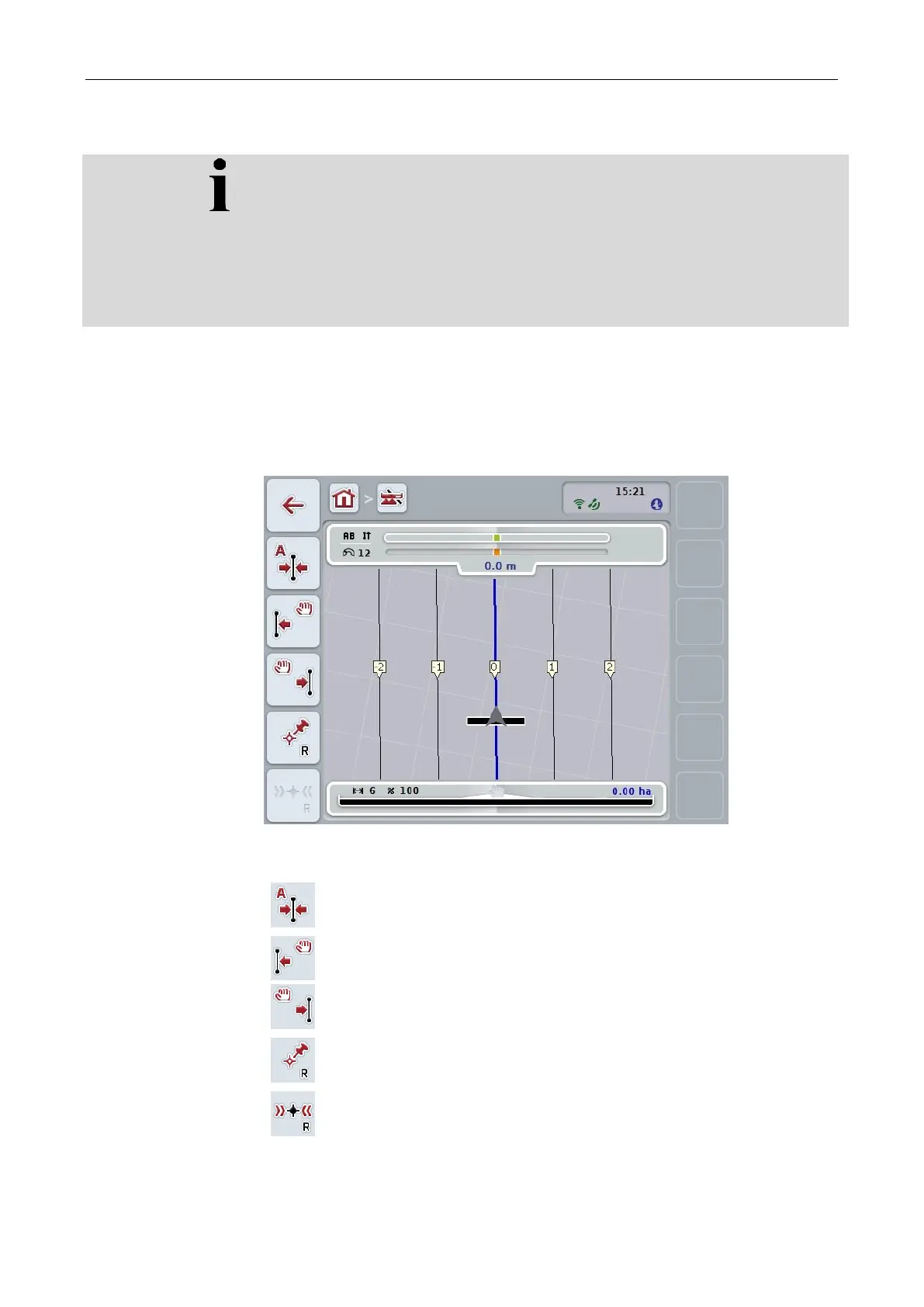
You can use the button "GPS Correction" (F11) in the map view to carry out the
GPS correction, the buttons are assigned new functions.
You have the following operating options:
Manually move reference track
Calibrate reference point



 To Next Page