Settings
38
5.4.1 Terminal
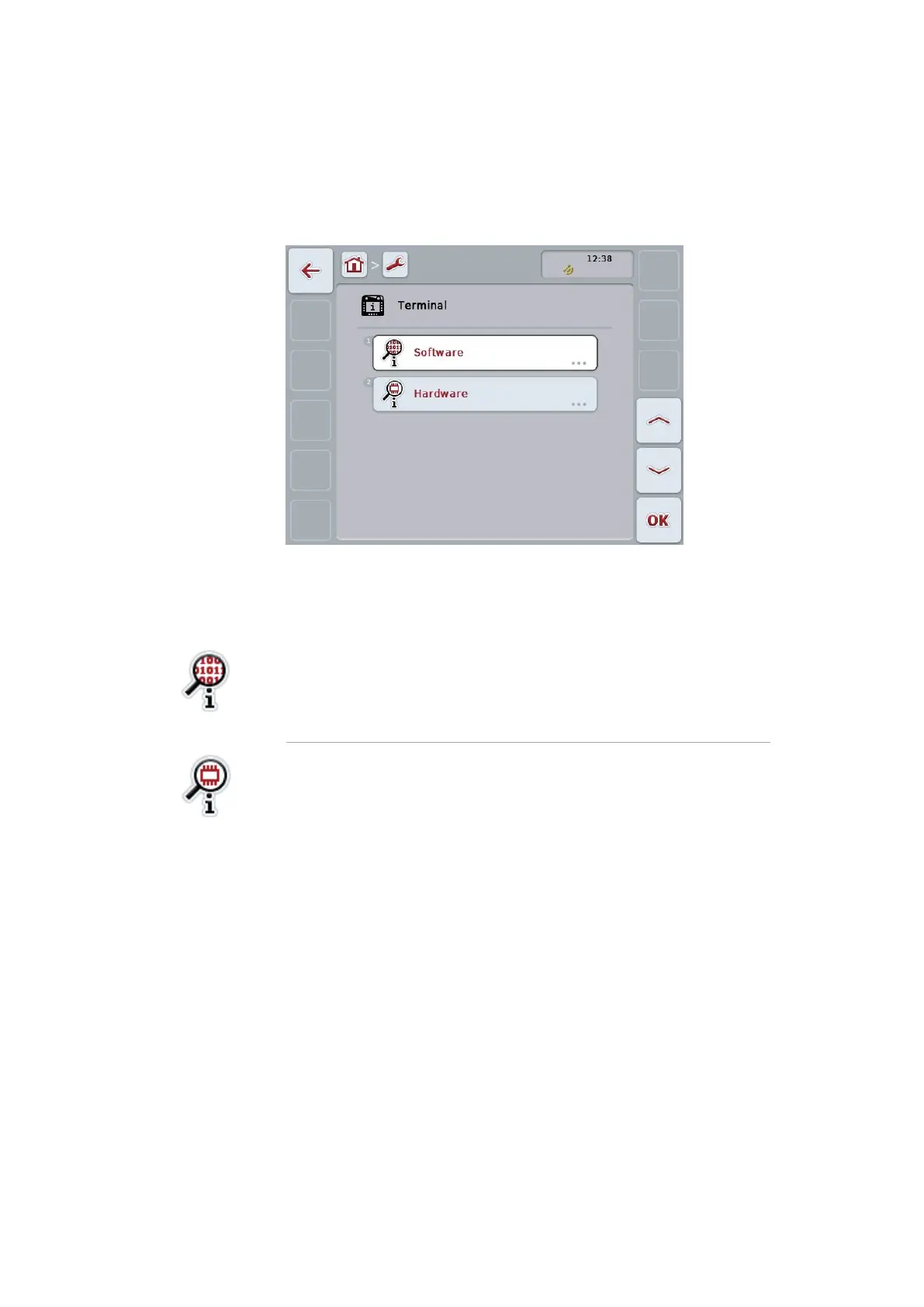
Press the button "Terminal".
The following operating screen opens:
The following information can be displayed:
Software information
1. Press the button "Software".
The versions of the installed apps are displayed.
2. End the query with "OK".
Show hardware information
1. Press the button "Hardware".
Device type, hardware version, serial number, manufacturer
ID and manufacturer are displayed.
2. End the query with "OK".



 To Next Page