33
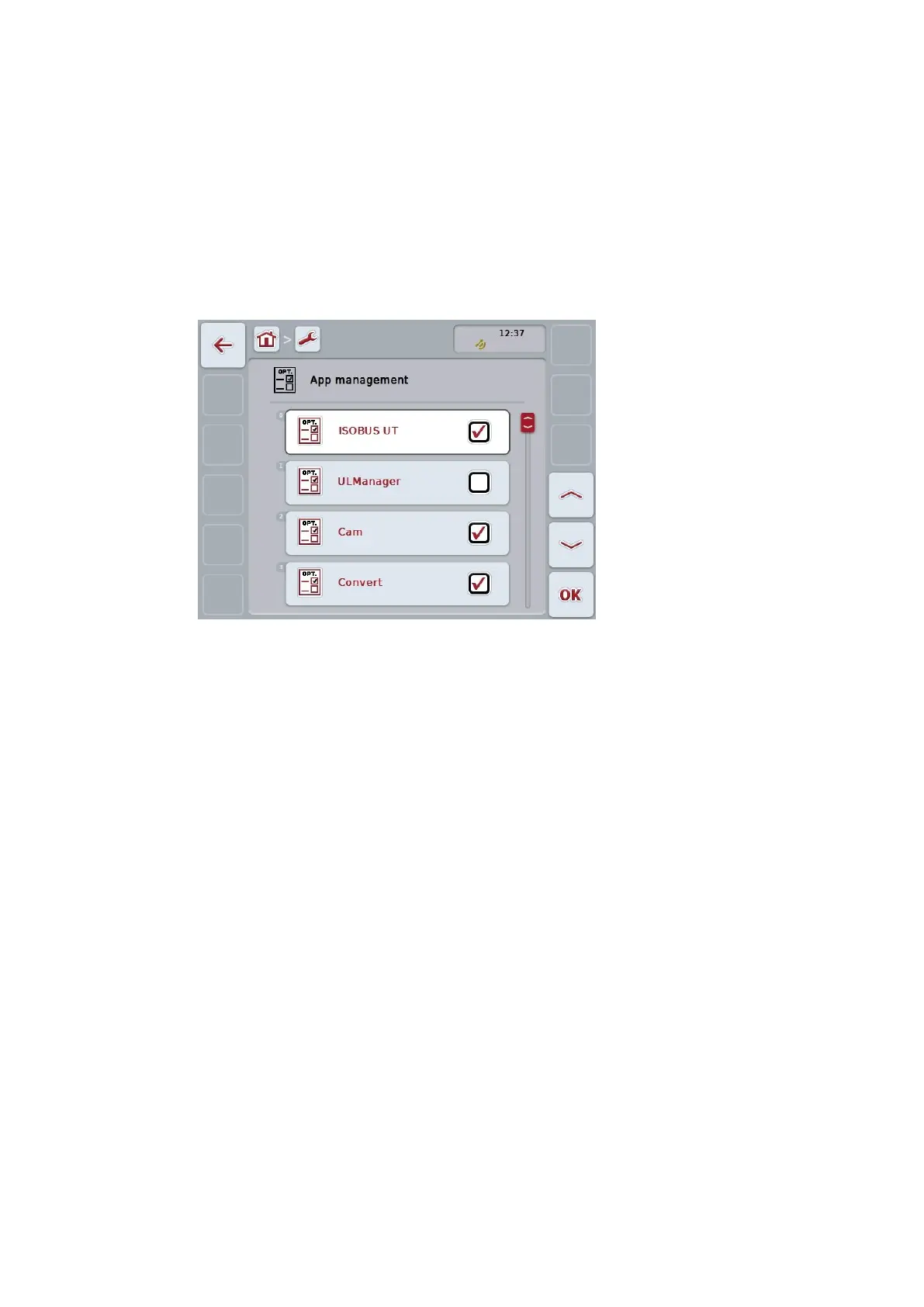
5.3.2 App management
Apps that are not required can be permanently disabled. The remain-
ing apps then have more available CPU power and memory.
To activate an app proceed as follows:
1. Press the button "App management".
The “App management” screen opens:
2. Press the button with the name of the app.
3. Set the Boolean value to “Off”.
4. Repeat steps 2 and 3 for further apps.
5. Restart the terminal.
To activate an app proceed as described above. Set the Boolean val-
ue to “On”.
5.3.3 CAN
The terminal priority must be set in the ISOBUS network, if more
than one ISOBUS terminal is connected to the ISOBUS.
The object pool of an implement is displayed at the primary termi-
nal by default.
An ISOBUS auxiliary control (AUX) is only displayed on the primary
terminal.
The specific location of the terminal is required for diagnostic purpos-
es. The setting has no effect on the ISOBUS - implement.
Press the button "CAN".
The “CAN” operating screen opens:


 To Next Page