Settings
34
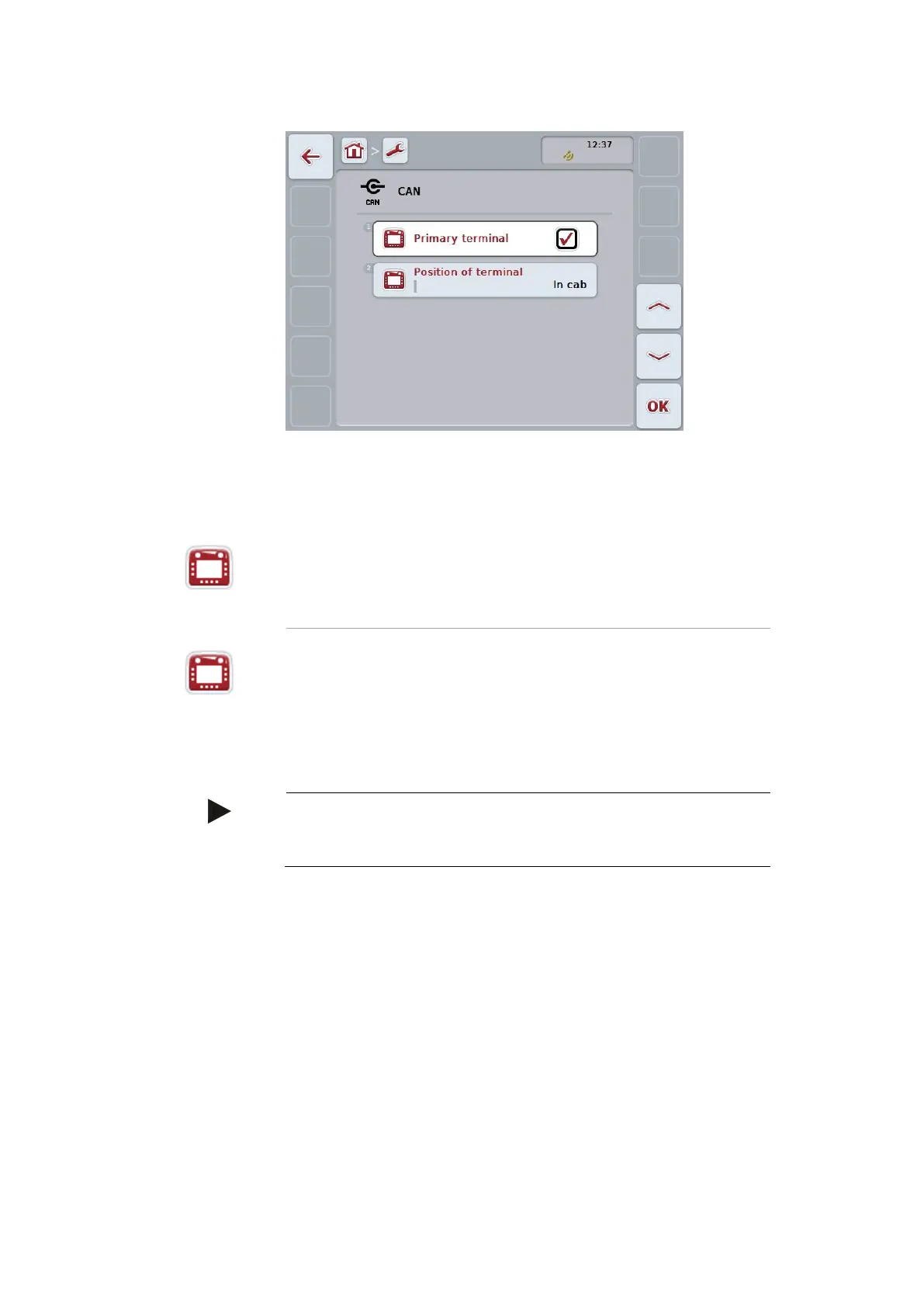
The following settings can be made:
Set the terminal as the primary terminal
1. Press the button "Primary terminal".
2. Set the Boolean value to “On”.
3. Confirm your entry with "OK".
Select the specific location of the terminal
Possible positions are specified and cannot be freely selected.
1. Press the button "Position of terminal".
2. Select the position from the selection list.
3. Confirm your entry with "OK".
Note
Only one primary terminal must exist on the ISOBUS. If another
primary terminal is detected, an error message is displayed.


 To Next Page