Settings
32
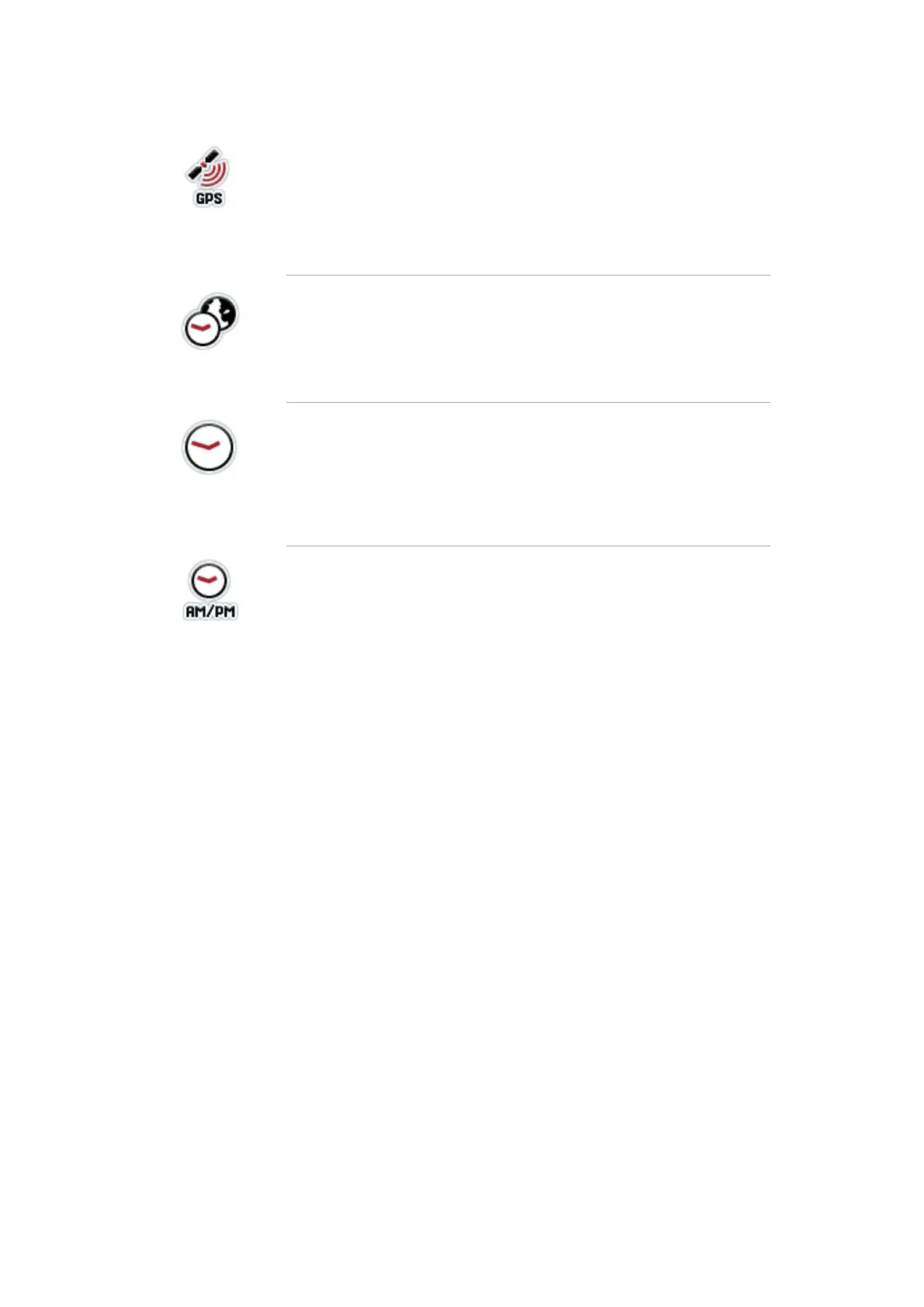
GPS update
If a GPS connection is available, the terminal date and time are
automatically updated. Manual settings are overwritten:
1. Press the button "GPS update".
2. Set the Boolean value to “On”.
3. Confirm your entry with "OK".
Time zone
There is a table with time difference values in the appendix.
1. Press the button "Timezone".
2. Enter the the time difference in hours.
3. Confirm your entry with "OK".
Automatic daylight saving
The change between summer and winter time takes place auto-
matically.
1. Press the button "Summer/winter time".
2. Set the Boolean value to “On”.
3. Confirm your entry with "OK".
Select am/pm
This selection is only available if "12h" has been selected for the
Time format .
1. Press the button "am/pm".
2. Select "am" or "pm".
3. Confirm your entry with "OK".


 To Next Page