- 10 -
Digital Video Security Systems
HD-SDI DNR DAY & NIGHT COLOR CAMERA
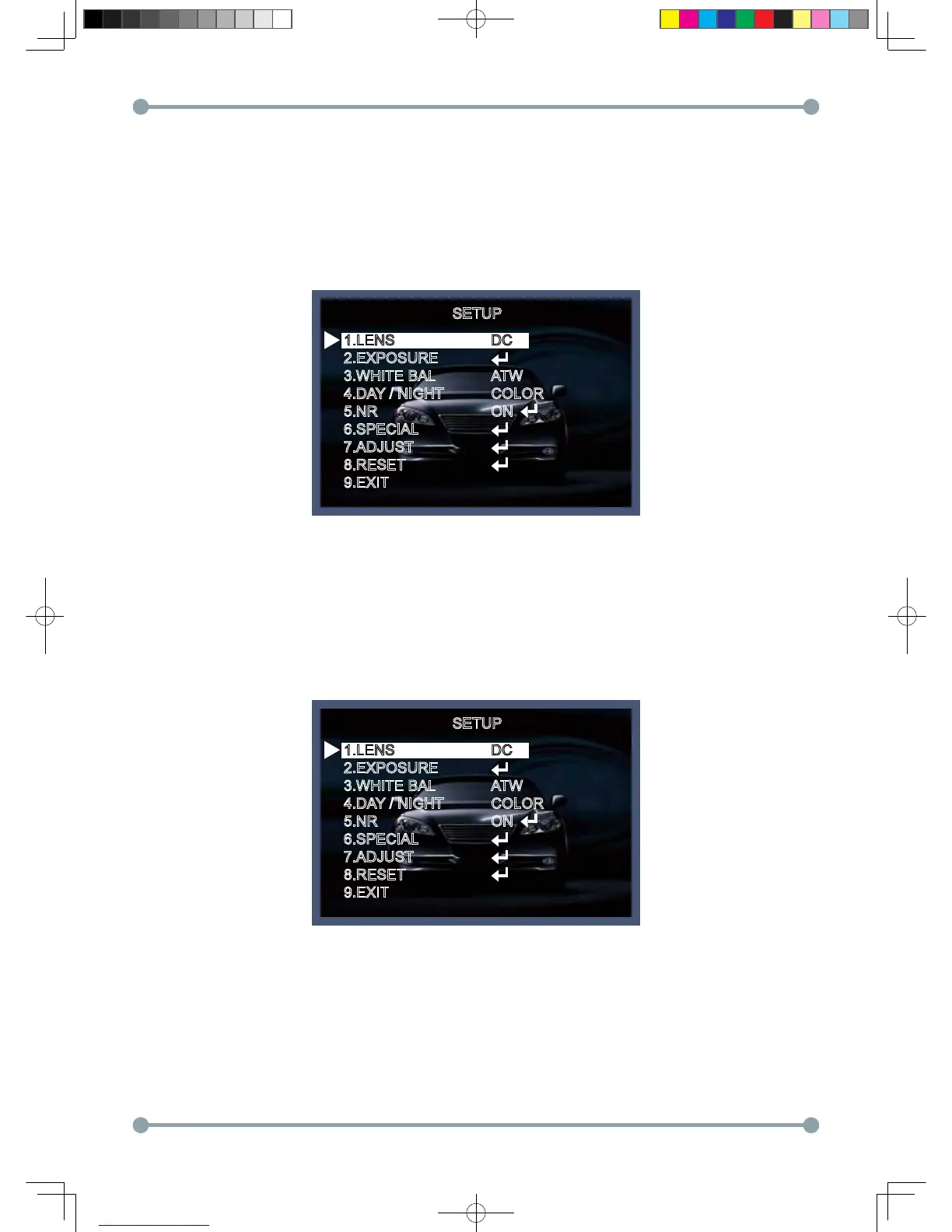
Menu items can be selected by using the OSD buttons of the camera
1. Press the Set Up button.
* The Set Up menu will be displayed on the monitor.
2. Move and select the required function using the Up and Down button.
* Move the arrow indicator Up or Down to select the desired feature by pressing
the Up or Down button.
Menu Set Up
SETUP
1.LENS
2.EXPOSURE
3.WHITE BAL
4.DAY / NIGHT
5.NR
6.SPECIAL
7.ADJUST
8.RESET
9.EXIT
DC
ATW
COLOR
ON
SETUP
1.LENS
2.EXPOSURE
3.WHITE BAL
4.DAY / NIGHT
5.NR
6.SPECIAL
7.ADJUST
8.RESET
9.EXIT
DC
ATW
COLOR
ON
HD-SDI 공용 Manual.indd 10 2011-09-28 오후 4:34:02



 To Next Page