- 24 -
Digital Video Security Systems
HD-SDI DNR DAY & NIGHT COLOR CAMERA
③ Select a new position by using the four
directional button, Press the SET button to
confirm the position.
CAM1
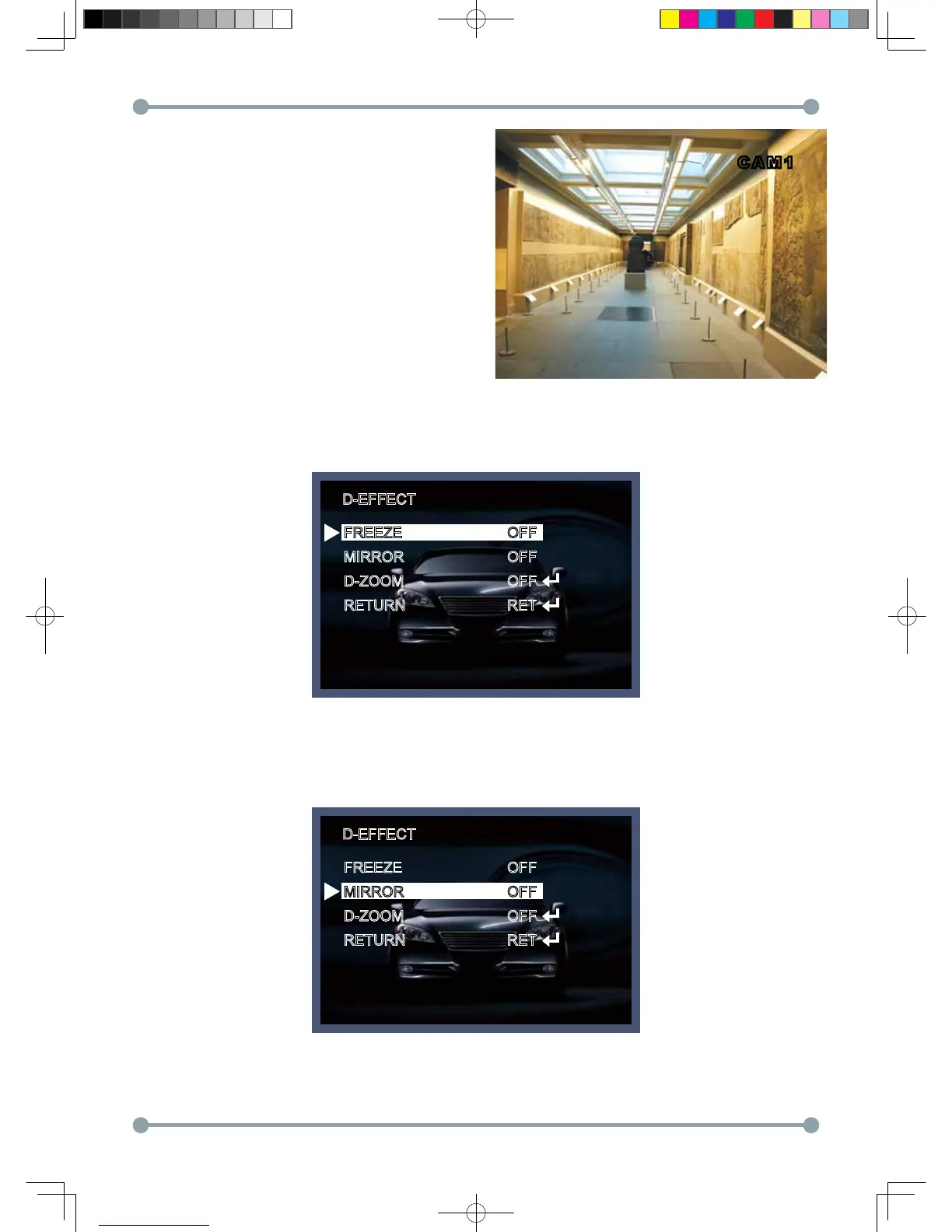
2. D - EFFECT
Move the cursor to D-EFFECT and press the SET button to set the other image functions.
D-EFFECT
D-EFFECT
FREEZE
MIRROR
D-ZOOM
RETURN
FREEZE
MIRROR
D-ZOOM
RETURN
OFF
OFF
OFF
RET
OFF
OFF
OFF
RET
2 -1) MIRROR : Flip the image horizontally on the screen.
HD-SDI 공용 Manual.indd 24 2011-09-28 오후 4:34:09



 To Next Page