- 27 -
Digital Video Security Systems
HD-SDI DNR DAY & NIGHT COLOR CAMERA
4. PRIVACY
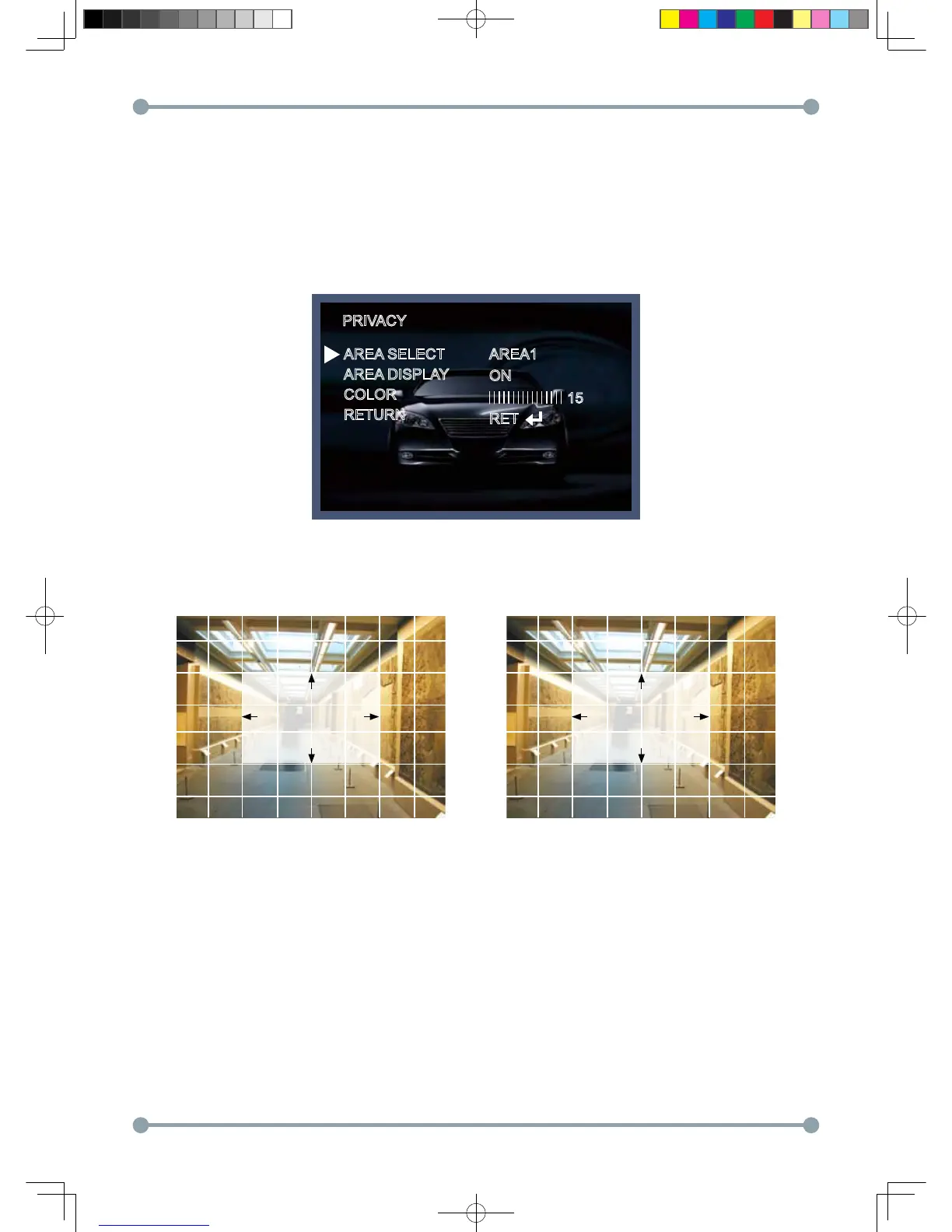
Hide an area you want to hide on the screen.
4-1). When the SPECIAL menu screen is displayed, press the Up and Down buttons to set to PRIVACY.
4-2). Set up the area mode using the 4 direction buttons.
① AREA SELECT : You can select up to 8 MD area.
② AREA DISPLAY : OFF : Disabled
ON : Activates area displa
PRIVACY
AREA SELECT
AREA DISPLAY
COLOR
RETURN
AREA1
ON
RET
15
POSITION SIZE
HD-SDI 공용 Manual.indd 27 2011-09-28 오후 4:34:11



 To Next Page