- 22 -
Digital Video Security Systems
HD-SDI DNR DAY & NIGHT COLOR CAMERA
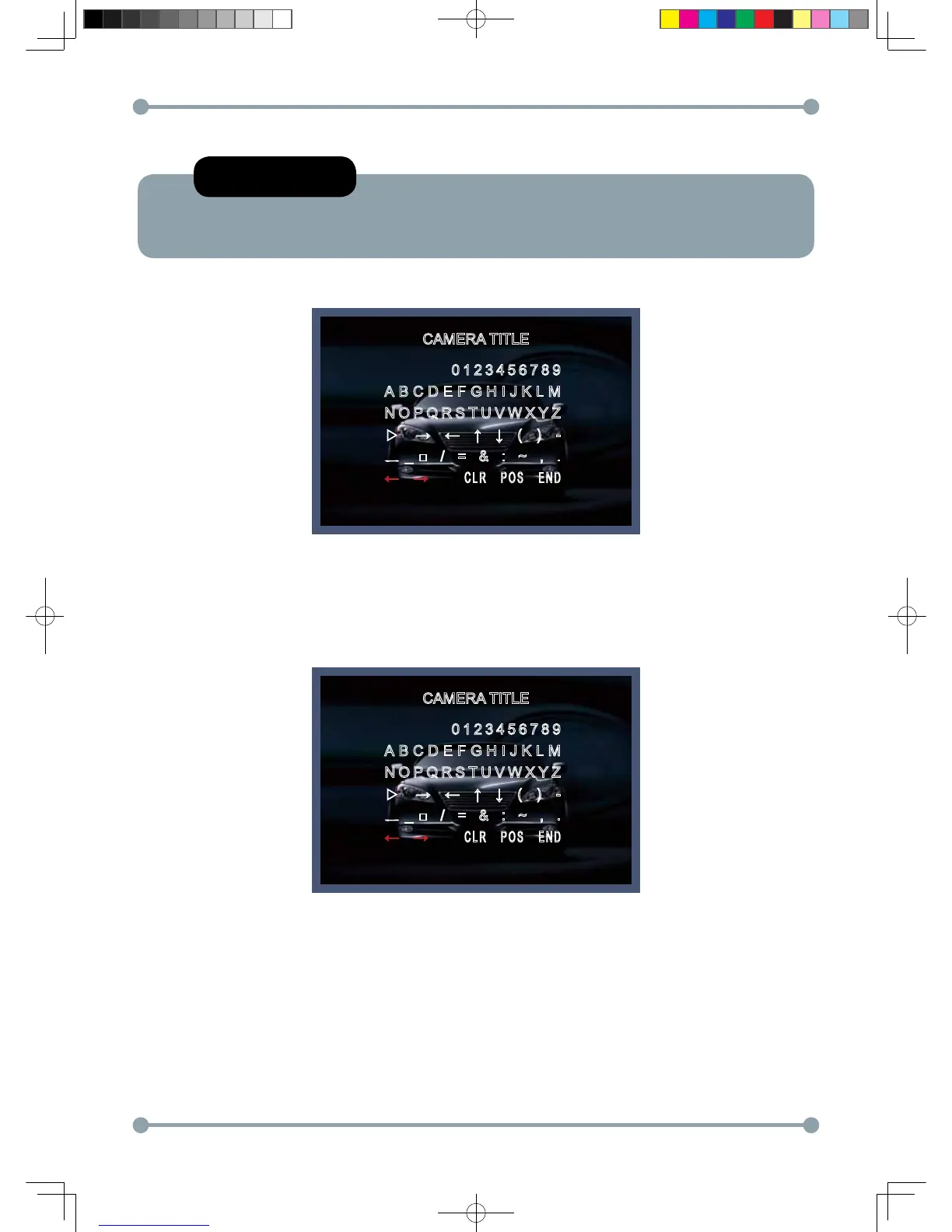
1-3) Press the SETUP button.
CAMERA TITLE
CAMERA TITLE
0123456789
ABCDEFGHIJKLM
NOPQRSTUVWXYZ
▷ → ← ↑ ↓ ( ) -
ㅡ _ □ / = & : ~ , .
← →
CLR POS END
0123456789
ABCDEFGHIJKLM
NOPQRSTUVWXYZ
▷ → ← ↑ ↓ ( ) -
ㅡ _ □ / = & : ~ , .
← →
CLR POS END
NOTE
* When CAMERA TITLE is set to OFF, the CAMERA TITLE is not displayed on the monitor.
1-4) The CAMERA TITLE can be up to 15 alphanumeric characters in length.
① Move the cursor to choose an alphanumeric character.
② Choose a character in displayed range A~Z, a~z, 0~9 using the Up, Down, Left and Right buttons.
③ Select the desired character by pressing the SETUP button.
- The cursor moves to the next position, after character input, by pressing the SETUP button.
④ Repeat the above steps until the Camera ID has been created.
HD-SDI 공용 Manual.indd 22 2011-09-28 오후 4:34:08



 To Next Page