28 | CONGA 1090
ENGELSK
Disconnect the appliance from the power supply before re-
moving the battery.
The appliance is not intended to be used by children under the
age of 8. It can be used by children over the age of 8, as long as
they are given continuous supervision.
This product can be used by children aged 8 and above, and
persons with reduced physical, sensory or mental capabilities
or lack of experience and knowledge, as long as they have been
given supervision or instruction concerning the use of the ap-
pliance in a safe way and understand the hazards involved.
Supervise children, they shall not play with the appliance.
Close supervision is necessary when the appliance is being
used by or near children.
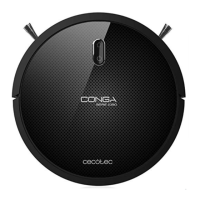
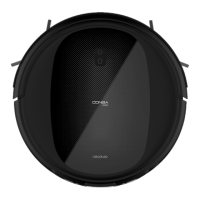
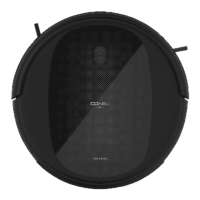
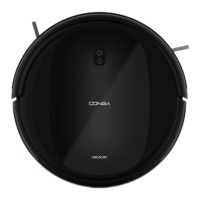
2. Parts and components
Wi-Fi connection light indicator (only in 1090 Connected, 1099 Connected
and 1090 Connected Force).
Fig. 1
Back home button
Light indicator
Power/operation button
Back home button
The robot will automatically go to the charging base when this button is
pressed on the robot or on the remote control.
Light indicator
Steady orange light: low battery.
Blinking orange light: Charging
Steady blue light: fully charged/standby mode/cleaning.
Red light blinks: error.
Power/operation button
Long press this button for a few seconds to turn the robot on or o.
Press it to start cleaning too.









 To Next Page