CONGA 1090 | 33
ENGLESK
Scrubbing mode
Attach the mop cloth to the water tank and ll the tank with water.
Take the dust tank out.
Install the water tank in the robot and turn it on.
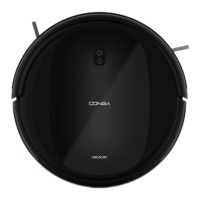
Fig. 28
Use the remote control to select the desired scrubbing power level: High,
Medium or Low.
Once the scrubbing mode is selected from the remote control or the app,
the device will perform the function “All in One” to vacuum, mop and scrub
at the same time thanks to its mixed tank.
Note: If you want to sweep the oor, skip the water-lling step.
To ensure perfect scrubbing from the start, it is suggested to dampen the
mop cloth evenly with water before use.
Spot mode
The robot will carry out an intense cleaning of a specic area when this
mode is activated. The robot will start cleaning at a specic point and will
move outwards performing spiral movements (1 meter). Then, it will return
to the starting point in spiral movements again.
Before operating the robot with spot cleaning mode, place it on the spot to
be cleaned.
Press the spot cleaning button on the remote control or on the App.
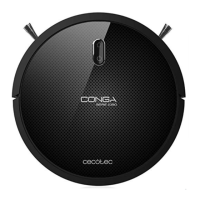
Fig. 29
Edge mode
When this mode is selected, the robot will clean along walls and around
furniture (table or chair legs, for example).
Press the edge cleaning button on the remote control or on the App.
Fig. 30
Room mode
The robot will carry out a 30-minute cleaning cycle when this mode is ac-
tivated.
Press the room cleaning button on the remote control or on the App.
Fig. 31
To ensure an ecient cleaning of the room, close the door or use the mag-
netic strip (only included with Conga 1099 Connected) to delimit the clean-
ing area.
Suction power level function
Press the power level button on the remote control in order to control the
robot’s suction power during the cleaning process. There are 3 suction









 To Next Page