Instruction manual
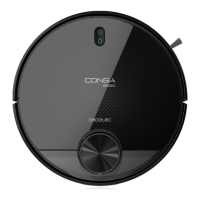
1. PARTS AND COMPONENTS
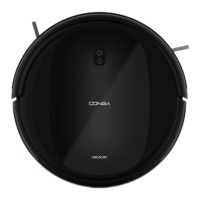
Fig. 1
1. Wi-Fi indicator
2. Power/operation button
3. Back home button
Back home button
The robot will automatically go to the charging base when this button is pressed.
Light indicator
Charging: Blinking orange
Fully charged: Blue light
Standby mode: Blue light
Error: Red light on/blinking
Low battery: Orange light
Cleaning: Blue light
Sleeping mode: Light off
Power/operation button
Long press this button for a few seconds to turn the robot on or off.
Press it to start cleaning too.







 To Next Page