EasyManua.ls Logo

CellAir Gecko - Creating Users; Create New User; Program Selection; Hypoxia Test

CellAir Gecko
28 pages
Print Icon
To Next Page IconTo Next Page
To Previous Page IconTo Previous Page
Loading...
CREATING USERS
Create new user
Program selection
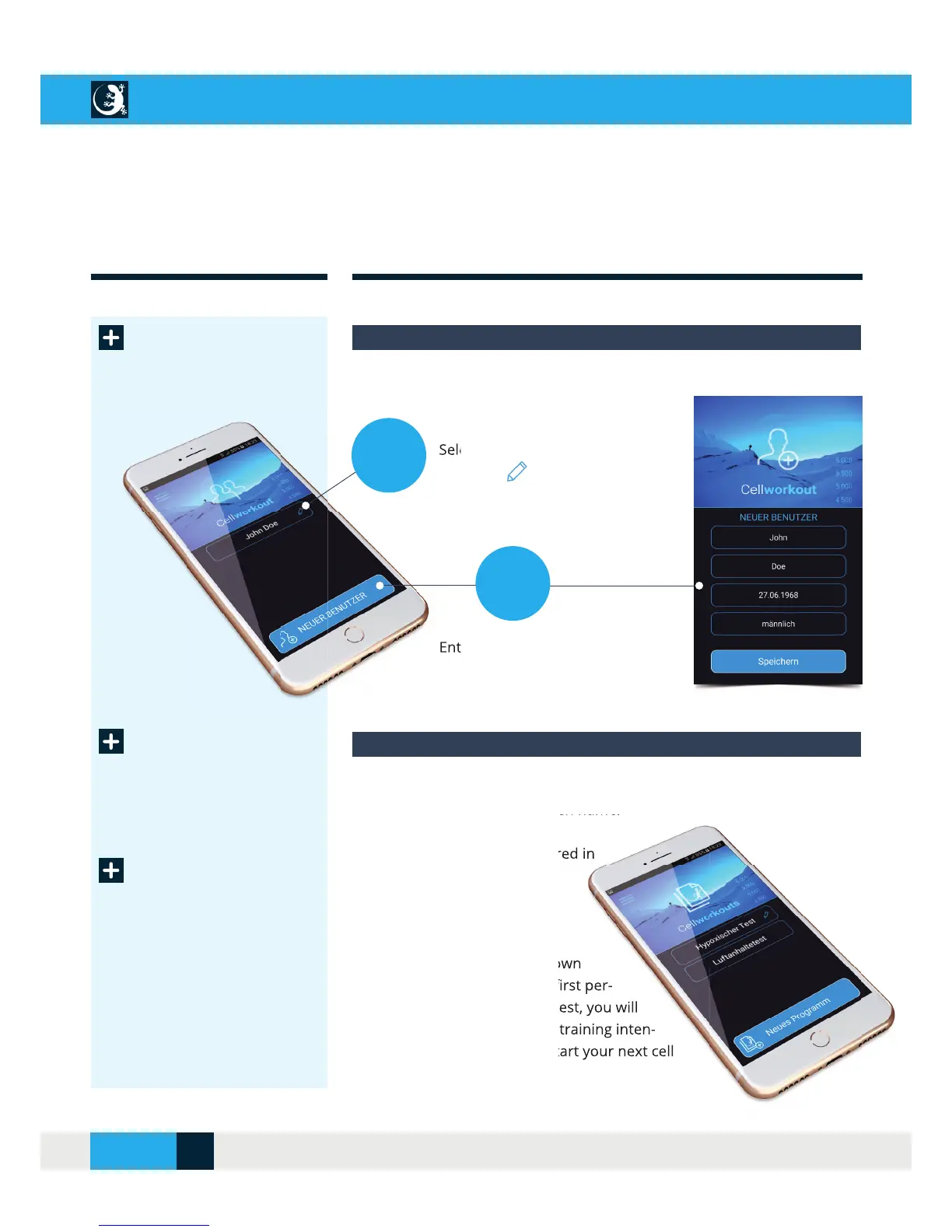
Selecting or creating a new user
In the “User Profi le” menu, you can:
Select or change existing users
with
Enter and save a new user
In the CellAir® Gecko app you can create your own training programs and
save them under a freely chosen name.
Two programs are already stored in
the app:
1. Hypoxic test
Before carrying out your fi rst own
training program, you should fi rst per-
form a hypoxic test. After the test, you will
receive a statement about the training inten-
sity which you should use to start your next cell
training.

Select or change
with
Enter and save a
1.
2.
Selection or creation of a new training program
Two programs are already stored in
Before carrying out your rst own
training program, you should rst per-
form a hypoxic test. After the test, you will
receive a statement about the training inten-
sity which you should use to start your next cell
Hypoxia test
or
CELLAIR
®
GECKO DOCUMENTATION
14SITE
04/2018