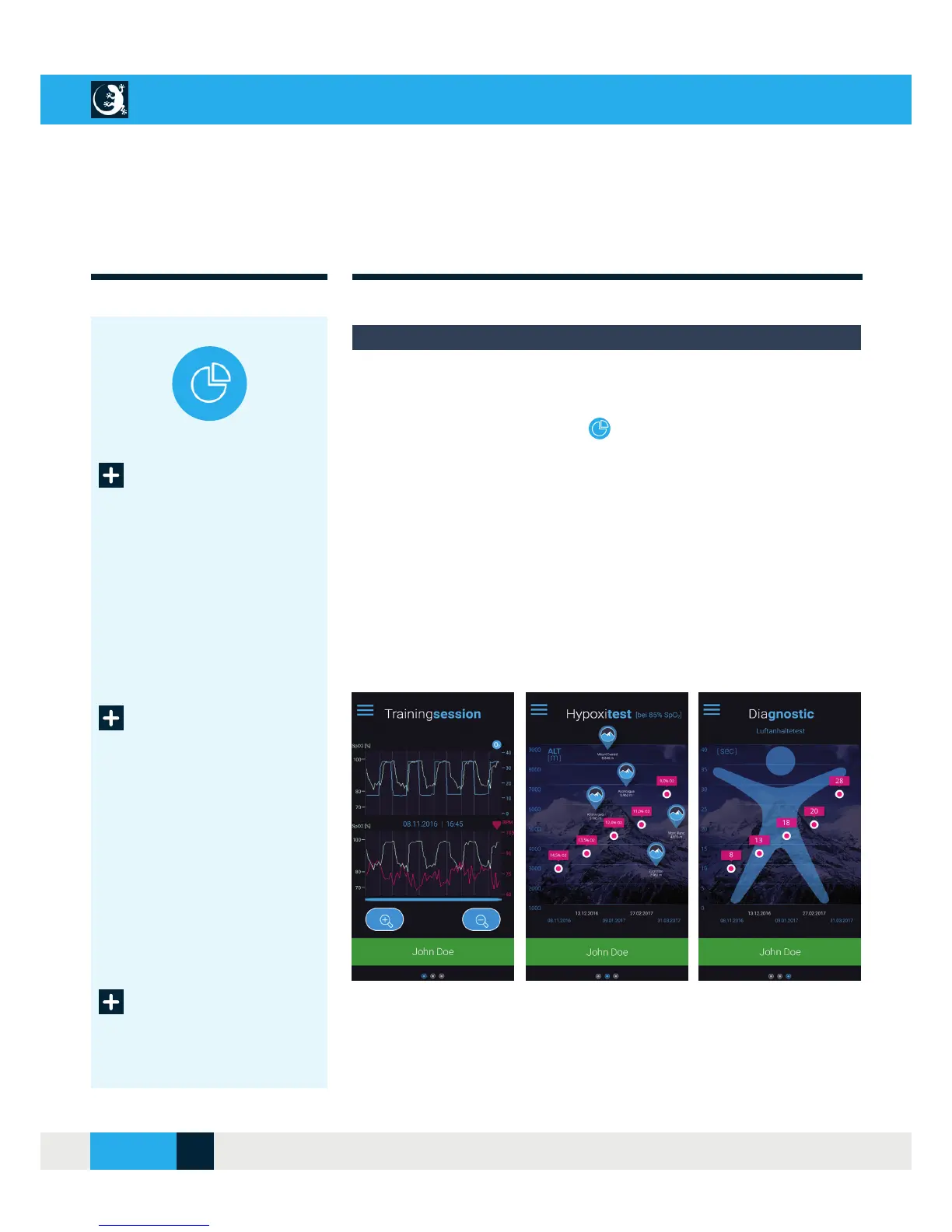
To see the results of a training session, you must fi rst select a user in the
“User Profi le” menu. You can then access the evaluation of your training
via the “Training evaluation” menu.
By swiping to the right or left you get to display views 1-3.
Three views are available to all users:
The SpO
2
and pulse lines of your last training session
The last 5 results of the hypoxia test and the recommended O
2
values
for your training
A comparison of the last 5 results of the breath holding test
For more information on the hypoxia and breath holding test, see page 15,
or use the “Info Portal” menu of your CellAir® GECKO app.
TRAINING EVALUATION
Last training
session (1)
Hypoxia test
result (2)
Display views for the evaluation of your training
Breath holding
test result (3)
Display view
Display view
Display view
CELLAIR
®
GECKO DOCUMENTATION
20SITE
04/2018



 To Next Page