START TRAINING SESSION
Function keys
After putting on your respiratory mask and calling up a training program,
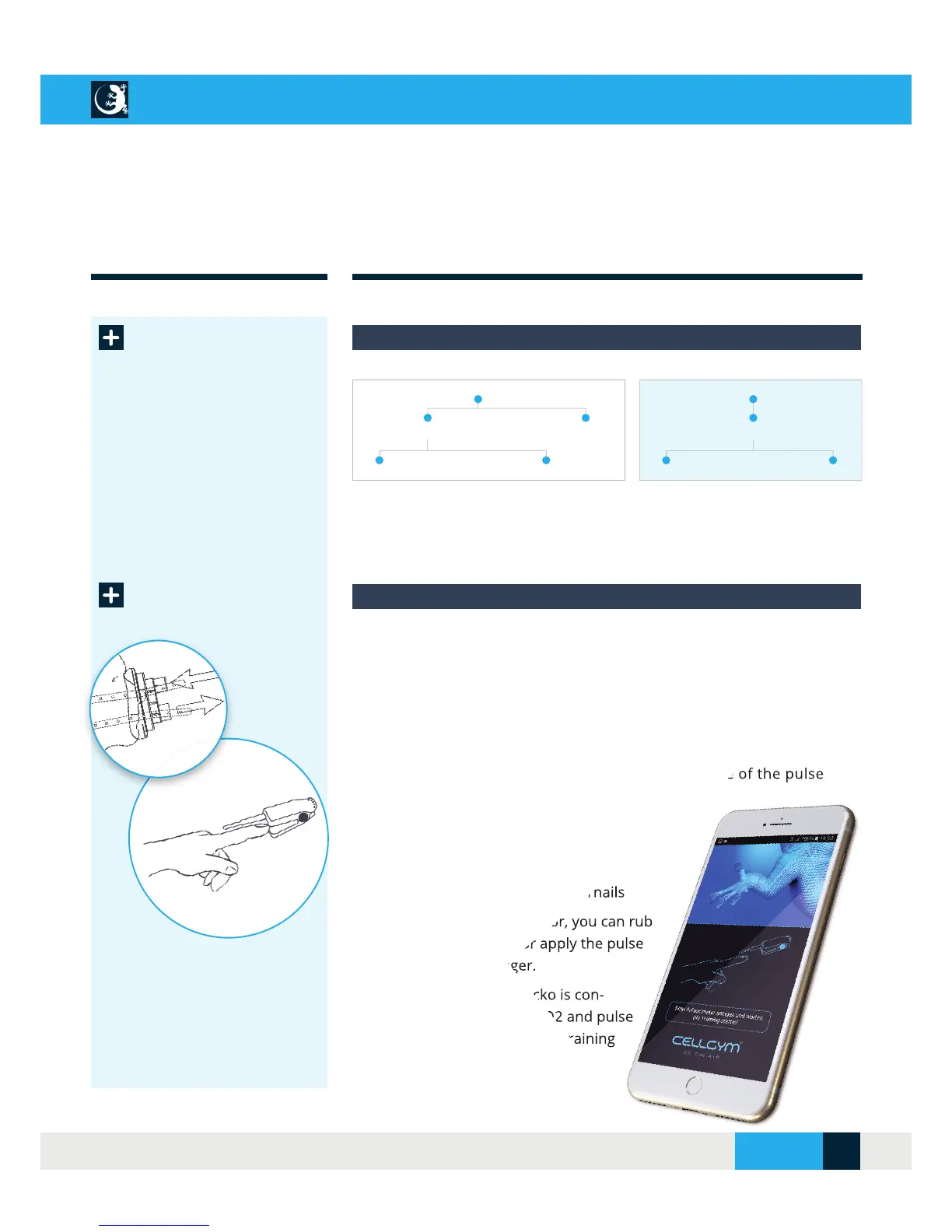
the CellAir® Gecko app prompts you to put on the pulse oximeter.
The pulse oximeter is designed for use on the fi ngers (not the thumb). The
recommended application point is the index fi nger.
The following conditions may affect the performance of the pulse
oximeter:
•
Weak pulse quality (weak blood circulation)
•
Flickering or very bright light
•
Low haemoglobin level
•
Nail polish and/or artifi cial fi ngernails
If your blood circulation is poor, you can rub
your fi nger to improve it or apply the pulse
oximeter to another fi nger.
As soon as the CellAir® Gecko is con-
nected and receives your SpO2 and pulse
values, the previously selected training
program starts automatically.
The following conditions may affect the performance of the pulse
Weak pulse quality (weak blood circulation)
Nail polish and/or artifi cial fi ngernails
If your blood circulation is poor, you can rub
your fi nger to improve it or apply the pulse
oximeter to another fi nger.
As soon as the CellAir® Gecko is con-
nected and receives your SpO2 and pulse
values, the previously selected training
Program run modes by combining the function keys:
Manual mode Biofeedback
Hypo (variable) / Hyper (34% O2) Hypo / Normo (21% O2)
Inverse ON (start with hyperoxia phase) Inverse OFF
Hypo (automatic control) / Hyper (34% O2)
Inverse ON (start with hyperoxia phase) Invers OFF
Start training
session
Put on the pulse oximeter to start the training session
After defi ning the desired training parameters and assigning a unique
name, you can save your program.
CELLAIR
®
GECKO DOCUMENTATION
SITE 17
© 2017 - CELLGYM Technologies GmbH



 To Next Page