TROUBLESHOOTING
CellAir® Gecko
app without
connection to the
hypoxicator
Troubleshooting
If you encounter a problem while establishing the connection between
CellAir® Gecko app and hypoxikator, fi rst look for a solution in the chapter
entitled “Initial Commissioning”.
If this does not solve the problem, please proceed as follows:
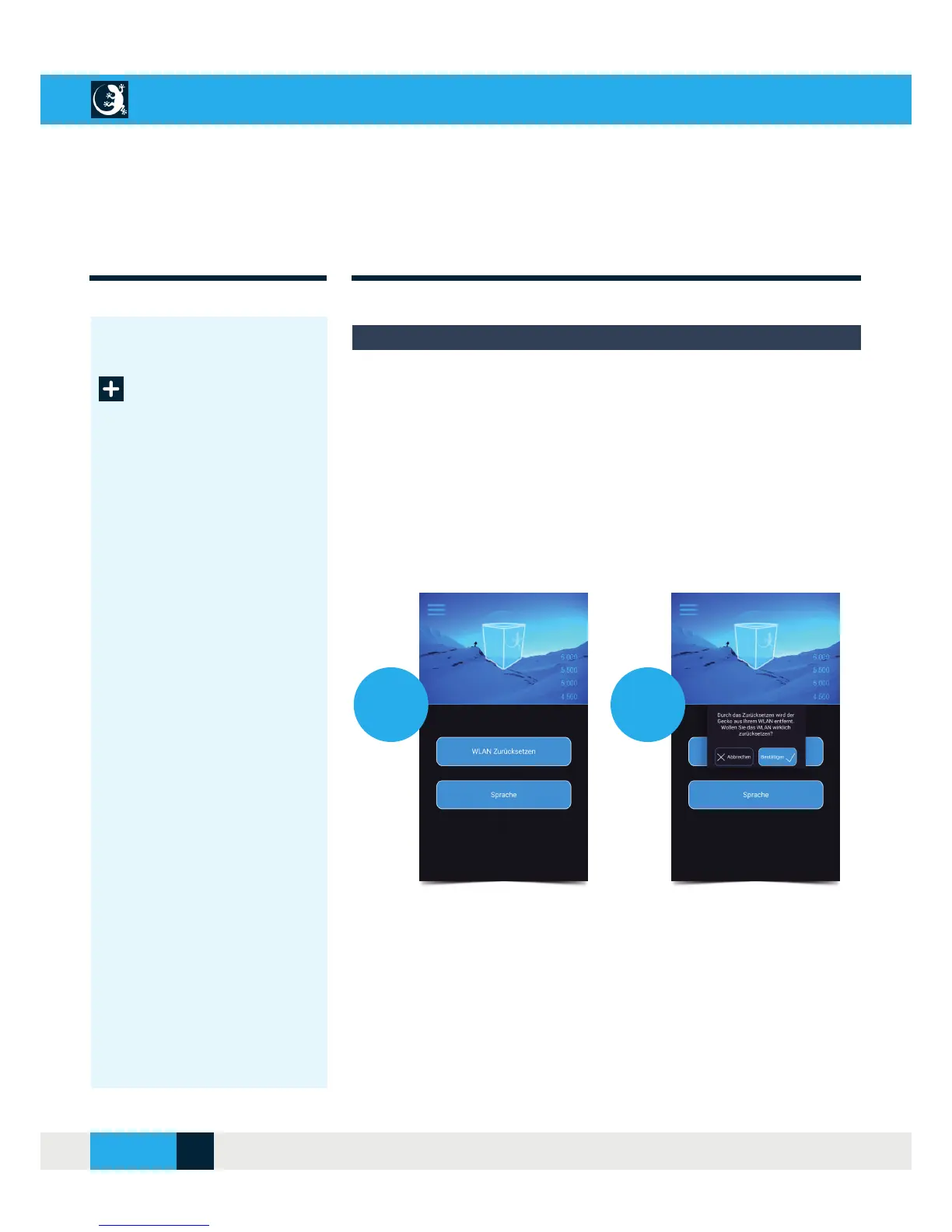
Go to the “Settings” menu and select “Reset WLAN” [1.] and confi rm the
message [2.] to remove the Gecko from the WLAN network.
1.
2.
Close the CellAir® Gecko app and turn off the hypoxicator. Wait 30 sec-
onds before switching on the hypoxicator again. To establish the connec-
tion, follow the instructions in the chapter entitled “Initial Commissioning”.
If no connection is established again, connect your tablet or smartphone in
direct mode (see “Initial Commissioning”).
CELLAIR
®
GECKO DOCUMENTATION
22SITE
04/2018



 To Next Page