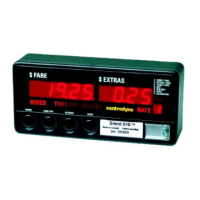
S700 Taximeter Operating & Programming Guide
14
Group 6 Password Entry/Edit
If the PASSWORD option is enabled, then no editing of the data in groups 0 thru’ 5 will be allowed until the correct User password is entered.
However, displaying the data is still permitted. To edit the User Password, go to Item 2 and enter the Master Password. Successfully entering the
Master Password will automatically take you to Item 3. Enter the new User Password into Item 3 and the meter automatically takes you back to Item
1, where you must re-enter your new User Password.
NOTE: Password option in Factory Configuration must be set.
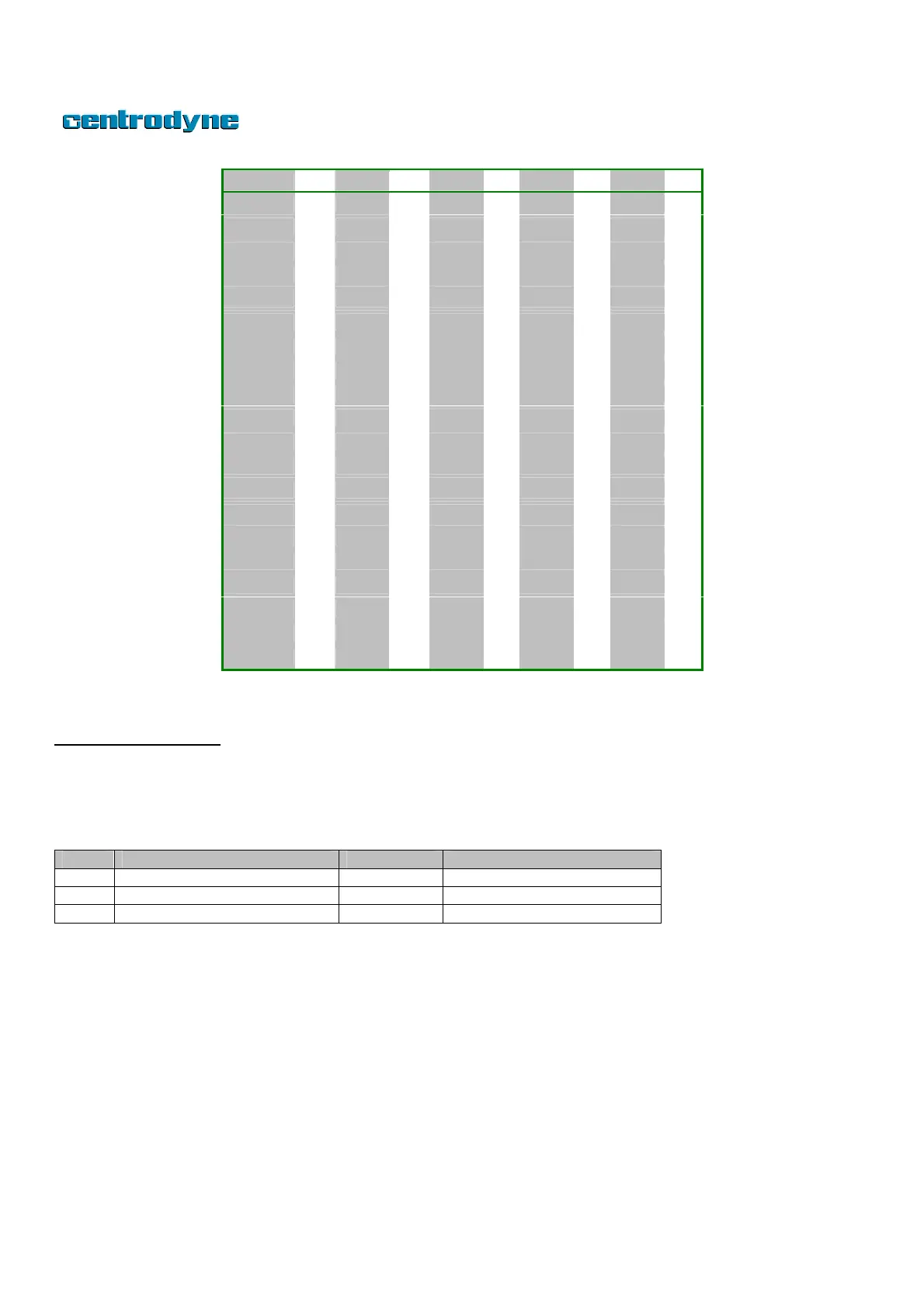
Char Dec Char Dec Char Dec Char Dec Char Dec
SPACE 32 4 52 H 72 \ 92 p 112
! 33 5 53 I 73 ] 93 q 113
" 34 6 54 J 74 ^ 94 r 114
# 35 7 55 K 75 _ 95 s 115
$ 36 8 56 L 76 ` 96 t 116
% 37 9 57 M 77 a 97 u 117
& 38 : 58 N 78 b 98 v 118
' 39 ; 59 0 79 c 99 w 119
( 40 < 60 P 80 d 100 x 120
) 41 = 61 Q 81 e 101 y 121
* 42 > 62 R 82 f 102 z 122
+ 43 ? 63 S 83 g 103 { 123
, 44 @ 64 T 84 h 104 | 124
- 45 A 65 U 85 i 105 } 125
. 46 B 66 V 86 j 106 ~ 126
/ 47 C 67 W 87 k 107 CR 13
0 48 D 68 X 88 l 108 LF 10
1 49 E 69 Y 89 m 109
2 50 F 70 Z 90 n 110
3 51 G 71 [ 91 o 111



 To Next Page