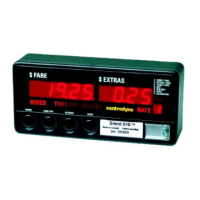
S700 Taximeter Operating & Programming Guide
8
Menu – 3 (Tariff Menu)
Menu #3 allows the operator to display and/or print the stored tariff information.
Display
Display
Menu – 4 (Configuration Menu)
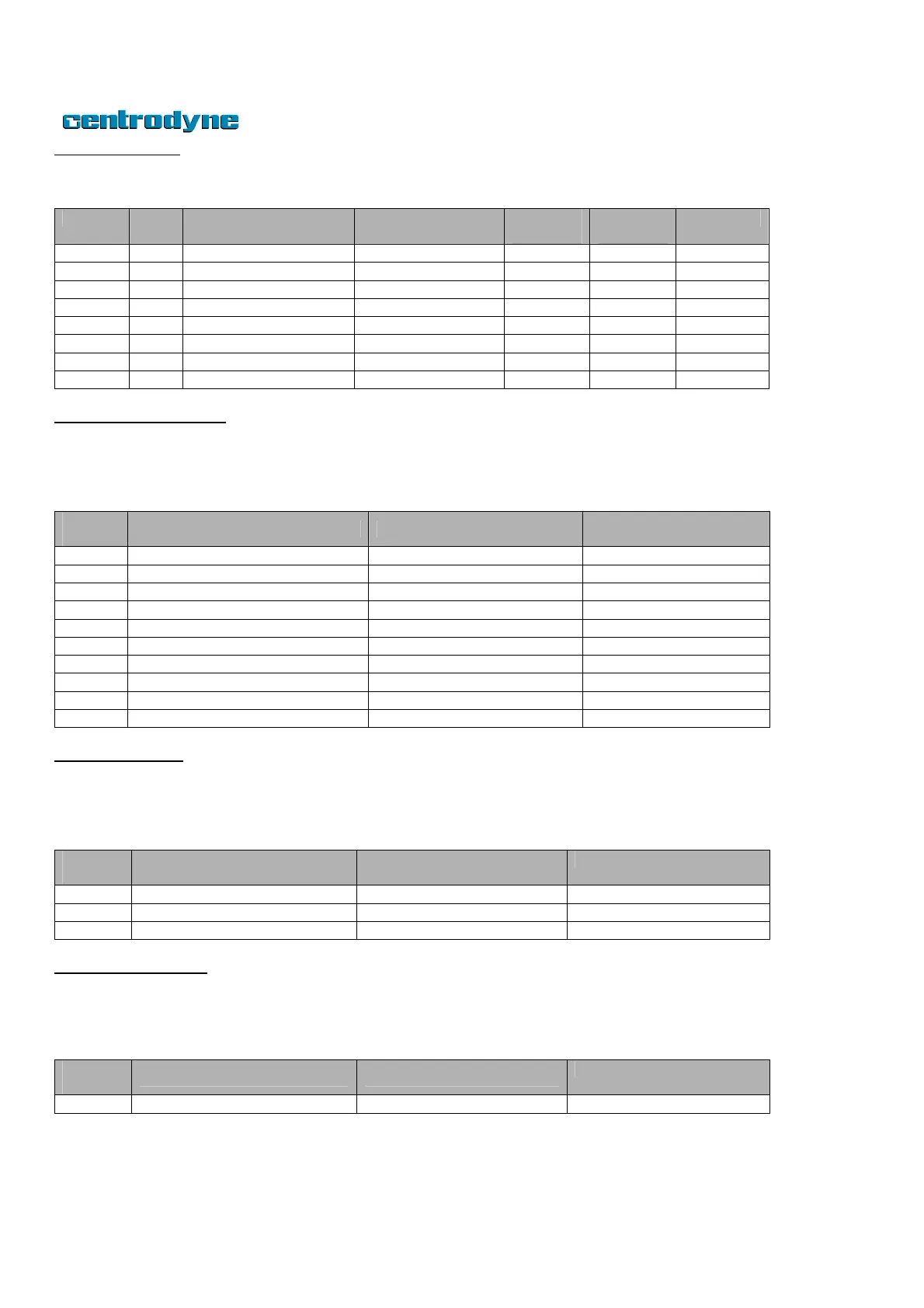
Menu #4 allows the user to view and/or print hardware and software related information as displayed in the following table. The S700 Taximeter
prints this information as well as factory configurations when the user presses switch 5 while the meter displays item 1 to 6. When meter displays
item 8, pressing switch 5 will print the error code list.
Number
Fare Display Extras Display
Display meter disable code
Menu – 5 (Clock Menu)
Menu #5 allows the operator to display the current date and time of the Real Time Clock (RTC) in the S710 Taximeter. The time of day may be
adjusted by up to 5 minutes by pressing switch 6 to begin editing. Press switch 3 and 4 to raise or lower the number and press switch 6 to record
new time of day. The clock can only be adjusted once per month.
Number
Fare Display Extras Display
Current year: Year/day of week
Menu – 6 (Odometer Menu)
Menu #6 displays odometer value. The value may be edited by pressing switch 6. If password is enabled you will first be prompted to enter the
password. Use switch 2 and 5 to select digit to be edited, use switch 3 and 4 to lower or raise the value, and finish by pressing switch 6 to record the
new value.
Number
Fare Display – Extras Display



 To Next Page