S700 Taximeter Operating & Programming Guide
16
Silent 700 Series Error Codes
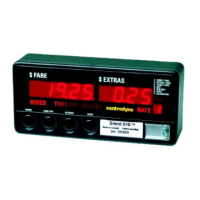
Errors are displayed in the Fare window as follows:
1. Meter Fault 000001
2. Meter Fault 000002
3. Meter Fault 000003
4. Paper out Error 000004
5. Meter Fault 000005
6. Meter Fault 000006
7. Meter Fault 000007
8. Printer Error 000008
9. Meter Fault 000009
11. Meter Fault 000011
12. Meter Fault 000012
13. Credit Card Swipe Error 000013
14. Meter Fault 000014
The error indications pre-empt whatever was previously displayed in the Fare Window, until the error is cleared or the abort switch (SW1) is
pressed to cancel the error indication. Error codes 1 and 5 cannot be cleared by pressing the abort switch. Those errors can only be cleared
when the error condition is resolved. However, it will always be possible to switch to program mode and to communicate with the programming
software, if necessary.
Error codes 4 and 8 cannot be cleared by pressing the abort switch if enable paper detect user option is enabled.



 To Previous Page