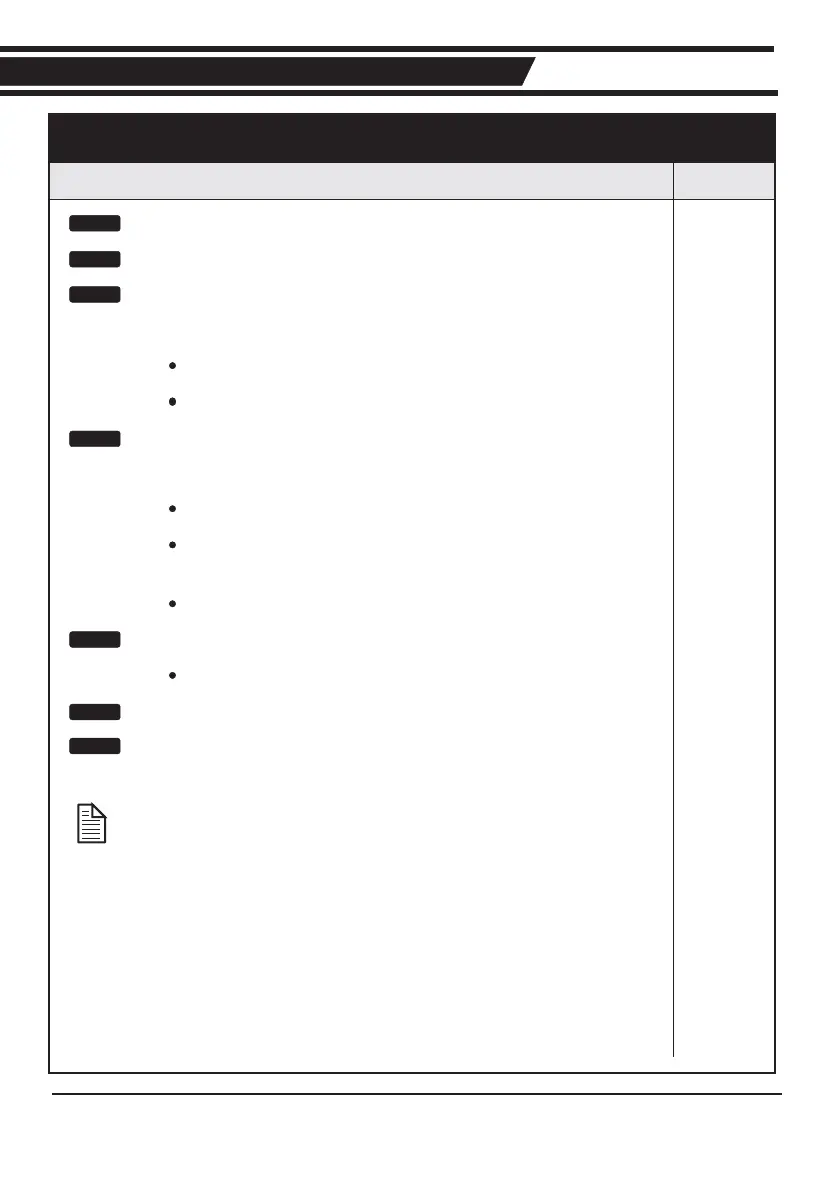
Read and understand all safety instructions Page 5
Connect all wiring: Page 24
Get into programming mode: Page 24
Remove all power.
Fit the SET link.
Reapply power.
Set the gate limits:
Move gate half way and engage.
Press and hold TEST, release after 1 flash of L1.
Press and hold TEST, release after 1 flash of
STATUS.
Check that gate will travel in the correct direction.
Exit programming mode: Page 27
Remove the SET link.
Check gate operation
Perform installation hand over Page 46
Action
Electrical Setup
Fast TrackFast Track
Step 2
Step 3
Step 4
Step 5
Step 6
Step 1
Page 7
When fault finding an existing installation, refer
to the FAULT FINDING GUIDE on page 35
Step 6














 To Next Page