76
CONTROLS & FEATURES
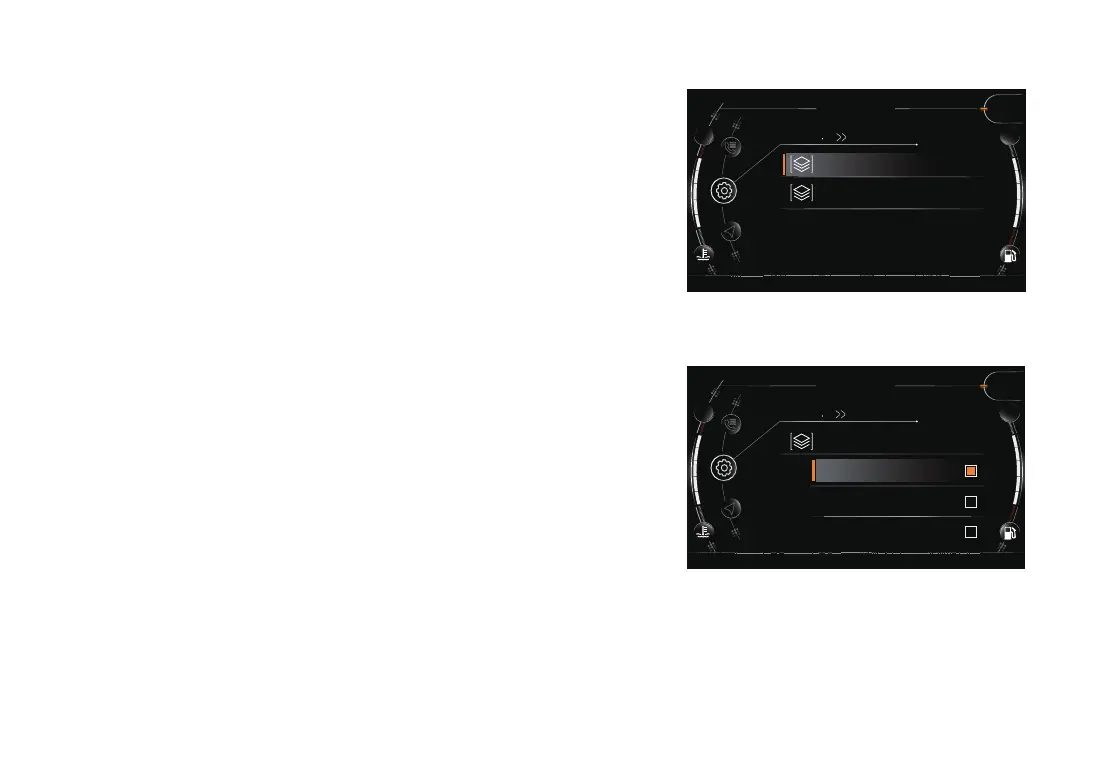
Favorite Info
Select one item to display in the main interface from both Info 1
and Info 2�
Short press button “SET” to enter into the menu�
Long press button “▲” or “▼” to enter into the setting interface.
Short press button “▲” or “▼” to select the favorite info, short
press button “SET” to enter into “Favorite Info”�
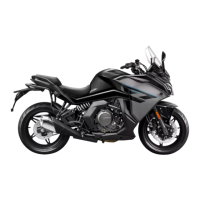
Short press button “▲” or “▼” to select info 1, short press
button “SET” to enter into info 1�
Short press button “▲” or “▼” to select the items that plan to
show in the home interface, press button “SET” to conrm the
selecting�
Info 1: Trip 1, Trip 2, ODO�
195
Setting
Info 1
5
km/h
SPORT
Info 2
Favorite Info
195
Info 1
5
km/h
SPORT
Trip 1
Trip 2
ODO
Setting
Favorite Info


 To Next Page