M10 User Manual 15
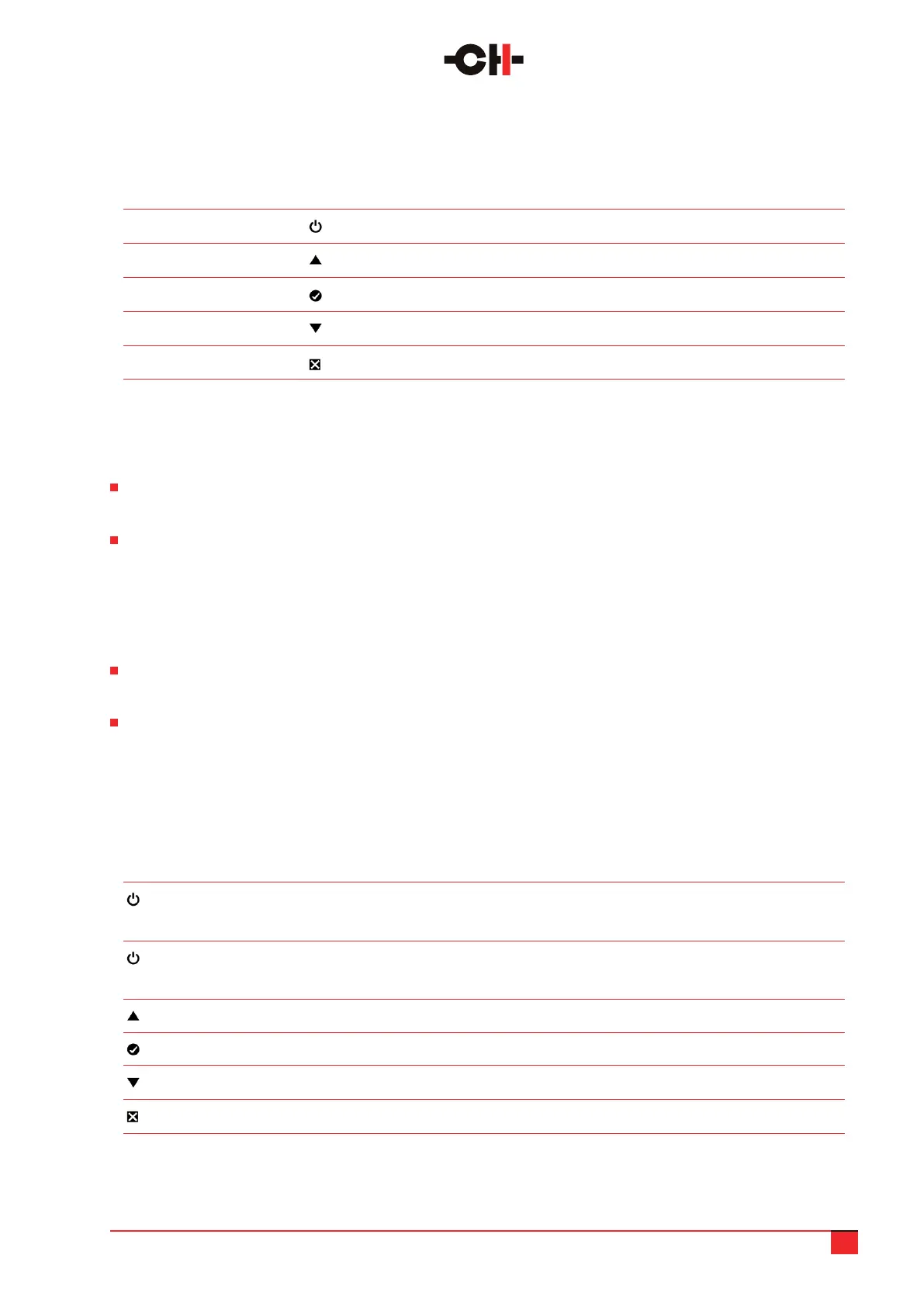
The push buttons located on the front panel of the M10 allow users to operate the amplier as well as congure
its various selectable parameters.
Button position Button symbol Description
1st (top position) Standby (long push), Mute/Unmute (short push)
2nd Up
3rd OK
4th Down
5th Cancel
In use, your M10 has two operating modes: Normal mode and Menu mode.
Normal mode is used to operate the amplier. In this mode the M10 displays status
(such as power and/or temperature).
Menu mode is used to congure the unit. The M10 menus can be accessed through the Detailed Setup screen.
Users can also use Shortcuts to quickly access preselected Menu items. Shortcuts are user programmable
and most Menu mode items can be selected as Shortcuts.
3.2 Normal mode
In normal mode, the M10 can be congured to display its general status (operating mode [stereo/mono],
input [XLR/BNC/RCA)] feedback ratio, peak power, internal temperature, etc.).
It can also be set to display a peak power VU-meter, or a temperature gauge for each output channel. Once
powered-on, the M10 will show a Startup display which indicates the charging progress of the main power
supply. Once the supply is fully charged, the amplier will automatically enter Normal mode.
The following table shows the actions of the front panel push buttons in Normal mode.
Front face push buttons Unit State Unit Action
short push STANDBY Wakes up from STANDBY
Any other state Mutes/Unmutes outputs
long push STANDBY Wakes up from STANDBY
Any other state Goes to STANDBY
Any state Enters Shortcuts mode
Any state Enters Shortcuts mode
Any state Enters Shortcuts mode
Any state No effect
Front panel push buttons description
M10 push buttons actions in Normal mode



 To Next Page