14
MYQ
®
LIGHT CONTROLS
Programming to a MyQ
®
Light Control
Theimagesthroughoutthismanualareforreferenceonlyandyourproductmaylookdifferent.
PressandreleasetheLEARNbuttononthemodule(the
LEDonthemodulewilllight).
Button
1
Plugthelampintothemoduleandplugthemodule
intoanelectricaloutlet(theLEDonthemodulewill
flash).NOTE: Make sure the lamp is switched ON.
2
IfthelampisnotON,pressandreleasethePowerbutton
onthemoduletoturnthelampON.
3
4
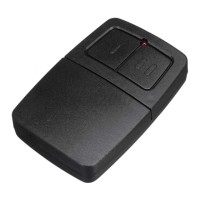
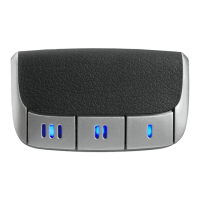
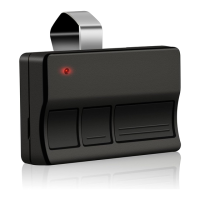
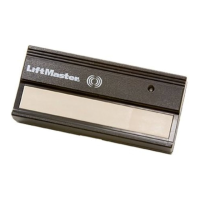
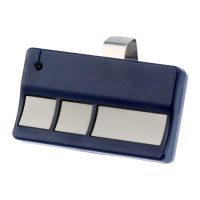
Pressthebuttonontheremotecontrol.
5
Thelamp’slightbulbwillblinkandtheLEDonthe
modulewillturnOFFwhenthedevicehasbeen
programmed.
LED








 To Next Page