EasyManua.ls Logo

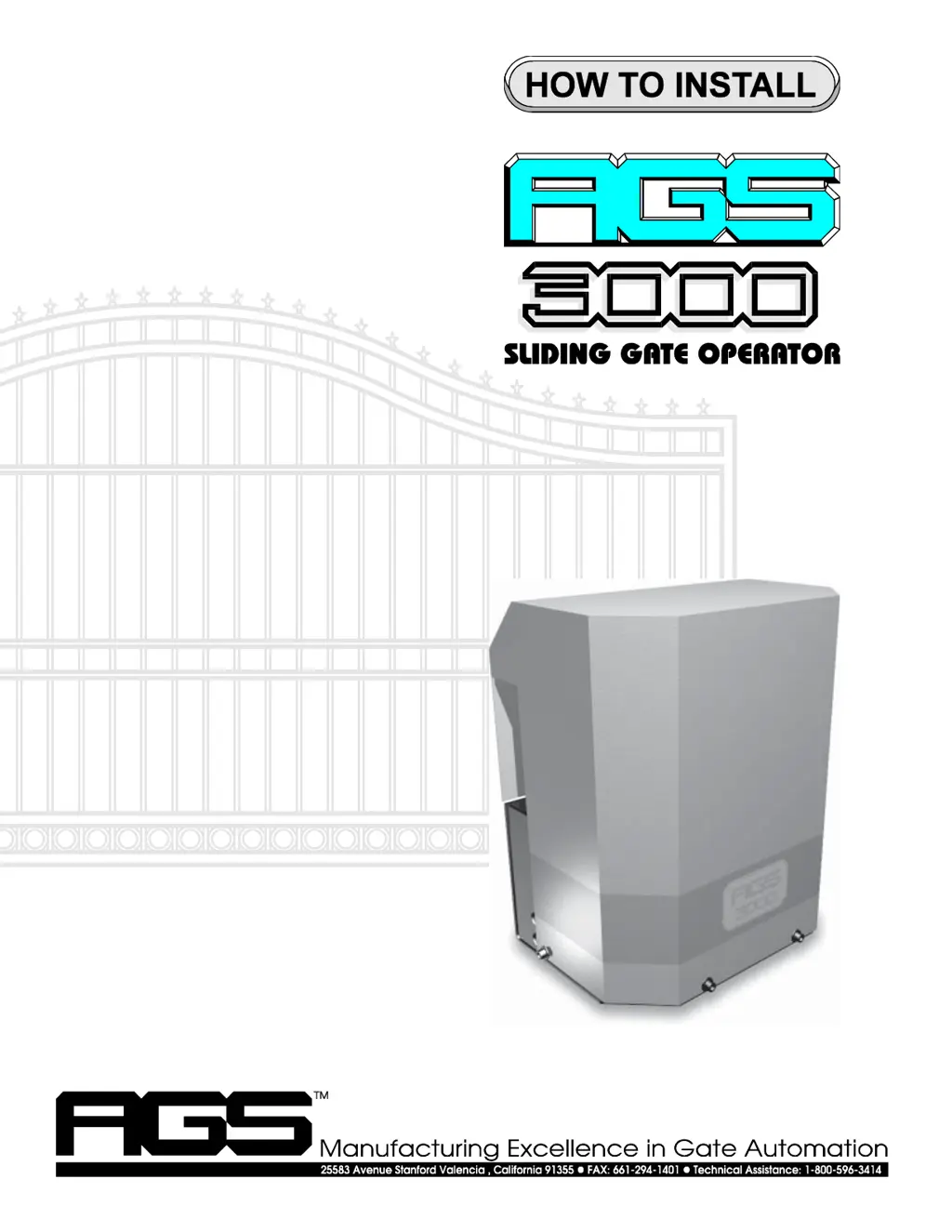
Chamberlain AGS 3000 - User Manual

Chamberlain AGS 3000
28 pages
Print Icon
To Next Page IconTo Next Page
Loading...
pg 1
For Classes I, II, III,
IV

Questions and Answers

  • D
    djeffersonJul 30, 2025
    What to do if my Chamberlain AGS 3000 will not open or close?
    • A
      Ashley LyonsJul 31, 2025
      If your Chamberlain Gate Opener isn't responding, try these steps: First, if using a remote, try another one or a push button. If a push button is in use, try another button or a remote. If there's no push button, use a jumper wire on terminal 8, touching it to terminal 5 or 7. Check the manual release switch is in the operate (up) position. Examine the LEDs on the circuit board. Disconnect any wires from illuminated input LEDs on terminals 4, 5, 7, or 10 until the LED turns off. If the stop input LED on terminal 9 isn't lit, inspect the stop input device and its connections. If there's no stop input device, ensure a secure jumper between terminals 8 and 9. Check the circuit breaker button and press it if tripped. Finally, ensure power to the circuit board on terminals 13 and 14.
  • A
    Anthony EllisAug 4, 2025
    How to fix a Chamberlain AGS 3000 Gate Opener transmitter that does not work?
    • D
      Debbie RoblesAug 4, 2025
      If your Chamberlain Gate Opener transmitter isn't working, try these solutions: Begin by checking the transmitter's battery and trying another transmitter. Ensure the DIP switches inside the transmitter match the settings of those in the receiver. Check which LEDs are lit on the circuit board. If any input LEDs on terminals 4, 5, 7, or 10 are illuminated, disconnect the wires from that input terminal until the LED goes out. Verify that the receiver has power (10 to 16 VDC) on terminals 8 and 12 and that the circuit breaker button is pressed in. If you hear a click when pressing the transmitter but the operator doesn't respond, check all receiver connections.
  • S
    Sheila MathisAug 7, 2025
    What to do if Chamberlain Gate Opener begins to open or close, then stops or reverses?
    • P
      pcoxAug 8, 2025
      If your Chamberlain Gate Opener starts to open or close but then stops or reverses, consider the following: First, adjust the gate sensitivity. Lubricate any mechanical parts, such as wheels and rollers, and clean the track. Check the input LEDs on terminals 4, 5, 7, and 10 while the gate is running; if any flicker or light up, disconnect the wires one by one from that terminal until the LED stops flickering or lighting up. If the radio receiver seems stuck, check all transmitters to ensure none are stuck in the 'on' position.
  • L
    Luis JohnsonAug 12, 2025
    Why my Chamberlain Gate Opener travels too far or not far enough?
    • J
      jenniferwilsonAug 12, 2025
      If your Chamberlain Gate Opener travels too far or not far enough, try these steps: First, adjust the gate sensitivity. Lubricate the gate's mechanical parts, including wheels and rollers, and clear any debris from the track. Check the limit switch input LEDs on terminals 1 and 3 to see if either is illuminated. Adjust the limits of travel. If the limit nut has moved past a limit switch, inspect the limit switch and its connections. Watch the stop input LED on terminal 9 while the gate is running; if it flickers or goes out, check all connections to the stop input device or replace the faulty device.
  • L
    Lisa PerezAug 16, 2025
    What to do if Chamberlain AGS 3000 Gate Opener will not stay closed?
    • E
      Evelyn KingAug 16, 2025
      If your Chamberlain Gate Opener won't stay closed, verify that the Right/Left Side operation switch is in the correct position. Check if any input LEDs on terminals 4, 5, or 7 flicker or illuminate when the gate reaches the closed position. If any of these LEDs flicker or light up, disconnect the wires from the corresponding terminal until the LED is extinguished.
  • C
    Christie SampsonAug 21, 2025
    Why the timer will not close the Chamberlain Gate Opener?
    • M
      Mr. Joseph RamseyAug 21, 2025
      If the timer on your Chamberlain Gate Opener isn't closing the gate, check these items: Ensure the Right/Left Side operation switch is in the correct position. Verify that the auto-close timer switch is ON. Confirm that the radio receiver, push button, or other open input device is connected to open input terminals 5 and 6. Adjust the auto-close time. Avoid repeatedly pressing the remote control or other open/safety input devices, as each input resets the timer.
  • T
    Timothy WalshAug 26, 2025
    Why Chamberlain AGS 3000 operator runs in only one direction?
    • M
      Mrs. Allison WestAug 26, 2025
      If your Chamberlain Gate Opener operator only runs in one direction, check the LEDs on the circuit board. Also, if any of the input LEDs are illuminated on terminals 4, 5, 7, or 10, disconnect wires from that input terminal that is illuminated until the LED is extinguished.

Summary

General Information

Circuit Board Functions

Details the circuit board's role in controlling the gate operator.

Vehicular Gate Operator Classes

Classifies gate operator usage for different types of access.

Gate Inspection Requirements

Outlines essential checks before and during gate operator installation.

Features

Operation Modes

Explains auto-close and push-to-open/close operational modes.

Control Devices Compatibility

Lists compatible control devices like transmitters, key switches, etc.

Manual Release Switch

Describes the function of the manual release switch for emergencies.

Master and Slave Configuration

Explains setting up two operators for dual gate automation.

Parts Identification

Installation

Packaging Inspection and Testing

Steps for checking contents and initially testing the operator.

Gate Preparation and Pad Location

Prepares the gate and determines the cement pad placement.

Operator Positioning and Anchoring

Guides on placing and securing the gate operator unit.

Chain Attachment and Limit Adjustment

Details connecting the chain and setting gate travel limits.

Alternate Installations

Rear Mount Placement

Describes an installation method to conceal the operator.

Electrical

Conduit Routing and Hook-up

Covers wiring conduit and standard 115V connections.

Battery Back-up Installation

Instructions for adding a battery back-up system.

Electrical Continued...

Open and Close Input Terminals

Explains terminals for initiating gate opening and closing.

Stop Input Terminals

Details connections for stopping the gate via NC/NO contacts.

Safety and Pulse Open Inputs

Covers inputs for safety devices and pulse open function.

Wiring Diagrams, Button Controls

Button Control Wiring Configurations

Shows wiring for 1, 2, and 3 button control setups.

Fine Tuning

Adjusting Gate Timer Settings

Guide to setting the auto-close timer duration.

Gate Sensitivity Adjustments

Explains how to set force sensitivity for safety.

Master;Slave Wiring

Wiring Diagram

Wiring Diagrams

Safety Edge and Warning Placard Installation

Safety Edge Sensor Installation

Instructions for installing safety edge sensors.

Warning Placard Placement

Guidance on mounting safety warning placards.

Options

Space Saver Version Installation

Details the installation of the space saver gate operator.

Warning Alarm Installation

Steps to install an audible warning alarm for gate motion.

Maintenance and Safety

Gate Sensitivity Maintenance

How to check and adjust gate sensitivity regularly.

Gate and Control Device Maintenance

Routine checks for gate lubrication, wheels, and control functions.

Trouble Shooting

Visual Feedback LED Explanation

Interpreting LED indicators for installation and troubleshooting.

Transmitter and Basic Operation Issues

Troubleshoots transmitters, gate travel, stopping, and reversing problems.

Gate State and Timer Issues

Resolves problems with gate opening, closing, staying closed, and timer function.

Operator Direction Issues

Addresses problems where the operator runs in only one direction.

Other Commonly Used Open and Safety Devices

Chamberlain AGS 3000 Specifications

General IconGeneral
BrandChamberlain
ModelAGS 3000
CategoryGate Opener
LanguageEnglish

Related product manuals