IMPORTANT NOTE: While in the help screens, programming will be disabled.
To continue programming, press the button to exit the help screens first.
PROGRAMMING THE PROCESSOR
22
LC/VF Page
ENTERING THE PROGRAM MODE
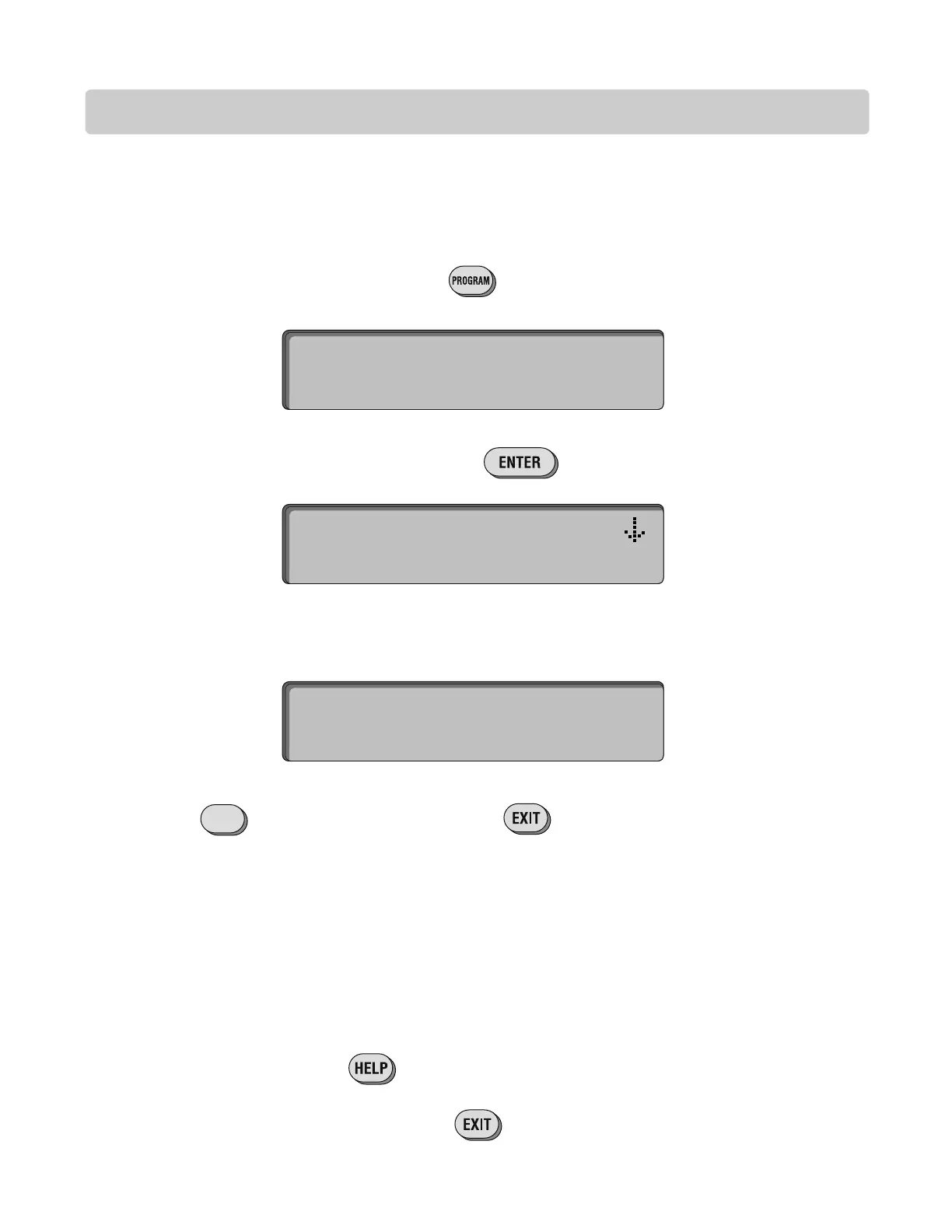
When the Processor unit is turned on and the button is pressed, the screen will display:
If you enter the wrong password, the screen will prompt you to try again:
Press to retry entering your password. Press to quit the programming menu.
TO ENTER PROG MODE,
Type Password >____
Type in the factory present password (7777). Press . The Program Selection Screen
will display:
SELECT PROG MODE:
(N)Names (U)Utility
INVALID PASSWORD
(R)Retry (EXIT)Quit
R
Pressing the button will provide users with a help message.




 To Next Page