EasyManua.ls Logo

Chamberlain LA500UL - User Manual

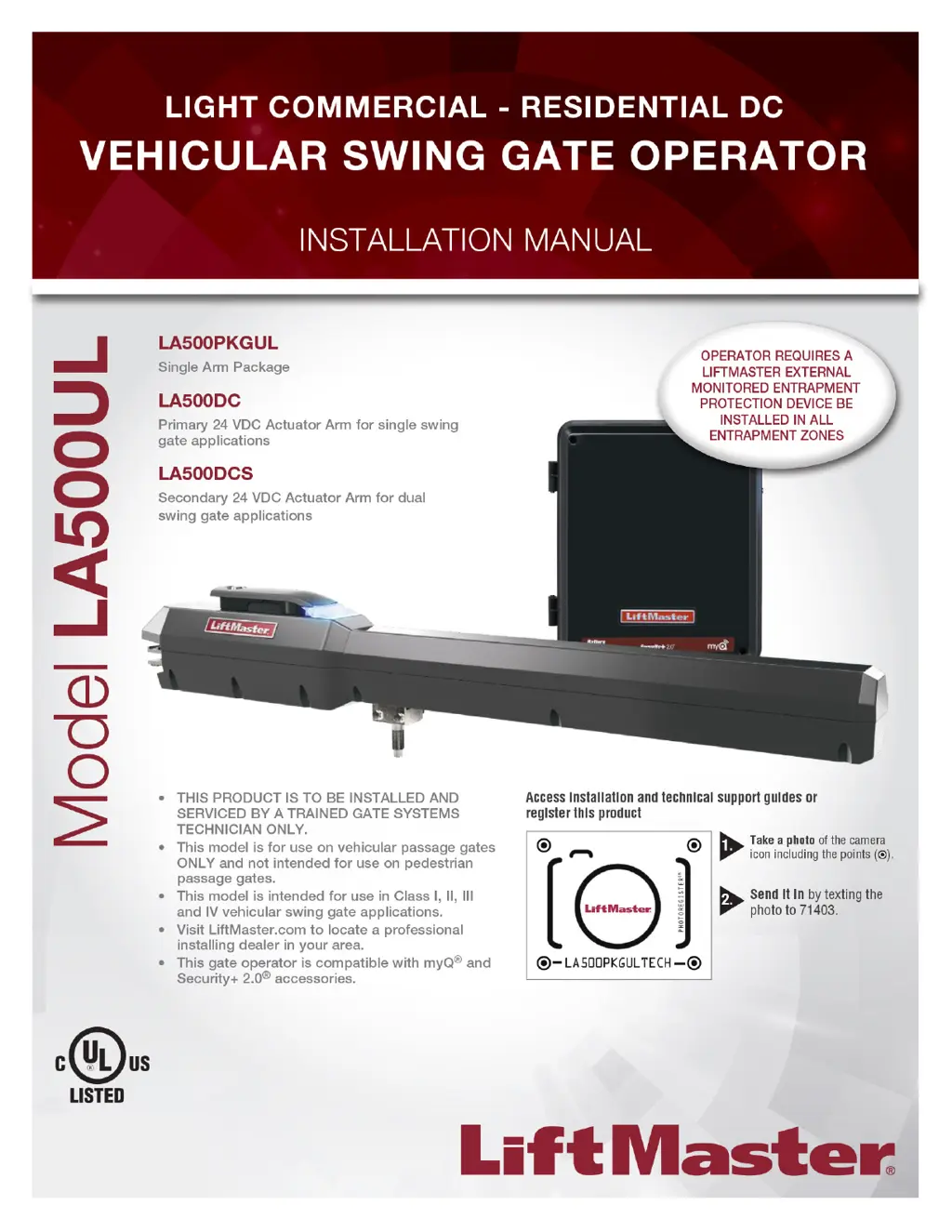
Chamberlain LA500UL
56 pages
Print Icon
To Next Page IconTo Next Page
Loading...
For more information:
www.devancocanada.com
or call toll free at 855-931-3334

Table of Contents

Other manuals for Chamberlain LA500UL

Questions and Answers

  • M
    Meredith OlsonAug 21, 2025
    Why does my Chamberlain Gate Opener alarm beep three times?
    • Z
      Zachary GouldAug 22, 2025
      If you hear three beeps with a command on your Chamberlain Gate Opener, it could be due to a low battery. Check if AC power is available. If running on batteries, ensure the battery voltage is 23.0 Vdc or higher. Charge or replace the batteries.
  • K
    Katherine BerrySep 4, 2025
    How to fix Chamberlain LA500UL Wireless Second Operator Communication Error?
    • S
      shafferallisonSep 4, 2025
      If your Chamberlain Gate Opener displays a 'Wireless Second Operator Communication Error', check the second operator for power. If it's off, restore power and try running the system. If it's powered, deactivate the wireless feature and then relearn the second operator.
  • I
    ihicksSep 2, 2025
    What does brownout occurred mean on Chamberlain Gate Opener?
    • T
      Troy SteeleSep 2, 2025
      If your Chamberlain Gate Opener displays a 'Brownout occurred' message, it means the AC/DC board supply dipped below the allowable level. Review the power supply and wiring. If rebooting, allow enough time for power discharge to force a fresh boot.
  • J
    Jennifer HartSep 1, 2025
    What causes battery overvoltage in Chamberlain Gate Opener?
    • E
      Eric ArmstrongSep 1, 2025
      If your Chamberlain Gate Opener shows a 'Battery overvoltage' error, it means there's too much voltage on the battery. Inspect the harness and ensure you do NOT have a 24V battery on a 12V system.
  • A
    Alexander CarpenterAug 30, 2025
    What causes battery overcurrent in Chamberlain Gate Opener?
    • A
      Anthony ArmstrongAug 31, 2025
      If your Chamberlain Gate Opener experiences a 'Battery overcurrent', it could be due to a short in the battery charge harness. Check the harness and make sure you do NOT have a 12V battery on a 24V system.
  • J
    James NelsonAug 29, 2025
    Why Chamberlain LA500UL does not respond to a wired control?
    • M
      michellenicholsAug 29, 2025
      If your Chamberlain Gate Opener does not respond to a wired control/command, here’s what to check: * Inspect the Open and Close command input LEDs. * Ensure the Stop button is not active. * Check the Reset button. * Make sure that the batteries are charged. * Check if Entrapment Protection Device is active. * Check if the vehicle loop detector or vehicle probe is active.
  • L
    Lisa NortonAug 27, 2025
    What to do if my Chamberlain LA500UL opens, but will not close?
    • V
      vmooreAug 27, 2025
      If your Chamberlain Gate Opener opens but won't close with the transmitter or Timer-to-Close, examine these potential causes: * Check for active Open inputs. * Look for active vehicle detectors. * Inspect the AC power and AC Fail option setting. * Verify that the battery voltage is 23.0 Vdc or higher and charge the batteries if needed. * Check the Fire Dept input. * Examine the Timer-to-Close (TTC) setting. * Check for active Entrapment Protection Device inputs.
  • S
    shawncarpenterAug 27, 2025
    Why Chamberlain Gate Opener control board powers up but motor does not run?
    • B
      Brian AdamsAug 27, 2025
      If your Chamberlain Gate Opener control board powers up but the motor doesn't run, check the following: 1. Ensure the reset switch isn't stuck. 2. Verify the stop button isn't active or that the stop circuit has a jumper. 3. If operating on battery, ensure batteries are charged. 4. Check for active Open or Close inputs. 5. Inspect for active Entrapment Protection Devices. 6. Check for active vehicle loop detectors or probes. 7. Consider replacing a defective control board.
  • M
    Michael CopelandAug 25, 2025
    What to do if my Chamberlain Gate Opener operator does not run?
    • J
      Jennifer RodriguezAug 25, 2025
      If your Chamberlain Gate Opener's operator isn't running and the diagnostic display is off, here's what to check: * Verify AC and battery power are connected. * Inspect the fuses. * If running on battery power, charge or replace low batteries. * Consider replacing the control board if it's defective.
  • A
    Anthony JohnsonAug 23, 2025
    How to fix Chamberlain LA500UL Gate Opener gate not fully opening or closing?
    • M
      Marie EstradaAug 23, 2025
      If the Chamberlain Gate Opener gate doesn't fully open or close during limit setting, it could be due to: * The arm not extending or retracting enough. * The arm interfering with the mounting bracket. * The gate being too difficult to move. To resolve this: 1. Disengage the arm to ensure it moves freely. 2. Check the hinge point for any interference and correct it. 3. Remove the arm and manually move the gate to ensure it moves freely.

Summary

Safety

Safety Classifications and Requirements

Classifies gate operators and details UL325 entrapment protection compliance.

Safety Installation Guidelines

Provides essential safety information for installing gate operators correctly.

Gate Construction Information

Specifies requirements for building safe automated vehicular gates.

Introduction

Carton Inventory and Specifications

Lists package contents and outlines technical specifications of the gate operator.

Site Preparation

Details pre-installation steps including trenching, safety, and gate checks.

Installation

Installation Tips and Warnings

Offers essential advice and warnings for a successful gate operator installation.

Mounting Brackets and Control Box

Instructions for installing mounting brackets and the main control box.

Wiring and Power Setup

Guides for earth grounding, wiring the operator arm, and connecting power.

Entrapment Protection and Dual Gate Setup

Procedures for installing safety devices and configuring dual gate systems.

Adjustments

Limit and Force Adjustment

Guides on setting gate travel limits and adjusting operational force.

Setting Gate Limits

Step-by-step instructions for programming the gate's open and close limits.

Fine-Tuning Force and Obstruction Test

Procedures for fine-tuning gate force and verifying obstruction detection.

Programming

Remote Control Programming

Instructions for programming remote controls and keypads to operate the gate.

LiftMaster Internet Gateway Setup

Steps to connect and program the LiftMaster Internet Gateway for remote access.

Erasing Codes and Limits

Procedures for clearing stored remote control codes and gate travel limits.

Operation

Gate Operator Setup Examples

Example configurations for various gate operator settings and site needs.

Control Board Overview

Description of the control board's components, LEDs, and diagnostic display.

Manual Release and Reset Functions

Instructions for manual gate release, reset button usage, and party mode.

Accessory Wiring

External Control Devices

Wiring instructions for accessories like exit probes, shadow loops, and interrupt loops.

Maglock and Miscellaneous Wiring

Details for wiring maglocks, single button controls, and accessory power.

Expansion Board

Expansion Board Overview and Switches

Explanation of expansion board features, switches, and connections.

Auxiliary Relays

Information on configuring and using auxiliary relays for external device control.

Maintenance

Maintenance Schedule and Safety

Outlines maintenance tasks, schedules, and critical safety precautions.

Battery Care and Replacement

Guidance on battery maintenance, replacement, and proper disposal.

Troubleshooting

Diagnostic Codes and Table

Procedure for viewing and understanding error codes with their explanations.

Control Board LEDs

Explanation of status and input LEDs on the control board for monitoring.

Troubleshooting Chart

A guide correlating symptoms, causes, and solutions for common issues.

Appendix

Installation Types and Bracket Positioning

Illustrations for different installation types and initial bracket placement.

Solar Panel Installation and Usage

Guidelines for installing solar panels, including zones and battery requirements.

Limit Setup with Remote Control

Steps to set gate travel limits using a remote control.

Repair Parts

Standard Control Box Parts

List of part numbers and descriptions for standard control box components.

Gate Operator Arm Parts

List of part numbers and descriptions for the gate operator arm and parts.

Wiring Diagrams

Standard Control Box Diagram

Visual representation of electrical connections for the standard control box.

Large Metal Control Box Diagram

Visual representation of electrical connections for the large metal control box.

Accessories

Entrapment Protection Accessories

Details on monitored photoelectric sensors and edge sensors for safety.

Remote Controls and Keyless Entry

Information on available remote controls, mini-remotes, and keypads.

Miscellaneous Accessories

Includes wireless keypads, warning signs, batteries, and solar harnesses.

Warranty

LiftMaster 2 Year Limited Warranty

Details the terms and conditions of the manufacturer's limited warranty.

How to Order Repair Parts

Provides contact info and required details for ordering replacement parts.

Chamberlain LA500UL Specifications

General IconGeneral
BrandChamberlain
ModelLA500UL
CategoryGate Opener
LanguageEnglish

Related product manuals