EasyManua.ls Logo

Chamberlain LA100 - User Manual

Chamberlain LA100
32 pages
Print Icon
To Next Page IconTo Next Page
Loading...
Owner’s Manual
Please read this manual and the enclosed safety materials carefully!
Periodic checks of the operator by a qualified technician are required to ensure
safe operation.
The model number label is located inside the control box of your operator.
Serial #
Installation Date
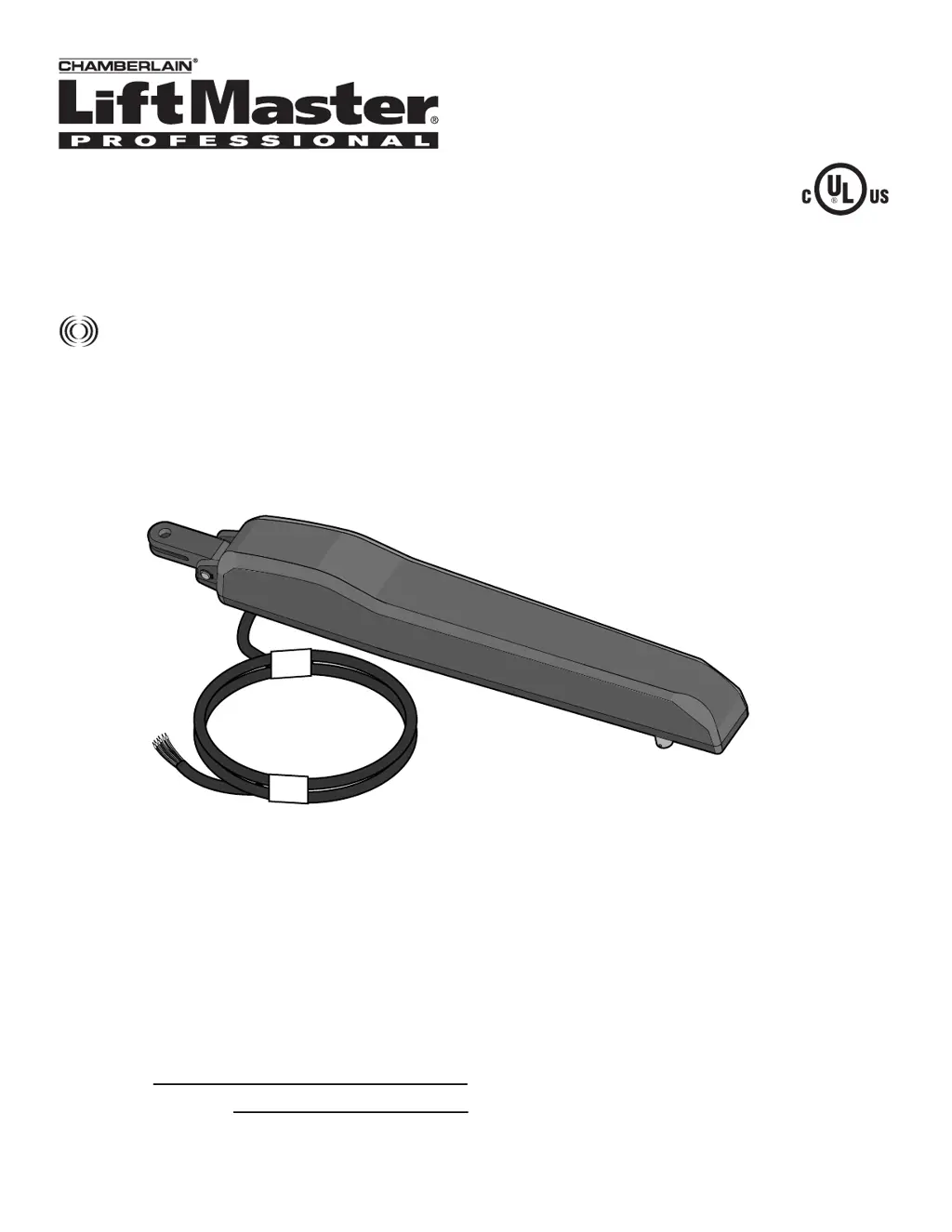
RESIDENTIAL GATE OPERATOR
Model LA100
For Residential Use Only
The Chamberlain Group, Inc.
845 Larch Avenue
Elmhurst, Illinois 60126-1196
www.liftmaster.com

Questions and Answers

  • M
    Manuel MartinSep 17, 2025
    Why is my Chamberlain Gate Opener alarm sounding continuously?
    • C
      Chris DunlapSep 18, 2025
      A continuous alarm on your Chamberlain Gate Opener indicates two consecutive Gate Force obstructions. Ensure the gate path is clear. To reset the alarm and restore normal operation, push and release the RESET BUTTON on the outside of the control box.
  • K
    kevin94Aug 25, 2025
    How to troubleshoot a Chamberlain Gate Opener that won't run?
    • J
      joselawrenceAug 25, 2025
      If your Chamberlain Gate Opener isn't running, start by ensuring the power supply is properly plugged into a functioning outlet and that the circuit breaker is working correctly. Also, inspect the wiring connections at both the power supply terminals and the control board to ensure they are secure. To check the power supply, use a voltmeter to verify 24Vac at the COM and 24Vac terminals on the power supply. Also, check for 24Vac at the end of the two wires leading from the transformer to the control board.
  • A
    Anna JohnsonAug 25, 2025
    What to do if Chamberlain Gate Opener remote control doesn't work?
    • B
      bradley16Aug 26, 2025
      If your Chamberlain Gate Opener isn't responding to the remote, first check the remote's battery. If the YELLOW LED on the control board blinks rapidly when you press the remote button, the battery is likely good. If the LED doesn't blink, replace the battery. If the LED blinks but the operator still doesn't respond, try reprogramming the remote control.
  • L
    Lori ScottAug 26, 2025
    Why does my Chamberlain LA100 open but not close?
    • K
      kevinmossAug 26, 2025
      If your Chamberlain Gate Opener opens but won't close, the safety sensors might be blocked or misaligned.
  • U
    ucraneSep 18, 2025
    Why Chamberlain Gate Opener relays click but the gate doesn't move?
    • E
      Eric GrimesSep 18, 2025
      If you hear the relays clicking on the control board of your Chamberlain Gate Opener when a remote command is given, but the operator doesn't move, the motor cable wiring from the operator to the control board may not be connected correctly or may be loose. Check these connections to ensure they are secure.
  • L
    Larry AndersonSep 23, 2025
    How to fix Chamberlain LA100 shorted switch input?
    • J
      James BowmanSep 23, 2025
      Check for shorted wires or a stuck button on the switch accessory of your Chamberlain Gate Opener.
  • R
    randall44Sep 9, 2025
    What to do if my Chamberlain LA100 does not close automatically with TTC enabled?
    • A
      Adrienne RiosSep 9, 2025
      If your gate doesn't close automatically with TTC enabled, it could be due to several reasons: the operator has lost power, the gate opened by a forced reversal, the safety sensors are blocked or misaligned, or party mode has been enabled.
  • B
    beanjulieSep 10, 2025
    What to do if my Chamberlain LA100 Gate Opener has force reversal while opening, and normal gate force was exceeded?
    • J
      jamesrodriguezSep 10, 2025
      If your gate experiences a force reversal while opening and the normal gate force was exceeded, perform a power on reset.
  • E
    Erin PearsonSep 3, 2025
    What to do if my Chamberlain Gate Opener stops and reverses?
    • S
      Suzanne BlackSep 3, 2025
      If your gate stops and reverses, it indicates a fault has occurred. Check the gate path for obstructions and ensure smooth manual operation. You may also need to adjust the force setting; refer to PROGRAMMING FORCE LEARN for instructions.
  • J
    jrodriguezSep 1, 2025
    What to do if Chamberlain LA100 Gate Opener force reversal while opening?
    • M
      Mr. Robert GarciaSep 1, 2025
      Perform a power on reset on your Chamberlain Gate Opener.

Summary

INTRODUCTION

Safety Installation Information

Provides essential safety precautions and guidelines for installing the gate operator correctly.

INSTALLATION

Mounting the Control Box and Power Supply

Instructions for mounting the control box and connecting the power supply safely.

Secure Brackets to Gate Post and Gate

Instructions for securely fastening the post and gate brackets using provided hardware.

WIRING

Connect Gate Operator to Control Box

Step-by-step guide for connecting the gate operator cable to the control box.

PROGRAMMING

Programming Gate Travel (Limit Learn)

Guides the user through setting the gate's open and close travel limits.

Gate Force Sensitivity Adjustment

Explains how to adjust the gate's force sensitivity and test its operation.

Safety Sensor Connections

Steps for connecting the safety sensors to the control board and testing them.

Entrapment Zone Safety Sensor Placement

Illustrates the correct placement of safety sensors to prevent entrapment hazards.

OPERATION AND MAINTENANCE

Entrapment Protection System

Details how the gate operator detects and responds to obstructions for safety.

Troubleshooting Guide

Lists common symptoms, problems, and their solutions for the gate operator.

Chamberlain LA100 Specifications

General IconGeneral
BrandChamberlain
ModelLA100
CategoryGate Opener
LanguageEnglish

Related product manuals